Replacing Cloud Subscriptions with a $150 Mini PC: Home Server Review
- Hardware
- Exien
- · Updated
An Intel N100 mini PC that costs about $150 can realistically replace paid cloud storage and streaming subscriptions as a low-power home server. It runs Nextcloud, Jellyfin and Pi-hole comfortably, but you take on maintenance and backups yourself.
Cloud storage and streaming prices keep rising, and those monthly fees add up over a year. A home server is the obvious alternative, but a massive, noisy tower PC eats electricity. That is why Mini PCs, specifically the ones powered by the Intel N100 processor, have become a popular base for self-hosting.
What hardware does an N100 home server need?
For about $150, a generic brand N100 Mini PC comes with specs that are surprisingly solid for the price:
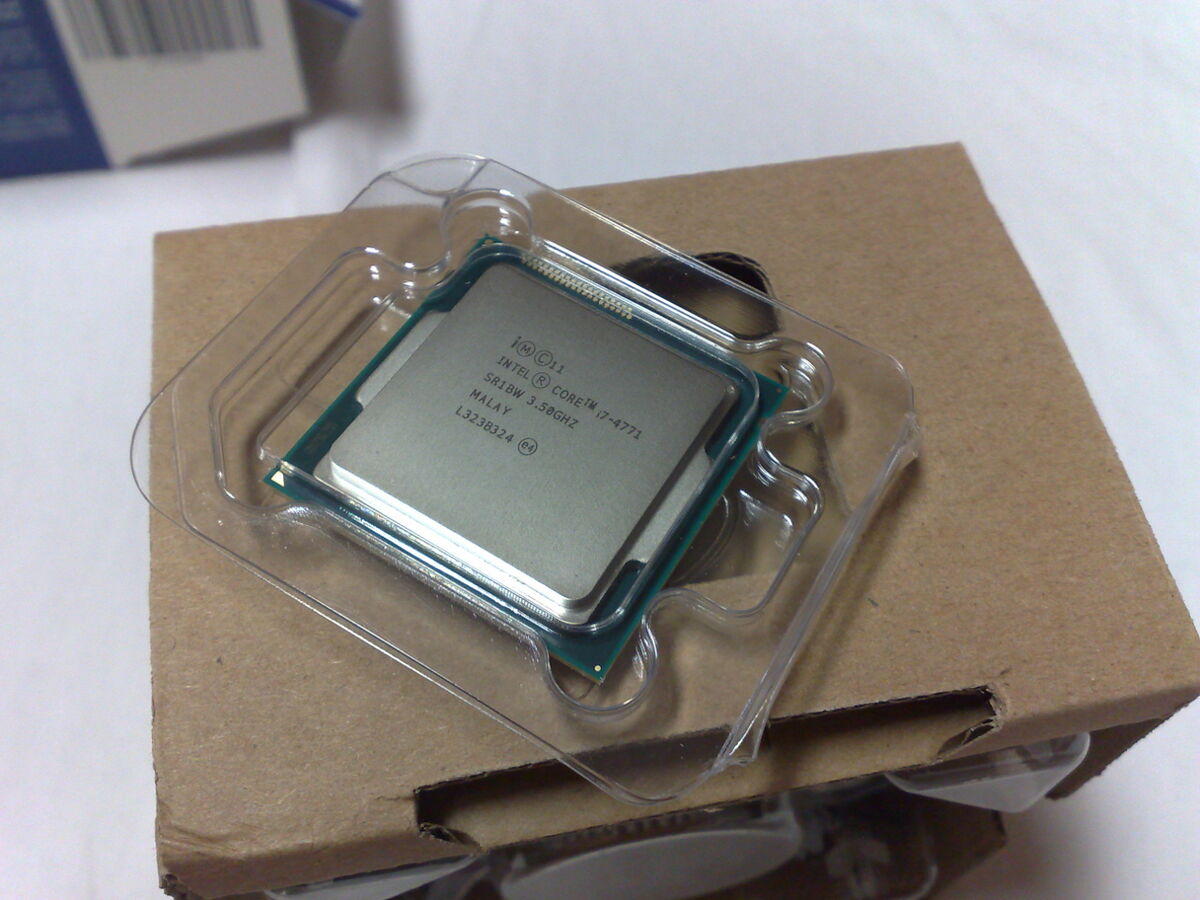
- CPU: Intel N100 (4 cores, extremely power efficient)
- RAM: 16GB DDR4
- Storage: 512GB NVMe (an extra 2TB SATA SSD can be added for storage)
- Power consumption: Around 6-10 watts at idle!
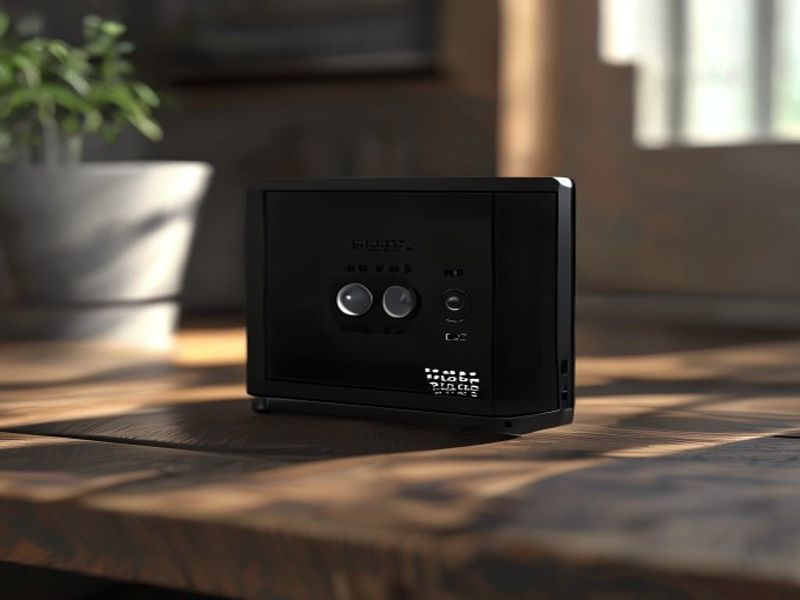
It is roughly the size of a thick paperback book. A simple setup is to plug it directly into the router, install Linux (Ubuntu Server), and put it in a closet. At that idle draw, it should be close to silent and have little impact on the electricity bill.
What can you self-host on a mini PC?
The beauty of a home server is Docker. Using Docker containers, a few essential services can replace the things you would otherwise pay for.
1. Nextcloud (Replacing Google Drive)
Nextcloud is basically your own personal Google Drive. It can sync phone photos directly, manage documents, and share links with friends.
- Setup notes: Setting it up takes a bit of learning, especially getting a reverse proxy (Nginx Proxy Manager) to work so you can access it securely from outside the house. Once it's running, the Android/iOS app can work smoothly, and a 2TB drive becomes storage you own with no monthly fees.
2. Jellyfin (Replacing Netflix/Spotify)
Jellyfin is an open-source media server. You provide the media files, and Jellyfin organizes them with posters, descriptions, and cast lists, streaming them to your TV, phone, or laptop.
- Why the N100 fits: This is where the Intel N100 CPU shines. It supports Intel Quick Sync Video (QSV), which means this tiny $150 box can hardware-transcode 4K video on the fly. Watching movies on a TV such as a Roku through a self-hosted Jellyfin server can feel much like using a premium streaming service.
3. Pi-hole (Network-wide Ad Blocking)
Pi-hole can run on the same server. It blocks ads and trackers at the DNS level for every device on your WiFi network, which can make smart TV menus load faster and web browsing cleaner.
Is a mini PC home server worth it?
For people who enjoy tinkering, yes. But it is not a magical plug-and-play solution.
The Best Parts:
- Cost Savings: After the initial $150 hardware purchase and the drive, the ongoing cost is essentially electricity. Depending on how much you were paying for subscriptions, the hardware can pay for itself within months.
- Data Privacy: Your files, family photos, and data sit on a physical drive in your house, not on a server farm being scanned for advertising data.
- It's fun: If you like tinkering with tech, configuring Docker containers and managing your own Linux server is a fantastic hobby and a great way to learn networking.
The Real Challenges:
- Maintenance is on you: If Nextcloud crashes, there is no customer support hotline. You are the IT guy now. You have to read logs, search forums, and fix it yourself.
- Backups are critical: Without Google's redundant cloud, a hard drive failure would wipe out everything. You must follow the 3-2-1 backup rule, for example with automated scripts that back up the most important files to an external hard drive every night.
- Upload speeds matter: When you're away from home streaming a movie from your server, the quality depends on your home internet's upload speed. With poor home internet, self-hosted media won't be a great experience on the go.
Who should build a home server?
If you want a weekend project and are tired of endless subscription fees, buying a cheap Mini PC is one of the best tech investments you can make. The Intel N100 handles home server tasks well while sipping power.
However, if you want something that "just works" and you hate troubleshooting tech problems, stick to paying the $10/month for Google Drive. Self-hosting requires a bit of maintenance.
In my opinion, the freedom of owning your data and the satisfaction of building the system yourself make it worth it for anyone who enjoys the process. Welcome to the world of the home lab!