Does Fast Charging Damage Your Phone Battery?
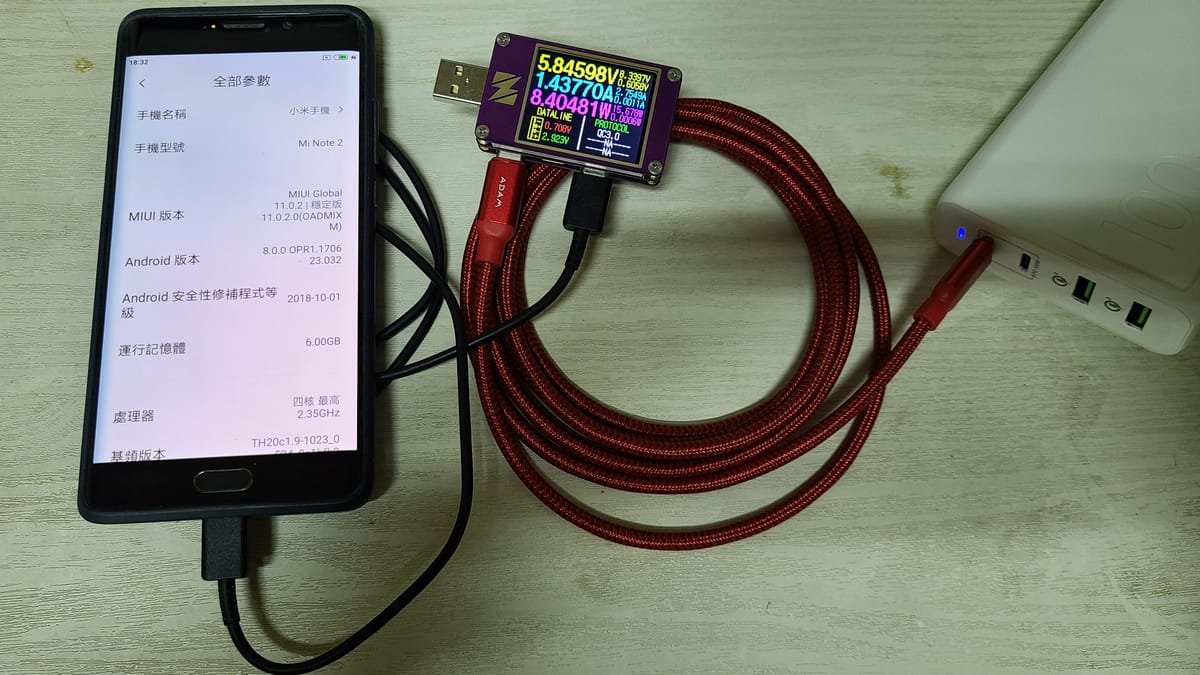
Fast charging does put more stress on a lithium-ion battery than slow charging, but on a modern phone the extra wear is small, because the phone only charges fast while the battery can handle it. The things that actually shorten battery life are heat, charging when the battery is very cold or hot, and leaving it at 100% for long stretches. If you avoid those, you can use the fast charger without much worry.
Why can fast charging wear out a battery?
Pushing current into a lithium-ion cell faster than it can absorb it causes two kinds of damage: heat and lithium plating. Battery University explains that when the charge rate outpaces how fast lithium ions can move into the graphite anode, a film of metallic lithium forms on the anode instead. Energy the battery can't store doesn't vanish either; it turns into heat, gassing and plating.
Plated lithium is lithium that no longer shuttles back and forth, so the battery holds less charge. A 2021 study of commercial smartphone cells in Advanced Energy Materials, with researchers from Lawrence Berkeley National Laboratory, found that the amount and shape of these lithium deposits was the main cause of capacity loss in cells fast-charged without an optimized algorithm. The same study showed that a charging algorithm designed to avoid plating limited that damage.
That second point is the important one: the damage depends on how the phone fast-charges, not just on the wattage printed on the adapter.
Why do phones fast-charge only up to about 50%?
Because a battery accepts high current best when it's partly empty, and it gets risky near full. Battery University notes that fast charging drives the cell to its voltage ceiling while it's only partially charged, and recommends cutting the current after roughly 70% state of charge.
Phone makers build this in. Apple's own fast-charge page only promises speed up to 50%:
| iPhone model | Wired fast charge to 50% | Adapter |
|---|---|---|
| iPhone 18 Pro / 18 Pro Max | about 15 minutes | 40W Dynamic Power Adapter (60W max) or similar |
| iPhone 17 / 17 Pro / 17 Pro Max | about 20 minutes | 40W or higher |
| iPhone 17e / iPhone Air | about 30 minutes | 20W or higher |
After that, charging slows down on purpose. So the "fast" part of fast charging happens in the range where the battery tolerates it best, and the last stretch is close to a normal charge anyway.
Does a higher-watt charger hurt my phone?
No. The phone, not the charger, decides how much current it takes. Plugging a 40W adapter into a phone that only accepts 20W just means it charges at 20W. Apple also notes that "fast charging may not work in conditions that are too cold or too hot," which is the phone protecting its battery by throttling the charge.
What matters is using the phone maker's charger or a reputable USB Power Delivery (USB-PD) one, which negotiates the right power with the phone.
Is heat the real problem?
Yes, heat is the bigger factor. Apple says ambient temperatures above 35°C (95°F) "can permanently damage battery capacity," and that charging in high temperatures can damage it further. Its ideal comfort zone is 16–22°C (62–72°F).
Fast charging makes a phone warmer, so it adds to the heat budget. But the habits around it often add more:
- Gaming or streaming video while the phone charges. Samsung specifically advises against heavy use while charging because it generates heat.
- Charging under a pillow, in a thick case, or on a sunny dashboard.
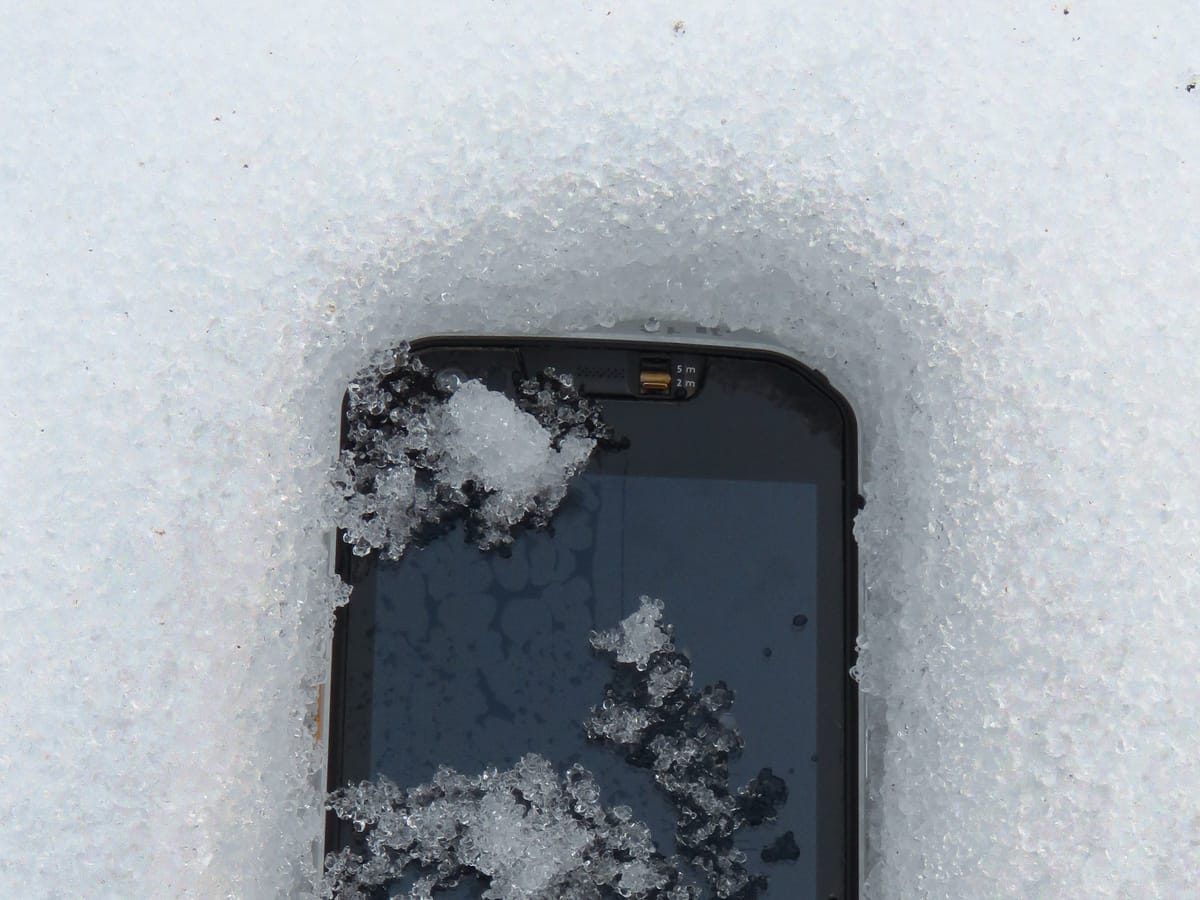
Cold is a problem too. Battery University warns that lithium deposits grow when a Li-ion battery is fast-charged at low temperature, and advises not to fast-charge a battery that's cold or hot. If your phone has been outside in freezing weather, let it warm to room temperature before plugging in (we cover this in why phones drain faster in the cold).
What do real-world tests show?
Large, controlled studies on phones are rare, but informal long-term tests point the same way as the lab research. Hackaday reported on a YouTube channel's test that ran 40 iPhones and Android phones through 500 charge cycles over 167 days, split into fast-charge, slow-charge and partial-charge groups. Its takeaway was that temperature and state of charge affect aging more than charging speed, and that the differences would make little practical difference over a phone's life. It's not a peer-reviewed study, so treat it as supporting evidence rather than proof.
How should you charge to protect the battery?
- Use fast charging when you need it. It's fine for daily top-ups; the phone already slows down past about 50–80%.
- Keep it cool while charging. Take off a thick case if the phone gets hot, and don't game on it while it's plugged in.
- Don't fast-charge a cold phone. Let it warm up indoors first.
- Avoid sitting at 100% for hours. Turn on your phone's charge limit or optimized charging. Samsung's Battery protection "Maximum" mode, for example, caps charging at 80%. See whether an 80% limit really extends lifespan for the trade-off.
- Use a certified charger and cable. Extra wattage beyond what the phone supports simply goes unused.
Quick answer
| Question | Short answer |
|---|---|
| Does fast charging degrade the battery? | Slightly more than slow charging, mainly through heat and lithium plating |
| Is it enough to avoid? | Usually not; phones throttle fast charging to limit damage |
| What matters more? | Heat, charging when cold or hot, and long periods at 100% |
| Is a higher-watt charger dangerous? | No, the phone only draws what it supports |
Two more pieces on phone and laptop batteries: Should You Keep Laptop Plugged in All the Time? and Power Bank Rules for Flights in 2026.
Image: OnionBulb, CC BY-SA 4.0, via Wikimedia Commons