Does Limiting Smartphone Battery to 80% Really Double Lifespan? A Technical Breakdown
- Technology
- Exienent
Limiting your smartphone's maximum charge to 80% can effectively double or even triple its usable cycle life from roughly 500 cycles to over 1,500 cycles by mitigating high-voltage stress on lithium-ion cells. However, for users who replace their devices every two to three years, voluntarily forfeiting 20% of daily battery life from day one just to preserve a marginal 10% battery health three years down the road is practically counterproductive. Here is what electrochemical data reveals about whether you should enable the 80% charging cap.
Does Limiting Smartphone Battery Charge to 80% Really Extend Lifespan?
Yes, capping the charge at 80% substantially extends chemical lifespan. Voltage and temperature are the primary drivers of degradation in lithium-ion batteries, and preventing the cell from reaching its maximum voltage plateau drastically slows down irreversible wear.
According to empirical battery research from Battery University (Cadex Electronics), reducing charging voltage from 4.20V per cell (100% full charge) to 4.10V per cell (~80% to 85% capacity) nearly doubles cycle life from 300–500 cycles to 600–1,000 cycles. Lowering the threshold further to 4.00V per cell (~70% to 75% capacity) can push cycle longevity to 1,200–2,000 cycles—a three- to fourfold gain over standard charging routines.
Why Do Lithium-ion Batteries Suffer the Most Above 80%?
Lithium-ion batteries experience severe stress above 80% State of Charge (SoC) because cell voltage peaks at 4.20V to 4.35V, triggering structural cathode distortion, electrolyte oxidation, and resistive interface growth.
During a standard charge cycle, smartphones utilize a Constant Current (CC) phase from 0% to approximately 80%, rapidly pushing energy into the battery while internal resistance remains low. Once the battery reaches 80%, cell voltage approaches its critical threshold, forcing the charger to switch to Constant Voltage (CV) mode to prevent over-voltage catastrophic failures.
This prolonged high-voltage dwell between 80% and 100% drives three destructive degradation mechanisms:
- Cathode Lattice Degradation: Excessive lithium extraction from cobalt- and nickel-rich cathode crystals destabilizes their crystal lattice, creating micro-cracks that permanently trap lithium ions.
- Electrolyte Oxidation and Gassing: High potentials accelerate parasitic side reactions where liquid electrolyte breaks down into gas and insoluble compounds.
- Thickening of the SEI Layer: The Solid Electrolyte Interphase layer on the anode thickens, elevating internal impedance and reducing power efficiency.
Degradation modeling from the National Renewable Energy Laboratory (NREL) demonstrates that over 60% of total calendar loss occurs while battery cells rest at elevated voltages (>4.15V) and ambient room temperatures.
100% Full Charge vs. 80% Charge Limit: 3-Year Real-World Comparison
For an average user performing one charge cycle per day, real-world electrochemical modeling projects the following performance trajectory over three years:
| Metric | 100% Standard Full Charge | 80% Battery Limit |
|---|---|---|
| Peak Cell Voltage | ~4.20V to 4.35V (High Stress) | ~4.05V to 4.10V (Low Stress) |
| Effective Cycle Lifespan | ~500 to 800 cycles | ~1,500 to 2,000 cycles |
| State of Health (SoH) After 1 Year | ~90% to 93% | ~96% to 98% |
| State of Health (SoH) After 2 Years | ~80% to 84% (Service Warning) | ~90% to 93% (Like New) |
| State of Health (SoH) After 3 Years | ~72% to 76% (Degraded) | ~84% to 87% (Fully Usable) |
| Daily Usable Capacity Available | 100% of full tank | 80% only (20% voluntary deficit) |
While the numbers show that an 80% cap maintains superior cell condition after two years, the final row reveals the everyday trade-off: you are voluntarily locking out 20% of your device's battery every single day.
The 80% Battery Limit Paradox: Is Giving Up 20% Daily Runtime Sensible?
For anyone who replaces their smartphone every two to three years, enabling the 80% limit creates a practical paradox that rarely makes economic or user-experience sense.
The fundamental contradiction is straightforward: you are willingly suffering an 80% battery capacity limit today to avoid a degraded 80% battery capacity three years in the future. A user charging to 100% enjoys two full years of unrestricted battery life before capacity naturally drops to 80%. A user who enables the 80% cap endures limited battery life from day one, frequently needing top-ups or power banks by mid-afternoon.
From a financial perspective, genuine battery replacements at official service centers cost between $70 and $99. Enduring continuous battery anxiety for 700 to 1,000 days simply to protect a consumable component worth less than $100 is an inefficient compromise for typical smartphone owners.
Who Should Actually Use the 80% Limit, and How Do You Set It?
The 80% battery limit is not a universal necessity, but it is an outstanding tool for specific operational profiles:
-
Who should turn on the 80% limit:
- Remote and desk workers who leave their phone docked on a wireless charger all day.
- Drivers using their phone for rideshare, navigation, or delivery where the device remains plugged into a continuous 12V charger.
- Long-term owners planning to keep their phone for 4 to 6 years without paying for a battery replacement.
-
Who should stick with 100% (Optimized Charging):
- Commuters, travelers, students, and mobile professionals who need maximum screen-on time away from wall outlets.
- Anyone who upgrades their smartphone every 2 to 3 years.
To configure the feature on your device:
- Apple iPhone: Per Apple's Official Support Guide, navigate to
Settings > Battery > Charging Optimizationand select 80% Limit (available on iPhone 15 and later). - Samsung Galaxy: Per Samsung Customer Support, navigate to
Settings > Battery > Battery Protectionand enable the Maximum (80%) setting.
If your routine involves regular travel or unpredictable hours away from home, leave your phone at 100% and enjoy the full capacity you paid for. If your device spends its life attached to a desk charger, capping it at 80% is the single most effective way to keep the battery healthy for years to come.
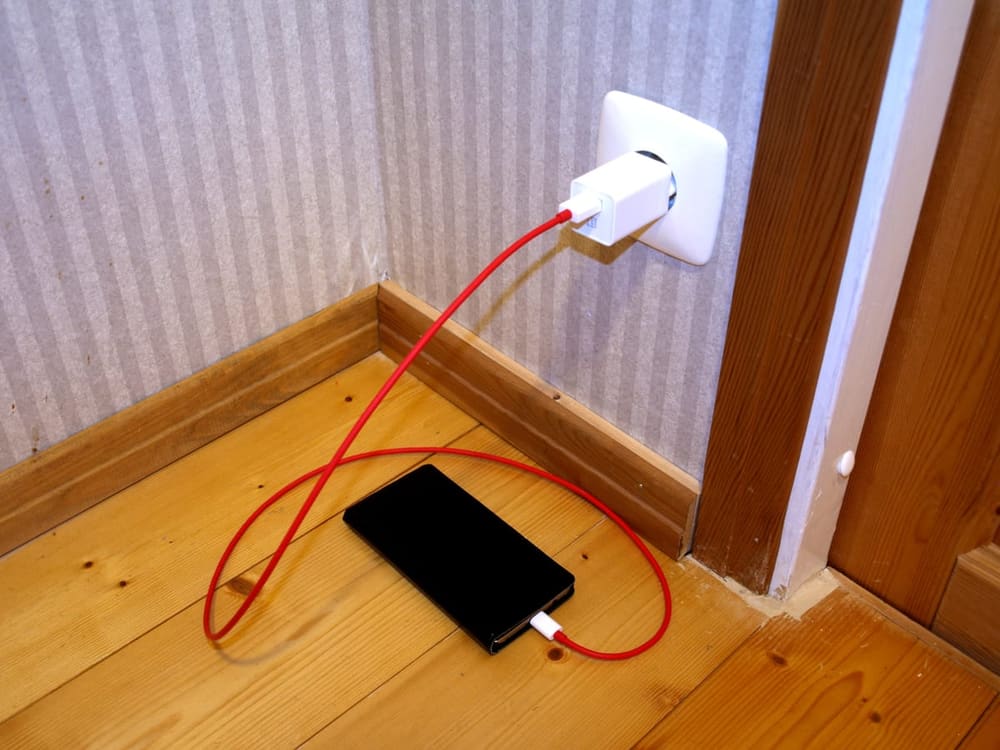
Featured Image Credit: Santeri Viinamäki via Wikimedia Commons / CC BY-SA 4.0