Going 100% Passwordless with Passkeys in 2026: What to Expect
- Technology
- Exienent
- · Updated
In 2026, going fully passwordless with Passkeys is practical for everyday life, not just a neat trick for early adopters. Passkeys log you in with your fingerprint, Face ID, or a PIN, they are practically unphishable, and losing your phone does not lock you out if they are synced or registered on more than one device. The main friction is understanding how they move between ecosystems.
Why replace passwords at all?
Let's be honest: passwords have always been kind of terrible. We've spent the last two decades trying to remember bizarre combinations of uppercase letters, numbers, and that one specific symbol, only to inevitably hit "Forgot Password" anyway. Password managers helped, but they still relied on a master password that could theoretically be stolen.
Tech giants have been pushing the "passwordless future" for years, and in 2026 it has finally hit critical mass. You can delete master passwords wherever possible, go all-in on Passkeys, and never type "P@ssw0rd123!" again. Here is what that transition involves, what can break, and why it is worth it.
What exactly is a passkey?
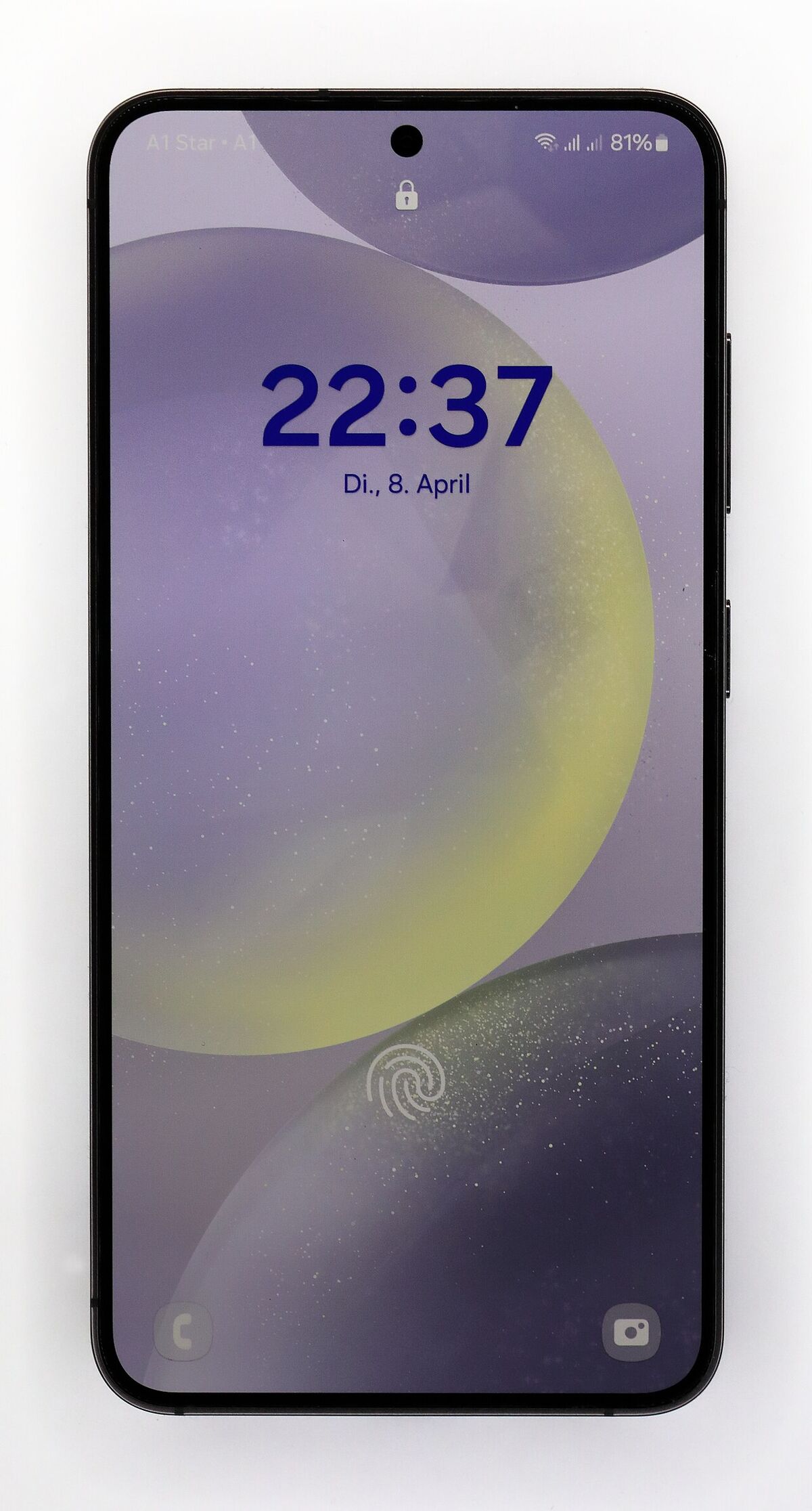
A Passkey is a digital credential tied to your specific device (like your smartphone or laptop). Instead of typing a password, you unlock your account the same way you unlock your phone: using your fingerprint, Face ID, or a PIN.
- Under the Hood: It uses public-key cryptography. When you create an account, your device generates a unique mathematical pair: a public key (which the website keeps) and a private key (which stays securely locked on your device).
- The Magic: When you log in, the website asks your device to solve a puzzle that only your private key can solve. You verify it's you with a quick Face ID scan, your device solves the puzzle, and boom—you're in. No passwords are ever sent over the internet.
Are passkeys faster and safer than passwords?
Yes. The first upgrade is simply speed. Logging into a bank, email, or favorite shopping site goes from a clunky process of fetching credentials from a manager to tapping a button and glancing at your phone's camera.
But the real superpower of Passkeys is security. They are practically unphishable.
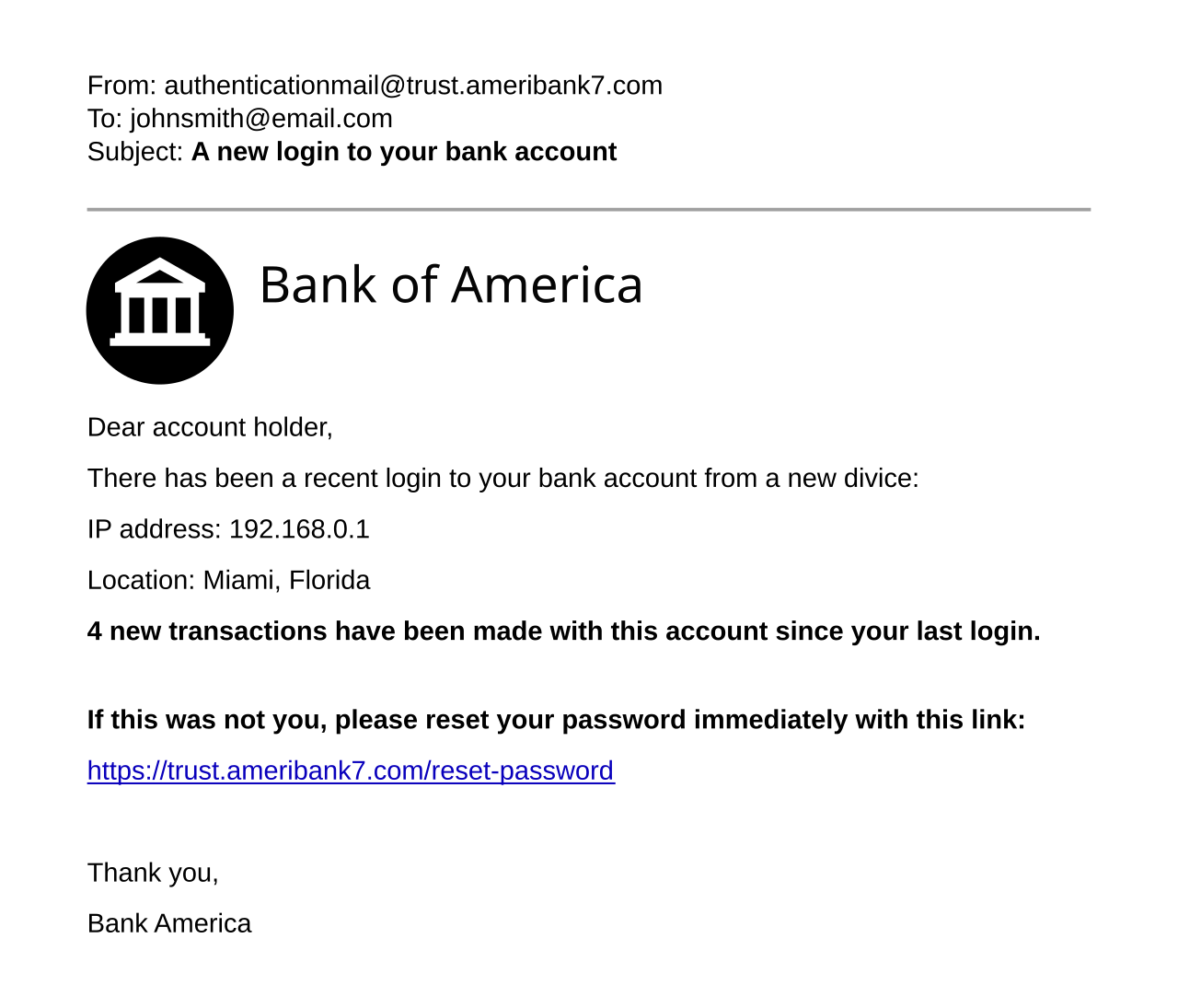
Even if a scammer builds a perfect, pixel-for-pixel fake login page for your bank, a Passkey simply won't work on it. The cryptographic exchange is tied to the actual, legitimate domain name. If the website is fake, your device knows, and the login fails automatically. For anyone who worries about less tech-savvy family members getting scammed, that is a massive relief.
What is confusing about syncing passkeys?
The transition isn't completely flawless. The biggest hurdle in early 2026 is understanding how Passkeys move between devices.
- Ecosystem Lock-in: If you create a Passkey on an iPhone, it syncs beautifully across all your Apple devices via iCloud Keychain. But trying to use that same Passkey to log into a Windows PC or an Android tablet? It used to be a nightmare of scanning QR codes.
- The Solution: Thankfully, third-party password managers (like 1Password and Bitwarden) have robust Passkey support now. I highly recommend storing your Passkeys in a cross-platform manager rather than locking them strictly to Apple or Google's default ecosystems. That gives you the freedom to switch devices without losing access to your accounts.
What happens if I lose my phone?
You are not locked out. It is the obvious worry about going passwordless: "What if you drop your phone in a lake? Are you locked out of everything forever?"
The short answer is: No.
Here's why you don't need to panic:
- Cloud Sync: Passkeys are usually synced securely to the cloud (via iCloud, Google Password Manager, or a third-party app). When you get a new phone and sign back into your main account, your Passkeys come right back.
- Multiple Devices: Register Passkeys on both your phone and your laptop. If you lose one, you can still use the other to log in.
- Fallback Options: Almost every service still offers an emergency fallback method, like a recovery code sent to your email or a physical security key (like a YubiKey).
Is it time for you to switch?
If you're still manually typing out complex passwords or using the same weak password for multiple sites, yes, you should switch now.
The internet in 2026 is faster and safer without passwords. Going through your major accounts and switching their settings from traditional passwords to Passkeys can be a bit tedious upfront, but the daily convenience afterward is well worth it. The passwordless future isn't just coming—it's already here, and it works wonderfully.