The Death of the Chatbot: Why Claude Artifacts and OpenAI Canvas Are Changing How We Work
- AI & Data, Review, Technology
- Exienent
- · Updated
Claude Artifacts by Anthropic and OpenAI's new Canvas feature move AI from a conversational model to a collaborative workspace model: the output lives in an editable panel next to the chat, so you can fix, refine, and preview it directly instead of asking the AI to rewrite everything. In my view, it's the biggest productivity leap since ChatGPT first launched.
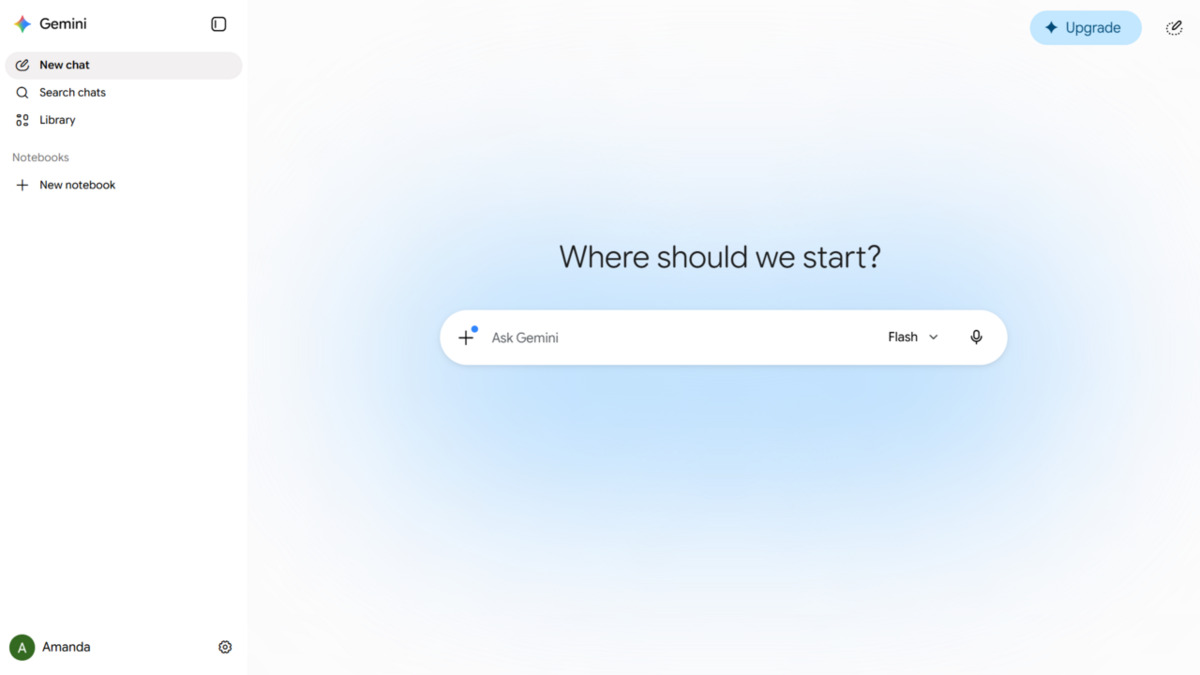
If you've been using generative AI over the past year or two, you're intimately familiar with the "chat" interface. You type a prompt, the AI spits out a wall of text, and if it makes a mistake, you have to explain the error and wait for it to rewrite the entire thing from scratch. It's like working with a brilliant but incredibly stubborn intern who insists on retyping the entire document every time you ask for a typo fix.
Here is what these new interfaces look like for real, messy, daily work.
What Exactly Is a "Canvas" or "Artifact"?
A Canvas or Artifact is a dedicated, editable workspace that appears beside the chat instead of a block of text in a chat bubble. The screen splits in half: on the left, you have your chat window; on the right, the workspace.
When you ask the AI to write a Python script, draft a blog post, or design a React component, it generates the output in this separate window.
Why is this a big deal? Because you can interact directly with the output:
- Direct Editing: If the AI writes a great paragraph but uses one weird word, you don't have to prompt it to "change the word 'utilize' to 'use'." You just click on the document and type it yourself.
- Targeted Prompting: You can highlight a specific line of code or a single sentence, click a button, and ask the AI to "make this specific part funnier" or "explain what this single function does."
- Instant Previews: With Claude Artifacts, if you ask it to build a React UI component, it doesn't just give you the code—it actually renders the fully functioning web app right there in the browser.
How Does Claude Artifacts Help with Coding?
Claude Artifacts removes the copy-paste-debug loop by writing, rendering, and editing code in one place. Take a small internal dashboard to track some API metrics. The old way meant asking ChatGPT for the code, copying it into VS Code, running it, finding a bug, copying the error message, pasting it back into ChatGPT, waiting for the new code, copying it again... you know the drill.
With Claude Artifacts, you can type: "Build a dashboard with a sidebar and a main chart area using React and Recharts, styled with Tailwind."
The code appears on the right side of the screen, but more importantly, it is rendered and working. You can click the buttons and see the chart. If the colors clash, there's no need for a new prompt; you highlight the specific hex codes in the editor and ask Claude to "make these colors more muted," and it can change only those lines.
It feels less like issuing commands to a machine and more like sitting next to a senior developer, pointing at a screen together, and saying, "What if we tweak this part right here?"
Is OpenAI Canvas Better for Writing?
For heavy writing tasks, OpenAI's Canvas is arguably the stronger fit, while Claude stands out for coding.
Drafting a large technical proposal is a good example. You can dump a bunch of raw bullet points into the Canvas and ask GPT-4o to turn them into a structured document. Once the draft is there, the real advantage shows.
Instead of treating the document as a finalized output, the Canvas acts like a Google Doc with a built-in editor. You can highlight a single paragraph that feels too wordy and use the inline menu to tell it, "Shorten this." You can ask it to adjust the reading level of just the introduction. It gives fine-grained, surgical control over the text without losing the context of the whole document.
Are We Done with Chat-Based AI?
The era of the simple chatbot is ending. When you are doing actual, deep work, a linear chat history is a terrible way to manage complex information.
By separating the conversation from the creation, Claude Artifacts and OpenAI Canvas have solved the biggest friction point in generative AI. They acknowledge that human work isn't just about getting an answer; it's about iteration, tweaking, and collaboration.
If you are still copying and pasting code blocks or paragraphs out of a chat window, you are missing out. I highly recommend opening up one of these tools today and trying to build something. It may completely change how you view artificial intelligence.