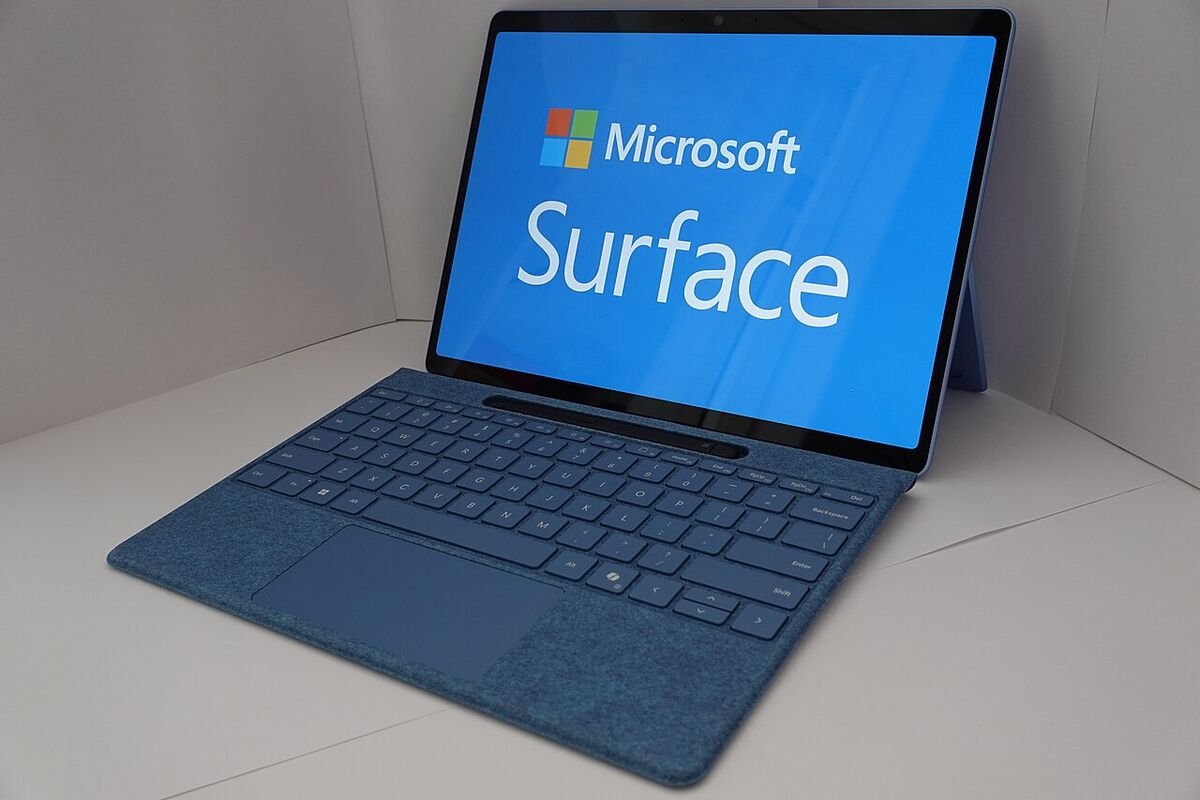
Copilot+ PC as a Main Laptop: The Brutal Truth
- Technology
- Exienent
- · Updated
A Snapdragon X Elite Copilot+ PC can work as a main laptop for web browsing, office work, coding, and light photo editing, with battery life that rivals M-series MacBooks. The catch is software that needs deep system-level drivers—legacy VPN clients, anti-cheat, niche audio plugins—which may not install at all, so check your critical apps first.
I have a confession to make. For the last decade, every time a new "Windows on ARM" device was announced, I rolled my eyes. The promise was always the same: MacBook-like battery life combined with Windows flexibility. And the reality was always a sluggish, incompatible mess that couldn't even run basic VPN software.
But this year, Microsoft and Qualcomm promised that things were actually different. They introduced the Copilot+ PC standard, powered by the new Snapdragon X Elite chips. They claimed they finally cracked the emulation code, giving us insane battery life without sacrificing performance. Here is the brutal truth about what relying on Windows on ARM as your only machine is actually like—no backups, no desktop PC.
How Good Is the Battery Life on a Copilot+ PC?
It is the absolute best part of the machine. The battery life is not just a marginal improvement; it is a fundamental shift in how you use a computer.
With an older x86 laptop, you might keep a mental map of every power outlet in your local coffee shop and carry a bulky charging brick everywhere. A Copilot+ PC can make that anxiety disappear. A full workday of heavy browsing in Edge with dozens of tabs, VS Code, music streaming, and Zoom calls can end with battery to spare.
The sleep efficiency is also impressive. It works much more like an iPad or a MacBook now: you can close the lid for a weekend and come back to very little battery drain. The fan rarely turns on, and the chassis stays comfortably cool even under load. For this reason alone, it is hard to imagine going back to a traditional Intel or AMD machine for mobile work.
Does App Compatibility Work on Windows on ARM in 2024?
Largely, yes, as long as your apps are native ARM64 or emulate cleanly. The big question is whether the Prism emulation layer actually works, and it holds up well. If an app has a native ARM64 version (like Edge, Chrome, Spotify, and most of the Office suite), it flies. It is indistinguishable from a high-end x86 machine.
When you run an app that hasn't been updated for ARM, it has to run through the Prism emulator. Surprisingly, apps like Discord, Slack, and some older indie games can run perfectly fine. You might notice a slight hit to battery life, but the performance is totally acceptable.
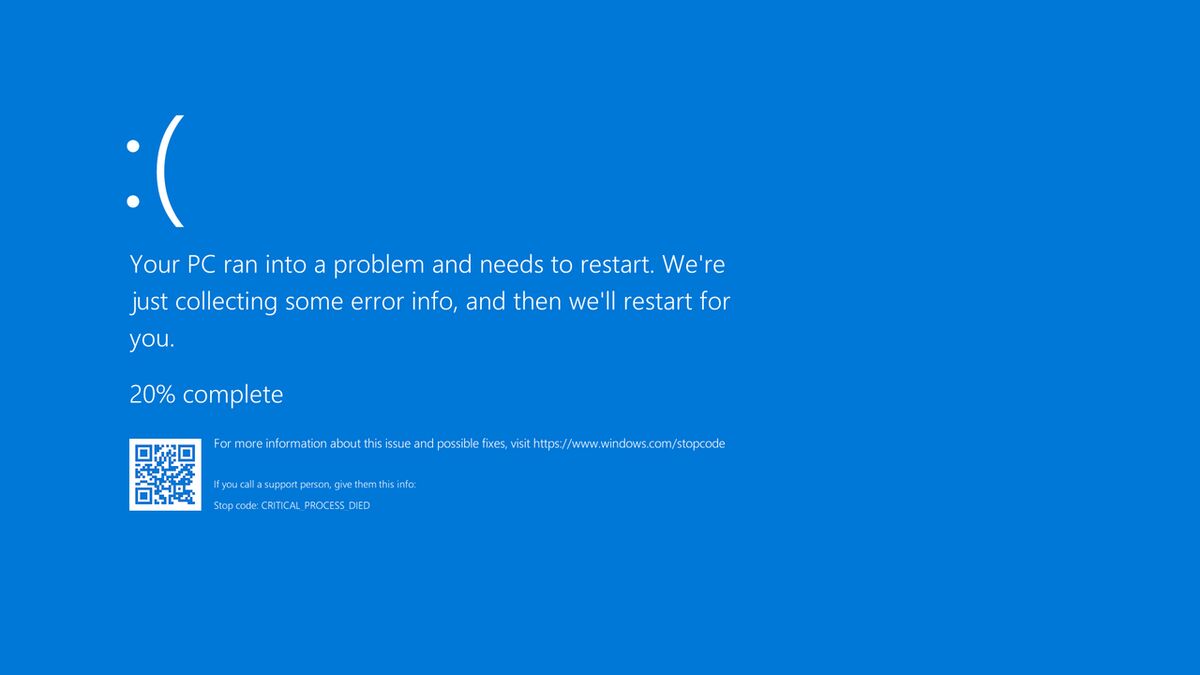
However, if you hit the incompatibility wall, it is a hard wall. The biggest offenders are software that requires deep system-level drivers. If you rely on obscure legacy VPN clients for your corporate network, specific anti-cheat software for hardcore competitive gaming, or very niche audio production plugins, there is a good chance they simply will not install. You must check the compatibility of your critical, non-negotiable apps before making the jump.
Are the Copilot+ AI Features Useful?
Right now, it's a mixed bag. The "Copilot+" branding implies a heavy focus on on-device AI, powered by the dedicated NPU (Neural Processing Unit), and some features deliver more than others.
Live Captions is genuinely fantastic. It instantly translates and captions any audio playing on your device in real-time, completely offline. If you watch foreign films, participate in international calls, or are hard of hearing, this feature alone is a massive win.
Windows Studio Effects (background blur, eye contact correction, and automatic framing for your webcam) are also great because they are processed on the NPU, saving your battery during long video calls.
But the flagship feature, Recall—the one that takes screenshots of everything you do so you can search your history—was highly controversial and delayed at launch due to security concerns. Even when it does arrive, I'm not entirely sure I want an AI constantly recording my screen, regardless of how secure Microsoft claims it is. The dedicated Copilot key on the keyboard mostly just acts as a shortcut to the web app, which feels a bit underwhelming.
Should You Buy a Copilot+ PC?
For productivity-focused work, yes: in my view, the Snapdragon X Elite has finally delivered on the promise of Windows on ARM. The combination of near-silent operation, snappy performance, and ridiculous battery life makes it one of the most compelling laptops in years.
If your workflow consists of web browsing, office documents, coding, light photo editing, and general productivity, a Copilot+ PC is an easy recommendation. It easily rivals the M-series MacBooks.
However, if you are a hardcore PC gamer, a video editor who relies on specific x86-only plugins, or an enterprise user tied to legacy driver-level software, you need to wait. The hardware is finally ready, but the software ecosystem is still playing a bit of catch-up.