Hall Effect Keyboards for Typing: Is Switching From Mechanical Worth It?
- Technology, Review
- Exienent
- · Updated
A Hall Effect keyboard can be a genuine upgrade for heavy typists and developers, not just gamers: its magnetic switches offer adjustable actuation, Rapid Trigger, and a very smooth, quiet keystroke. The trade-offs are a higher price, no tactile bump, and reliance on the manufacturer's software — plus a short period of re-learning how to type.
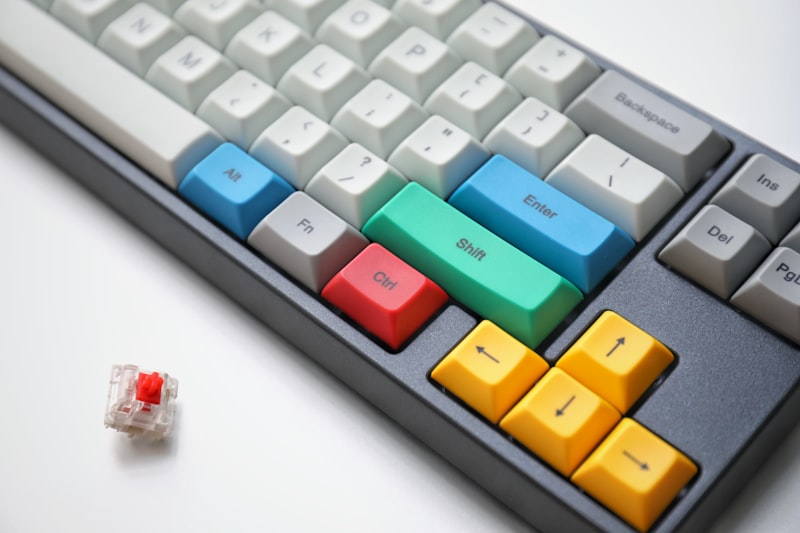
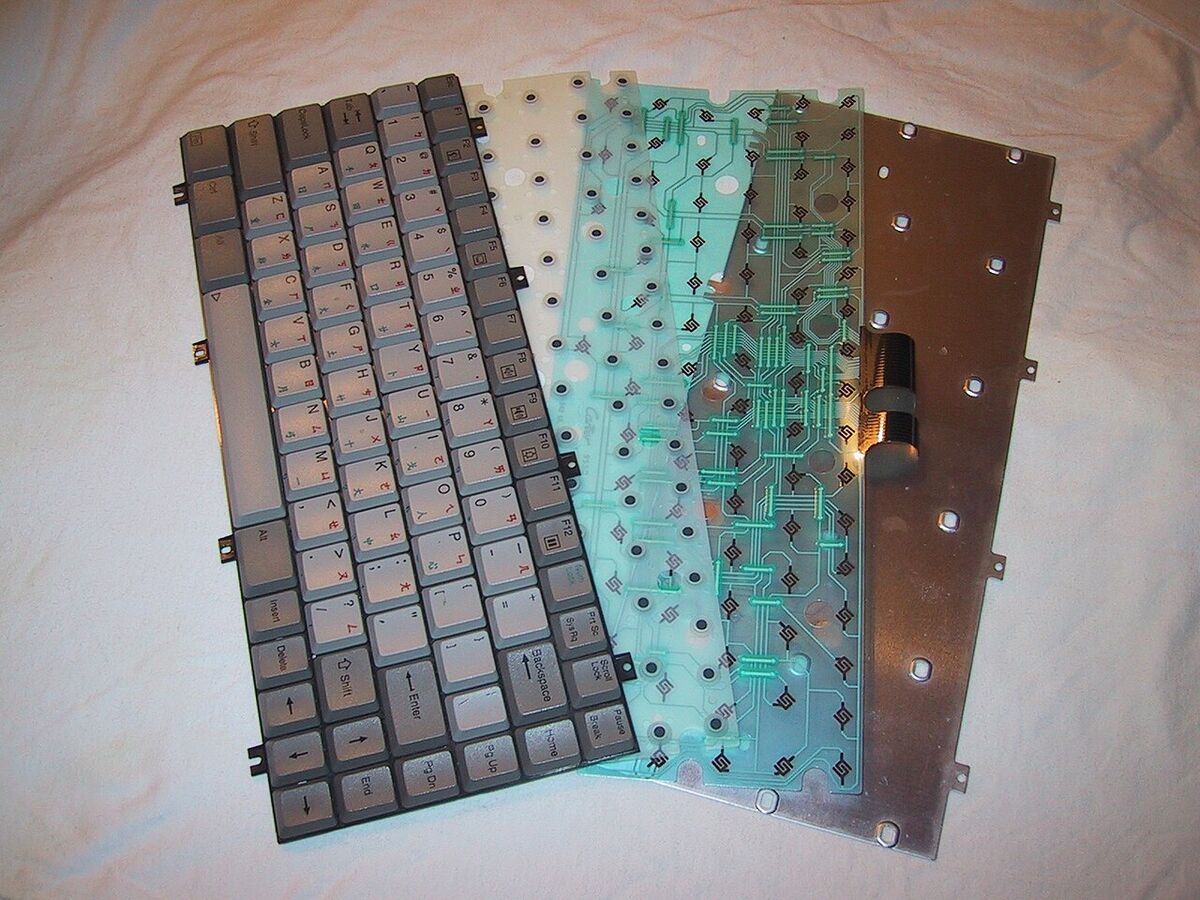
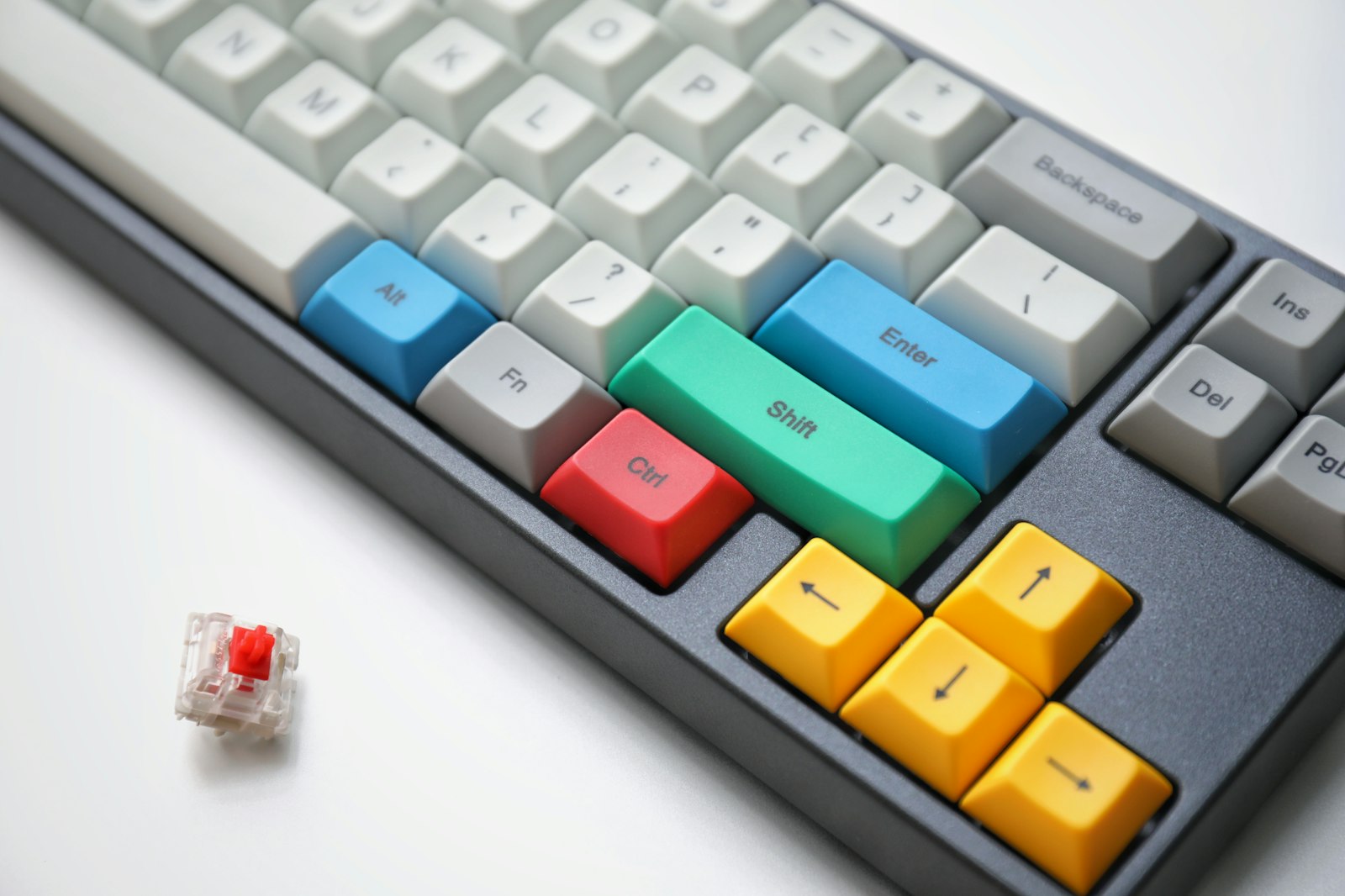
Hall Effect (HE) keyboards don't use physical metal contacts to register a keystroke. Instead, they use magnets and sensors. It can sound like a gimmick, especially if you are used to traditional mechanical switches such as Cherry MX Browns. Here is what actually changes when you switch, and who it suits.
What makes Hall Effect keyboards different?
Two features set Hall Effect switches apart from traditional mechanical switches:
- Adjustable Actuation Points: You can decide exactly how far you need to press a key before it registers. Want a hair-trigger for gaming? Set it to 0.1mm. Heavy-handed typer who makes mistakes? Set it to 3.0mm.
- Rapid Trigger: This is the big one. Traditional keyboards need the key to travel back up past a reset point before you can press it again. HE keyboards reset instantly the moment you stop pressing down, allowing for incredibly fast repeated keystrokes.
Is there an adjustment period when switching?
Yes, the first few days can be rough. Because the switches are completely linear and smooth (there's no tactile "bump"), fingers used to resistance and feedback may bottom out the keys much harder than necessary.
Actuation settings take some experimenting, too. It's tempting to set every key to an ultra-sensitive actuation point in the hope of typing faster, but a very shallow setting can register keys just from resting your fingers on the home row, producing strings of "jjjjjjjjj" across the screen.
The Fix: A deeper, more moderate actuation point for typing can be a better starting place. Once the setting matches your typing style, the keyboard can feel far more natural.
What are the benefits of a Hall Effect keyboard for typing?
Once the settings are dialed in, the advantages go well beyond the typical gamer hype:
1. A Silky Smooth Typing Experience
Because there's no physical contact happening inside the switch, keystrokes are absurdly smooth. Combined with factory lubrication, typing can feel like your fingers are gliding, which may make long coding sessions less fatiguing. The "scratchiness" of standard mechanical switches is gone.
2. Dynamic Typing Profiles
Profiles may be the biggest productivity gain. You can set up different profiles for different tasks: a moderate actuation for writing articles or emails, and a layer with Rapid Trigger enabled for quickly navigating through code or hitting specific hotkeys. The responsiveness is hard to describe — it almost feels like the keyboard knows what you want before you fully press the key.
3. A Clean, Muted Sound
Sound is subjective, but the lack of metallic "ping" or scratchiness results in a very clean, muted sound profile. It suits office environments or late-night work sessions where you don't want to wake the house.
What are the drawbacks of Hall Effect keyboards?
Nothing is perfect, and HE keyboards have their downsides:
- The Price: These are generally more expensive than standard mechanical keyboards. You are paying a premium for the magnetic sensors.
- Lack of Tactility: If you absolutely must feel a physical bump when you type (like Cherry MX Blues or Browns), Hall Effect isn't for you. By design, they are entirely linear.
- Software Reliance: To get the most out of the features like adjustable actuation, you have to use the manufacturer's software, which can sometimes be clunky.
Is a Hall Effect keyboard worth it for non-gamers?
In my view, for heavy typists it can be. The smoothness and the ability to tune the keyboard to your typing style can make standard mechanical switches feel dated. While Rapid Trigger is aggressively marketed towards gamers, the underlying technology — frictionless, customizable keystrokes — can be a meaningful upgrade for anyone who spends the day typing.
If you are a heavy typist or developer looking to reduce finger fatigue and try something genuinely new in the keyboard space, a Hall Effect keyboard is worth considering. Just be prepared for a few days of re-learning how to type!