Why Running Local LLMs on a MacBook Is a Smart Tech Decision in 2026
- Technology, AI, Productivity
- Exienent
- · Updated
Running Local LLMs (Large Language Models) on an Apple Silicon MacBook is now practical, and in 2026 it is one of the smartest changes you can make to an AI workflow. Free apps like Ollama and LM Studio make setup quick, and the payoff is privacy, offline access and no recurring fees—with the caveat that the biggest cloud models still lead on hard reasoning.
Setting up an AI model locally used to feel like launching a rocket: endless terminal commands, missing dependencies, and often settling for a cloud service anyway. That has changed. If you're paying $20 a month for multiple AI subscriptions, or worrying about whether your private company data is being used to train the next massive model, moving your AI stack onto your own machine is worth a serious look.
Why switch from cloud AI to a local LLM?
The strongest reason is control over sensitive data. Pasting proprietary client code into a cloud-based AI can feel wrong, and running open-source models directly on an Apple Silicon MacBook removes that concern.
Expectations are often low—a sluggish, watered-down experience. But thanks to the efficient unified memory on these chips, local models can be more than "good enough," and in some cases better than relying on the cloud.
The main advantages:
- Absolute Privacy: Your data never leaves your machine. That brings peace of mind when working on confidential projects or personal journals.
- Minimal Latency: The pause while you wait for a cloud server to respond disappears. Tokens can start streaming almost instantly.
- Offline Mode: On a long flight or in a cafe with spotty Wi-Fi, a local AI assistant is always ready to go.
- No Recurring Fees: Open-source models like Llama 3 and Mistral are completely free to run.
How hard is it to set up a local LLM on a Mac?
It is much easier than it used to be; nobody needs to spend a weekend configuring Python environments anymore. The tools have matured drastically.
Applications like Ollama or LM Studio make it as simple as downloading an app, clicking on a model you want to try, and hitting "download." Within minutes, you can have a ChatGPT-like interface running locally.
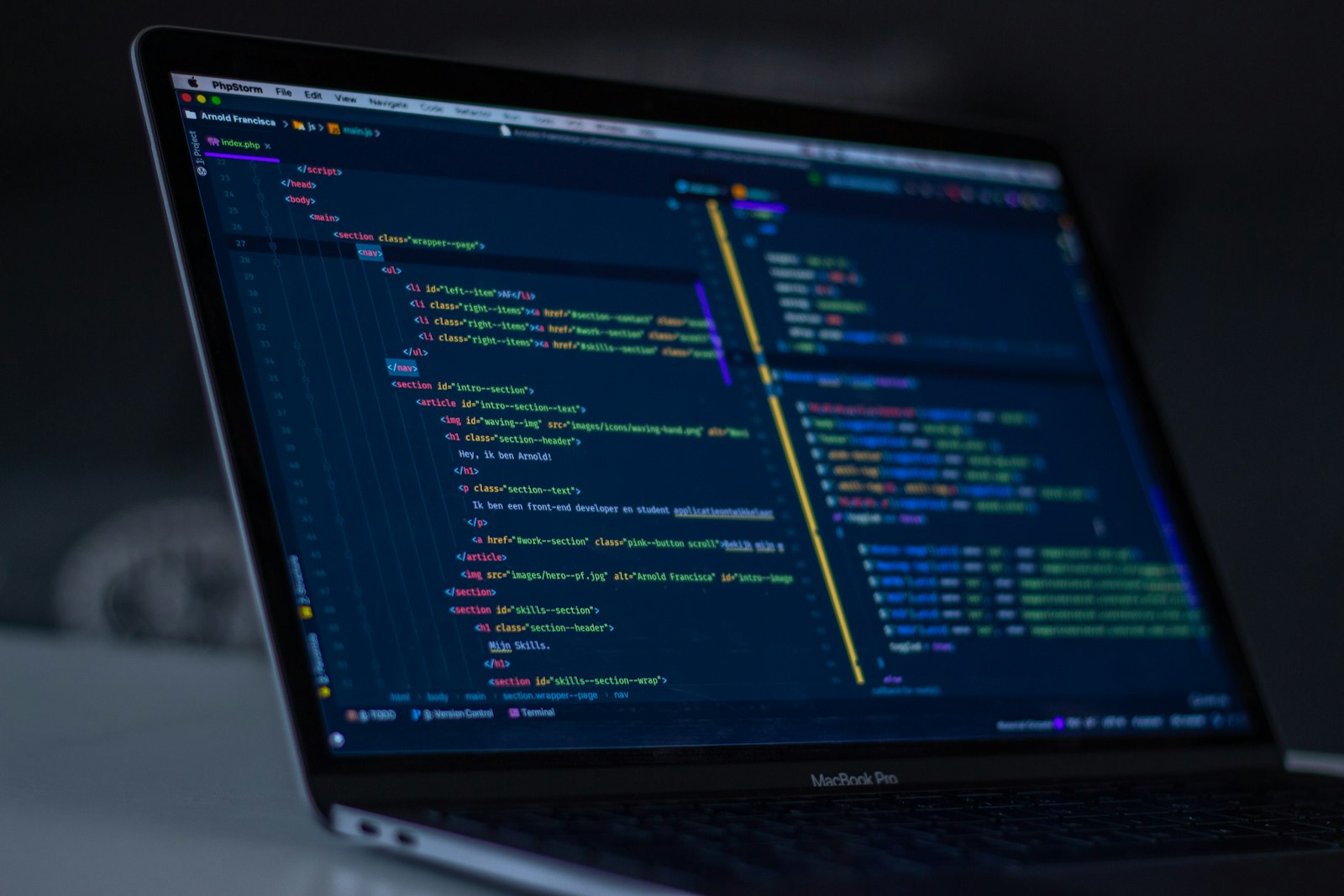
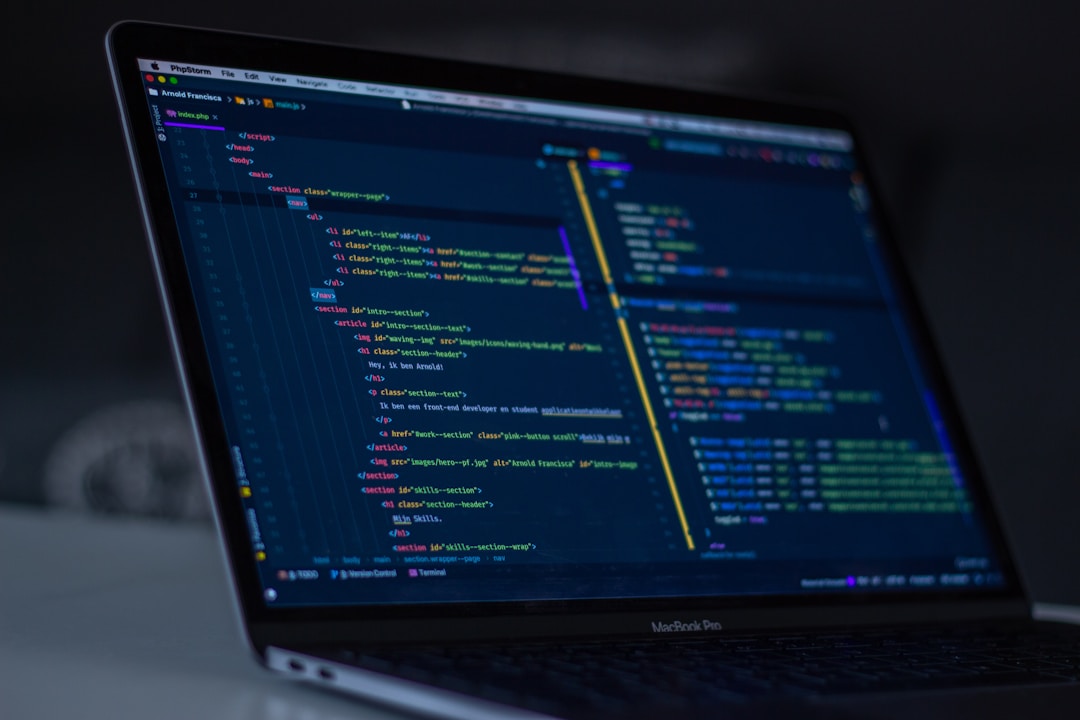
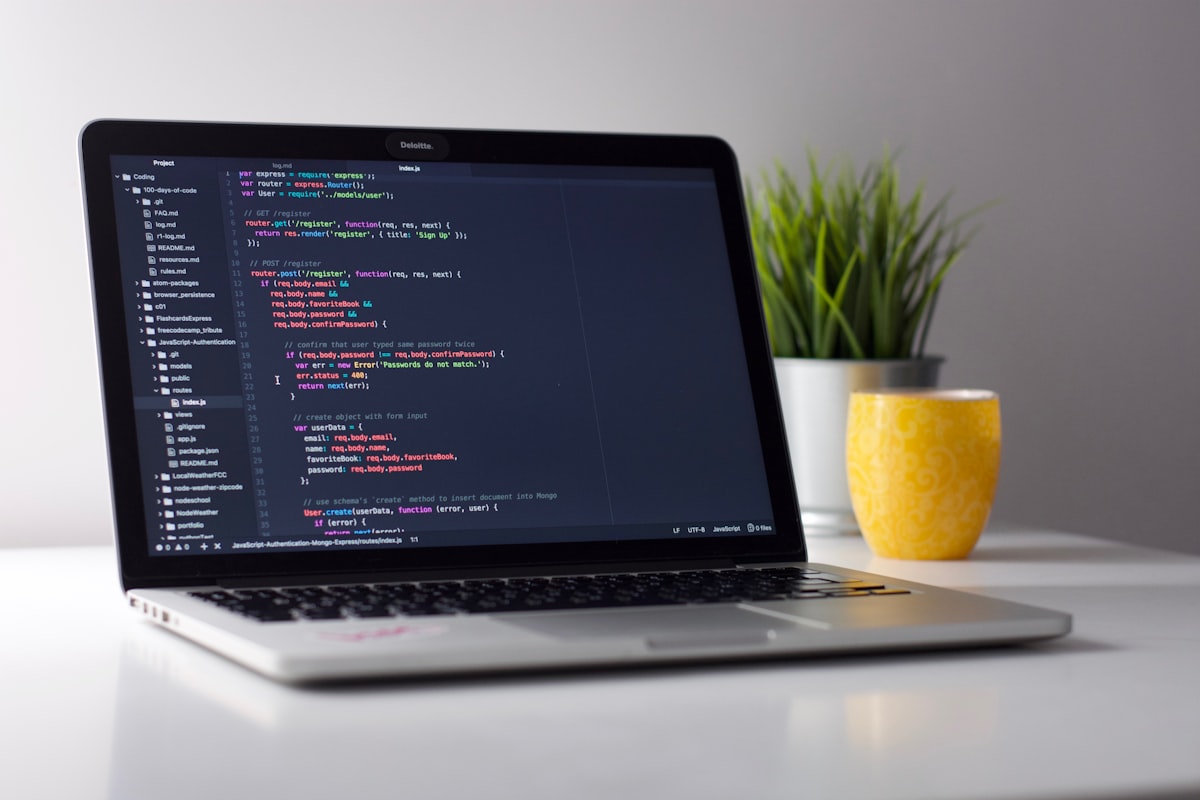
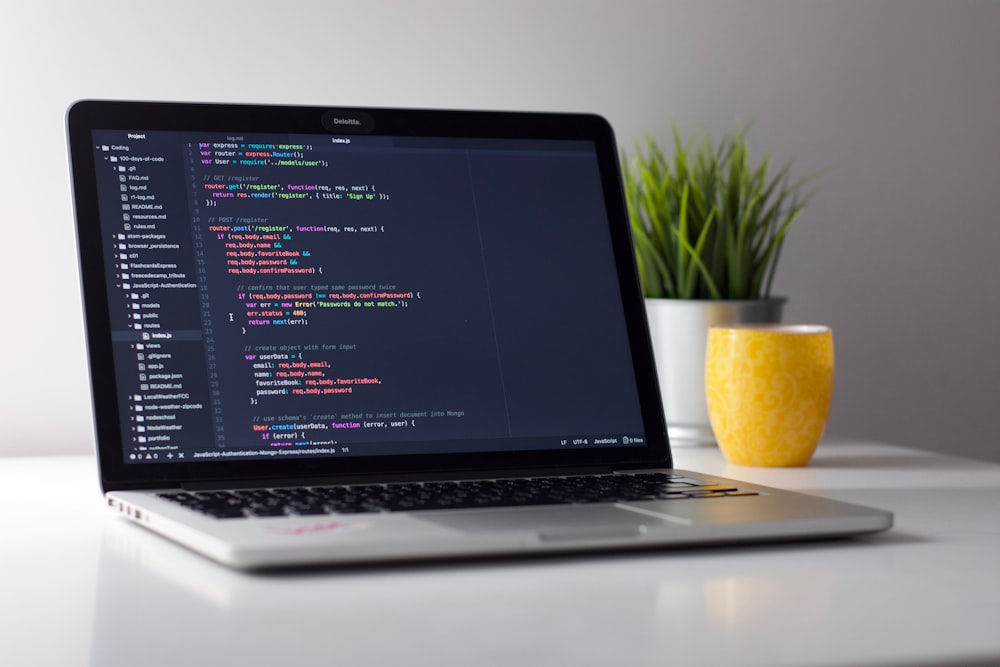
For coding, local models can be hooked directly into a code editor. They can write boilerplate, review logic, and suggest optimizations—all locally, quickly, and privately.
Is a local LLM as good as cloud AI?
Not for everything. If you need to solve complex math problems or do deep logical reasoning, the biggest cloud models (like GPT-4 tier) still have an edge.
But for a large share of everyday tasks—summarizing text, drafting emails, rewriting paragraphs, or getting boilerplate code—a highly quantized local 8B or 70B parameter model can be remarkably capable. It's a bit like having a sharp, fast intern who never needs an internet connection.
Is running a local LLM on a MacBook worth it?
In my view, yes. A Local LLM setup on a MacBook is more than a fun weekend project; it can meaningfully improve how you work. The combination of hardware power, mature software, and capable open-source models means local AI is no longer a gimmick—it's a real productivity tool.
If you haven't tried it yet, download one of the lightweight models and see the speed for yourself. You may find yourself canceling a subscription or two sooner than you think.