The Great Intel Instability Crisis: What's Happening to 13th and 14th Gen Core Processors?
- Hardware, Technology
- Exienent
- · Updated
Intel's 13th and 14th Gen Core desktop processors have been crashing because a microcode algorithm requests too much voltage, and that elevated operating voltage permanently degrades the silicon. A BIOS update with Intel's 0x129 microcode prevents future damage, but a CPU that is already unstable needs a replacement through Intel's RMA process.
If you built a high-end PC recently and have seen game crashes, random reboots, "Out of Video Memory" errors in games your system should handle easily, or blue screens, it's probably not your graphics card. Below is what is happening, why these expensive chips are failing, and what it means for anyone running a modern Intel desktop rig.
What Are the Symptoms of the Intel 13th/14th Gen Instability?
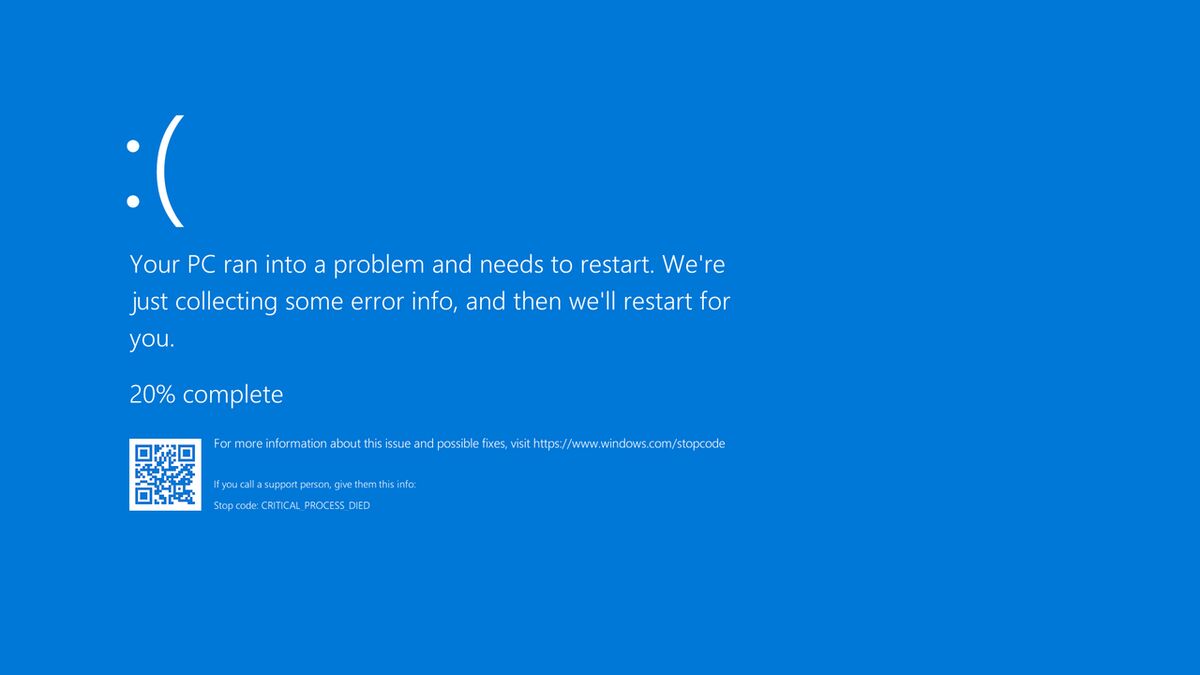
The main symptoms are sudden game crashes, random system reboots, blue screens, and misleading "Out of Video Memory" errors. For months throughout 2024, gamers and professional users reported these issues with top-tier CPUs, particularly the Core i9-13900K and i9-14900K, though the problem extends down the product stack as well.
The symptoms usually start subtly. A heavy game running on Unreal Engine 5 suddenly crashes to the desktop. Often, the error message blames the graphics card, citing "Out of Video Memory," which sent many users on a wild goose chase trying to fix their perfectly fine GPUs. For server hosts and game developers, the instability manifested as random compilation errors and server crashes, leading to widespread frustration in the tech community.
What Is Actually Causing the Failure?
The root cause is what Intel calls "Elevated Operating Voltage." After months of speculation, finger-pointing at motherboard manufacturers, and confusing workarounds, Intel released a statement in late July 2024 clarifying it: a microcode algorithm inside the CPU was sending incorrect voltage requests, feeding the processor far more power than it needed or could safely handle over sustained periods.
The worst part is that this excessive voltage causes permanent physical degradation to the CPU. It's not just a software bug that makes things glitchy; it actively damages the silicon. Once an Intel 13th or 14th Gen processor starts exhibiting these instability symptoms, a BIOS update cannot reverse the physical damage that has already been done.
Were the Motherboards to Blame?
Motherboards contributed, but they were not the underlying flaw. Initially, much of the blame was placed on board partners, who for years shipped motherboards with "unlimited" power limits enabled by default to squeeze every last drop of performance out of the CPUs for benchmark charts. Intel did push manufacturers to release "Intel Baseline Profile" BIOS updates to rein in these power limits, but later admitted that while relaxed power limits added heat and stress, the elevated voltage microcode was the true underlying flaw.
What Should You Do If Your Intel CPU Is Affected?
Update your BIOS immediately, and request an RMA if your system is already crashing. If you own a 13th or 14th Gen Intel Core desktop processor (specifically the 65W or higher models), here is the situation in 2024:
- Update Your BIOS (Right Now): Intel is rolling out a crucial microcode patch (0x129) to motherboard manufacturers in mid-August 2024. Update your motherboard's BIOS as soon as this patch is available. It prevents future damage by fixing the voltage requests.
- If You Are Already Crashing: If your PC is already experiencing random game crashes or BSODs, the microcode update will not fix your CPU, because the silicon is likely permanently degraded. Contact Intel customer support to initiate an RMA (Return Merchandise Authorization) and get a replacement processor.
- Extended Warranty: In response to the massive community backlash, Intel announced it is extending the warranty for affected 13th and 14th Gen desktop processors by an additional two years, bringing the total warranty period to five years.
Should You Still Buy an Intel CPU in Late 2024?
Do extensive research first. The Raptor Lake instability is a significant black eye for Intel: the lack of clear communication early on left users, game developers, and system integrators troubleshooting hardware ghosts for months.
Many users are opting to hold off on Intel builds until the upcoming "Arrow Lake" generation proves its stability, or they are jumping ship to AMD's Ryzen platforms, which have remained unaffected by these specific voltage degradation issues.
If you already run one of these chips, make sure your BIOS is updated, keep an eye on your system's stability, and don't hesitate to use that extended warranty if your expensive CPU starts acting up.