Switching to a Vertical Ergonomic Mouse: What It Means for Your Wrists
- Technology, Health, Review
- Exienent
- · Updated
A vertical ergonomic mouse holds your hand in a "handshake" position, so the bones in your forearm stay parallel instead of twisting over each other. That may reduce wrist and forearm strain for some people, but it comes with an awkward adjustment period, and it is no substitute for medical care if pain persists.
We need to talk about the physical toll of sitting at a desk all day. If you are a developer, a designer, or just someone who spends eight hours a day clicking and dragging, you probably know the feeling: that dull, annoying ache radiating from your wrist up into your forearm. It's easy to ignore it and treat it as the cost of doing business in the digital age.
But when the pain gets sharp enough to cut a workday short, that's a wake-up call to overhaul your desk setup, starting with the biggest offender: the standard, flat mouse. Here is what it's actually like to retrain your hand to use a vertical ergonomic mouse, and what it can and can't do for wrist pain.
Why Do Traditional Mice Strain Your Wrist?
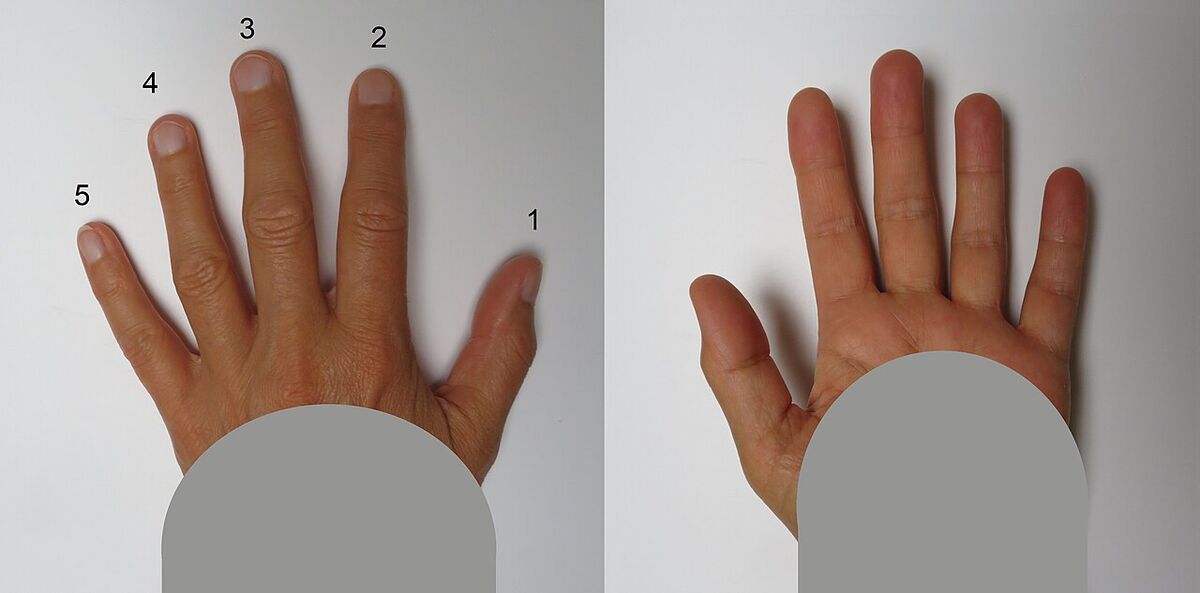
Traditional mice strain your wrist because they force your forearm into a twisted position. When you place your hand flat on a desk to grip a regular mouse, your forearm is forced into a pronated position. This twists the two bones in your forearm (the radius and ulna) over each other, creating tension in your muscles and tendons.
Do this for 40 hours a week, and you raise your risk of repetitive strain injury (RSI) or carpal tunnel syndrome.
How Does a Vertical Mouse Help?
A vertical mouse changes the angle of your hand. Instead of laying flat, your hand grips the mouse in a "handshake" position. This allows your forearm bones to sit parallel, which can substantially reduce the strain on your wrist and arm. It makes perfect biomechanical sense. But making sense on paper and actually feeling good to use are two very different things.
What Is the First Week with a Vertical Mouse Like?
The first days with a vertical mouse can be genuinely frustrating. If you have spent years using a standard mouse, your brain is hardwired for that specific movement, and grabbing a vertical mouse can feel like trying to write with your non-dominant hand.
Precision can drop sharply at first. Highlighting specific lines of code becomes an exercise in frustration, and closing small browser tabs can feel like a mini-game requiring intense concentration. You may instinctively try to lay your hand flat, only to awkwardly bump into the tall side of the mouse. Productivity may take a noticeable hit during that first stretch.
Even through the frustration, there is an upside: the handshake position takes pressure off the wrist from day one. So even while clicking accurately is a struggle, the dull ache that can build up over an afternoon may ease.
How Long Does It Take to Get Used to a Vertical Mouse?
Muscle memory catches up with practice, though the timeline varies from person to person. As the awkwardness fades, navigating the screen starts to feel natural again.
A few habits make a vertical mouse much more effective:
- Move from the Elbow, Not the Wrist: With a traditional mouse, you tend to plant your wrist on the desk and pivot your hand to move the cursor. With a vertical mouse, you have to move your entire arm from the elbow and shoulder. It feels strange at first, but it is vastly better for your joints.
- Adjust Your Desk Height: Because a vertical mouse is taller, you might need to adjust the height of your chair or desk to ensure your arm is still resting at a comfortable 90-degree angle.
Once you adapt, precision and productivity can return to normal, with far less twisting strain on your wrist along the way.
Is a Vertical Ergonomic Mouse Worth It?
If you are experiencing wrist or forearm discomfort from using a computer, a vertical ergonomic mouse is well worth trying. It is not a gimmick; it is a biomechanically sound fix for a very common problem. It may not resolve every case, though, and persistent or worsening pain deserves a visit to a doctor or physical therapist.
Yes, there is a learning curve. You may be frustrated for the first few days, and you might accidentally knock it off your desk a few times because it's taller than you expect. But if you push through that initial awkward phase, the potential long-term benefits for your wrists make it worth the effort.
Keeping your old flat mouse in a drawer "just in case" is fine, but the goal is to stop reaching for it. Have you tried any ergonomic desk accessories? Let me know what worked for you!