Down the Rabbit Hole: Building Your First Custom Mechanical Keyboard
- Hardware, Development
- Exienent
- · Updated
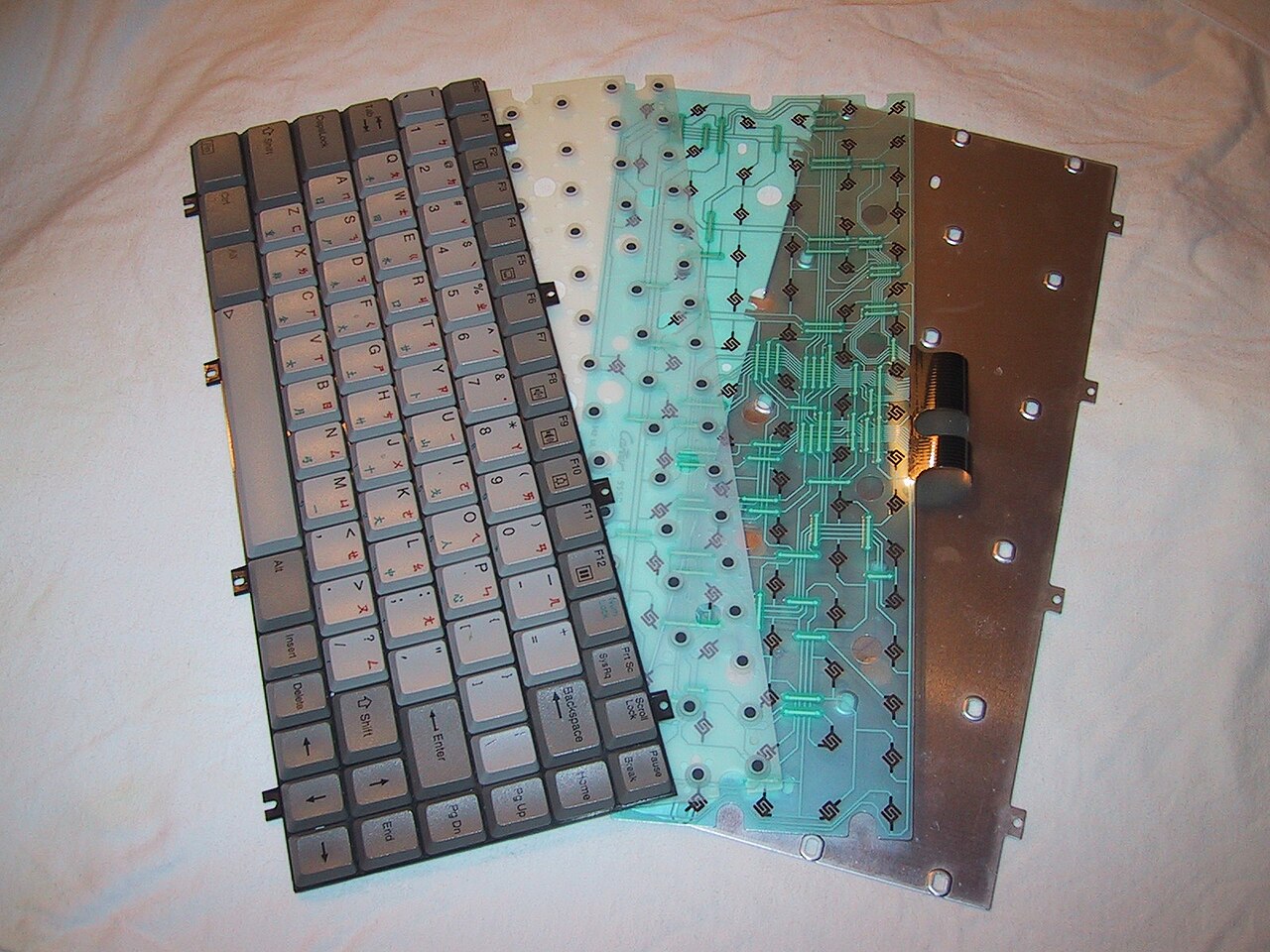
Building a custom mechanical keyboard from scratch comes down to four stages: choosing a barebones kit, picking and lubing switches, tuning the stabilizers, and fitting keycaps. It is slow, fiddly work, but the payoff is a board that sounds and feels far smoother than a typical pre-built one. If you are a developer, a writer, or anyone who spends eight to ten hours a day at a keyboard, it is worth understanding what you are signing up for.
After enough hours watching beautifully lit, perfectly sounding typing tests on YouTube, the custom keyboard hobby can look like a bottomless pit. Most heavy typists already have opinions on their peripherals, but building a board completely from scratch is an entirely different beast, with its own frustrations.
Why Build a Custom Keyboard Instead of Buying One?
The main reason is comfort and sound over long sessions. Pre-built, mass-produced mechanical keyboards with Cherry MX Browns, or Blues if you don't mind sounding like a machine gun, work fine for many tasks. But after long coding sessions, fingers can feel fatigued, and the harsh bottom-out of standard plastic cases and rattly spacebar stabilizers can start to grate. Your keyboard is your primary tool for translating thoughts into code. If a chef spends thousands on their knives, why not invest time in customizing your primary instrument?
Which Layout and Case Should You Choose?
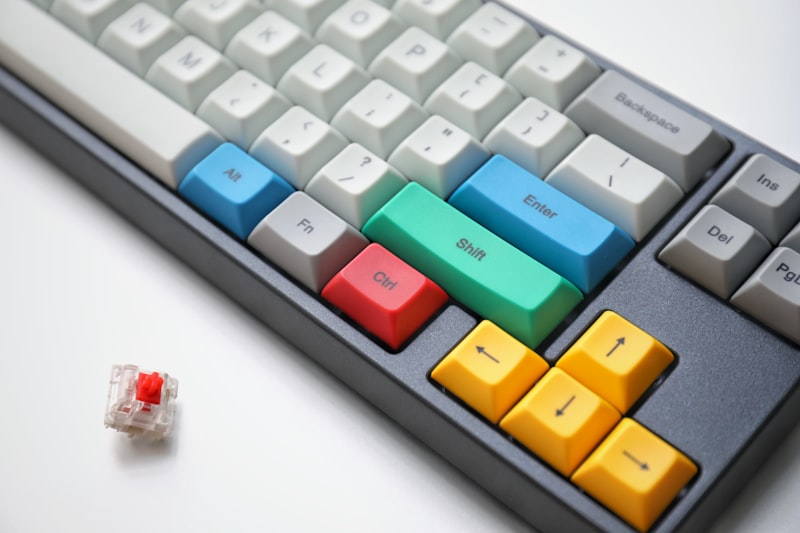
A 75% layout is a strong choice for software engineering. It is the sweet spot: you keep the dedicated arrow keys and the function row for debugging, but you reclaim precious desk space compared to a full-sized 104-key monster. An aluminum case adds a premium, heavy feel and simply doesn't budge on a desk pad.
How Do You Choose and Lube Switches?
Switches are where true customization begins, and where it is easy to spend too many nights reading forum threads. Do you want linear, tactile, or clicky? What actuation force feels right? Premium linear switches are known for their smoothness, but buying them is only half the job; to get the most out of them, you lube them.
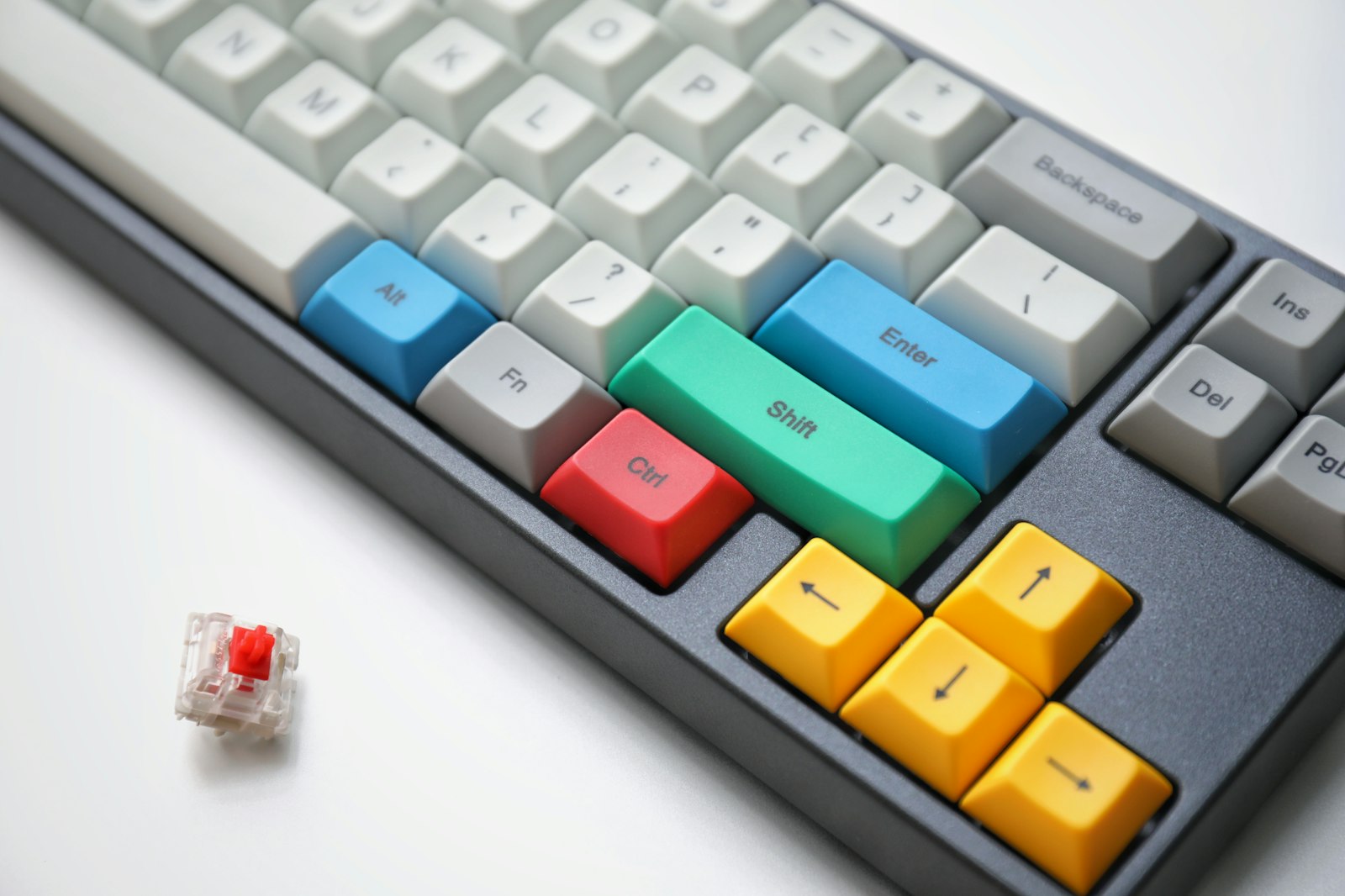
To be brutally honest, lubing switches is an exercise in extreme patience. You sit down with a tiny brush and a tub of Krytox 205g0 lubricant, and carefully take apart around 80 individual switches for a 75% board. You paint a microscopic layer of lube on the stem rails, the spring, and the housing, being careful not to over-lube and make them sluggish. It can eat an entire afternoon and leave you with a sore back and strained eyes. The reward comes when the lubricated switches snap into a hot-swap PCB: the scratchy, hollow sound can give way to a deep, incredibly smooth 'thock' that feels like typing on a cloud of butter.
How Do You Stop a Rattling Spacebar?
The fix for a rattly spacebar is tuning the stabilizers. There is nothing worse than a perfectly smooth keyboard ruined by a spacebar that rattles like loose change in a washing machine. The 'Holee mod'—cutting microscopic strips of band-aids to line the stabilizer stems—combined with a generous coating of dielectric grease on the wires does the job. It is a messy, frustrating process, but the result is a spacebar that sounds like a normal keycap, just deeper.
Which Keycaps Finish the Build?
Thick PBT keycaps are the usual finishing touch. PBT plastic resists the shiny, greasy wear that cheaper ABS keycaps get over time, and the thicker walls contribute to a much better acoustic profile.
Is Building a Custom Keyboard Worth It?
In my view, yes. The typing experience can be vastly superior to a pre-built board. A custom build won't magically raise your typing speed, though it may help accuracy, and the tactile joy of the keys can make writing documentation or debugging dense logic feel slightly less agonizing. If you type for a living, I recommend considering building your own. Just be prepared to lose a whole weekend to the process!