Monitor Light Bars: Why Every Developer Needs One
A monitor light bar is not a gimmick. Its asymmetric optics aim light down at your desk and keyboard instead of at the screen, so you get an evenly lit workspace with no screen glare and no lamp base taking up room. For anyone who codes or works late at a screen, it is one of the most practical desk upgrades available.
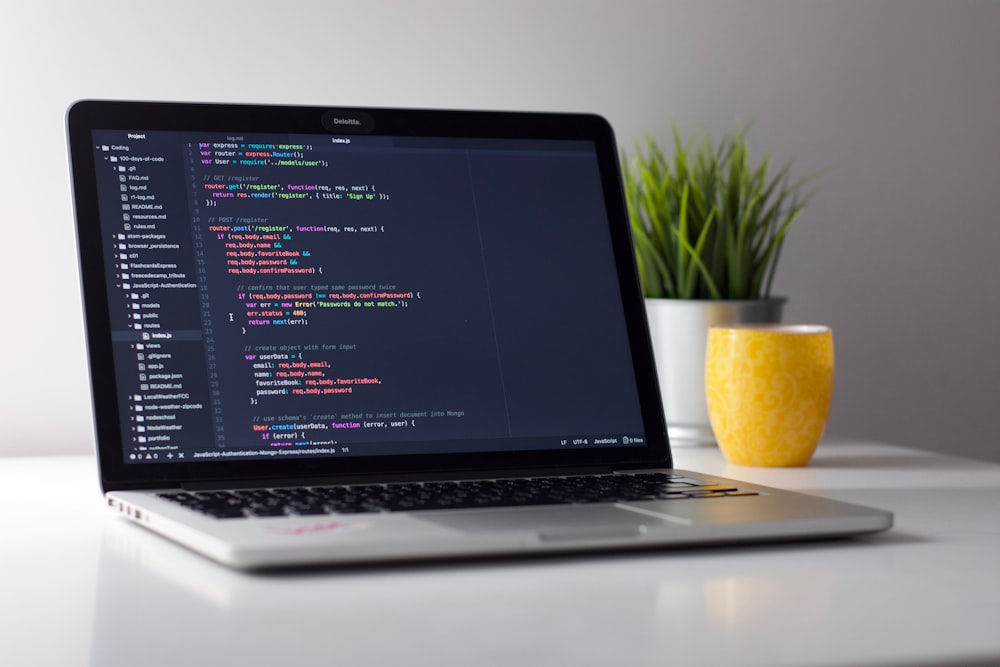
If you look closely at the desk setups of prolific developers or tech YouTubers in 2026, you will likely notice a sleek, metallic cylinder hovering just above their primary monitor. It is easy to dismiss it as an aesthetic flex, a fancy piece of desk dressing for Instagram reels. But for people dealing with headaches and dry eyes from working late under harsh overhead lighting, it addresses a real problem.
What's Wrong with Traditional Desk Lamps?
Traditional lighting works against focused screen work. Most setups rely on either the main room light or a standard desk lamp, and both have major flaws when it comes to deep work:
- Screen Glare: Traditional desk lamps inevitably cast light onto your monitor, creating a washed-out glare that forces your eyes to work harder to read text.
- Wasted Space: A good desk lamp requires a heavy base, which eats up valuable real estate on your desk.
- Uneven Lighting: Overhead lights illuminate the entire room but often leave your immediate workspace shadowed by your own body or your monitor.
How Does a Monitor Light Bar Work?
A monitor light bar solves these issues through a surprisingly simple design principle: asymmetrical optical design.
Instead of throwing light everywhere, a high-quality monitor light bar features a specially shaped reflector inside the casing. This directs the light straight down onto your desk and keyboard, completely avoiding the surface of the screen.
What Benefits Can You Expect?
The differences can show up quickly:
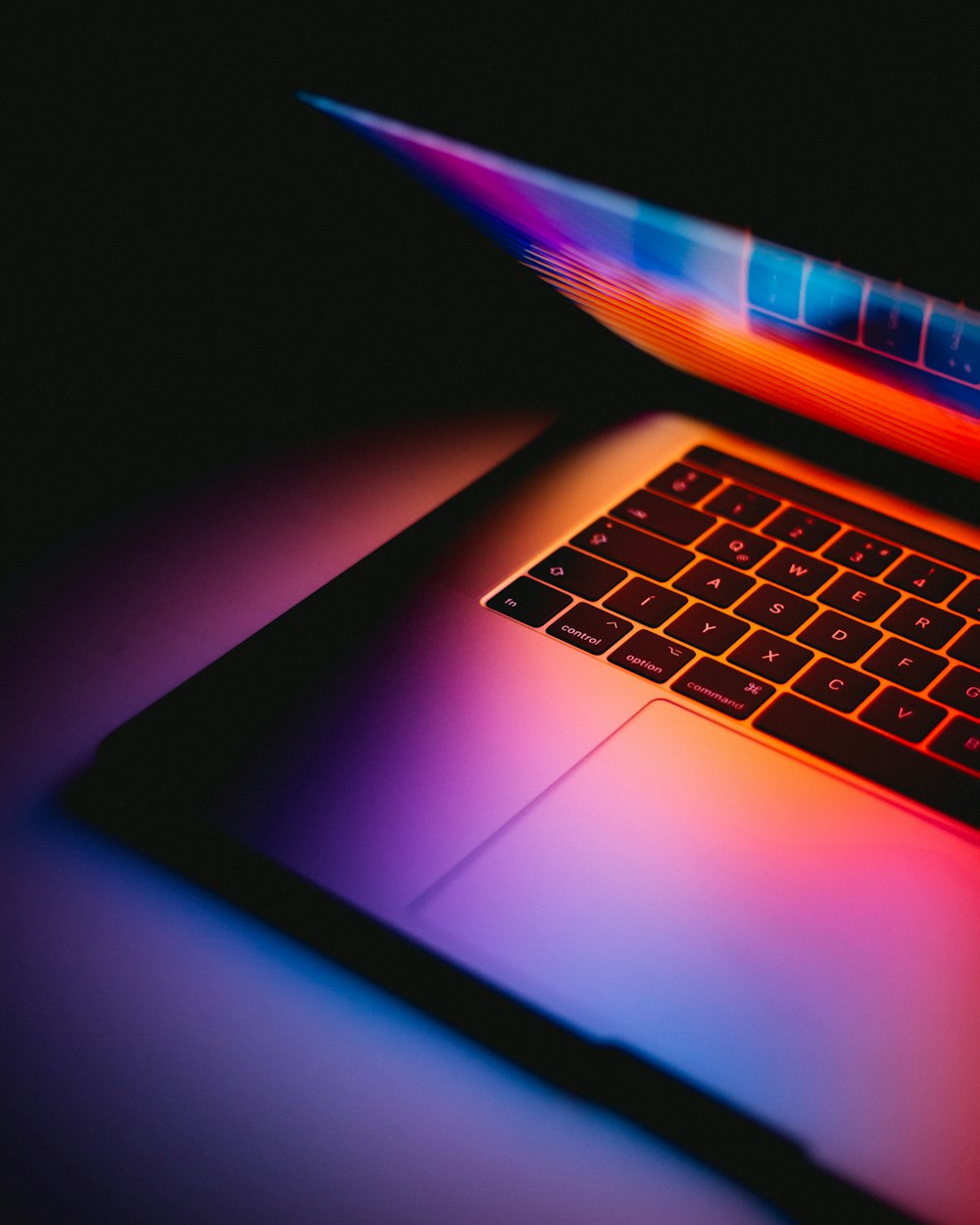
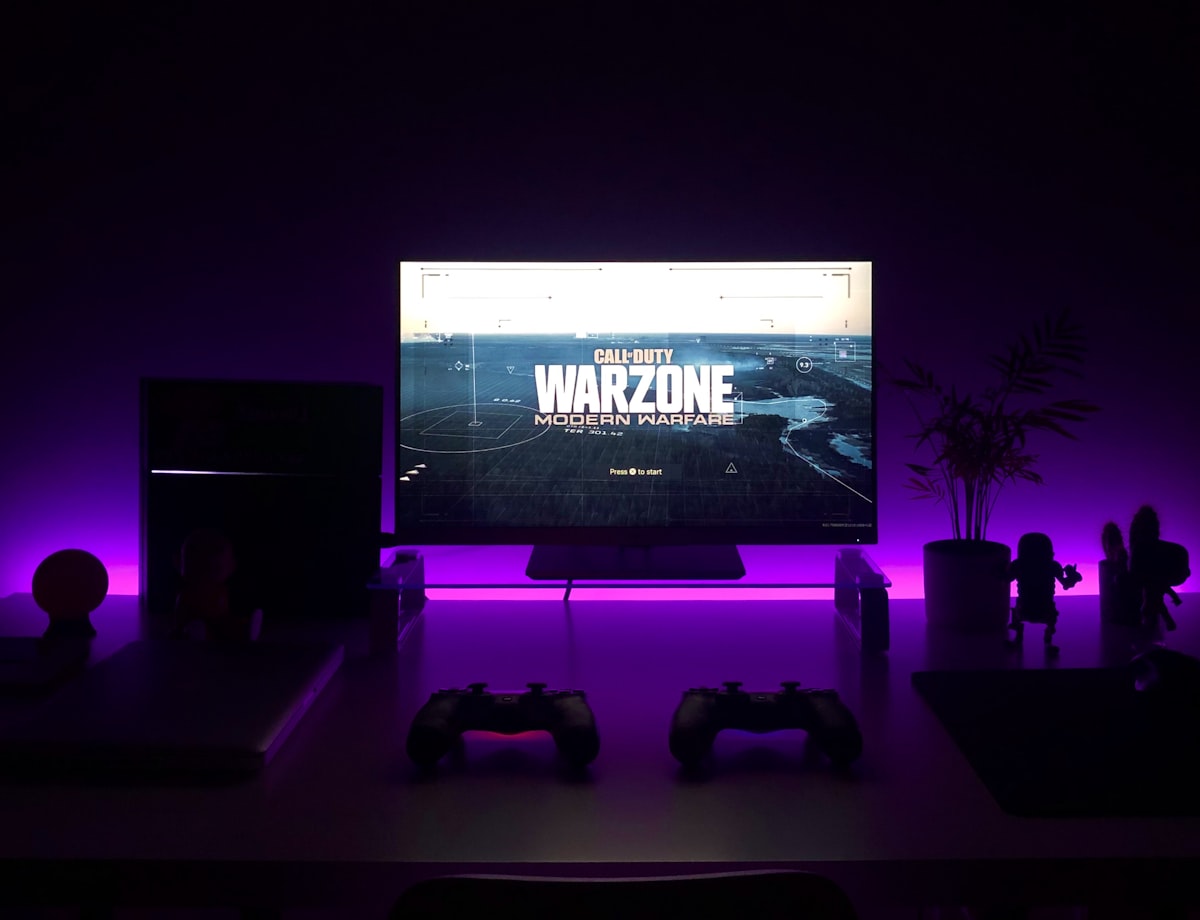
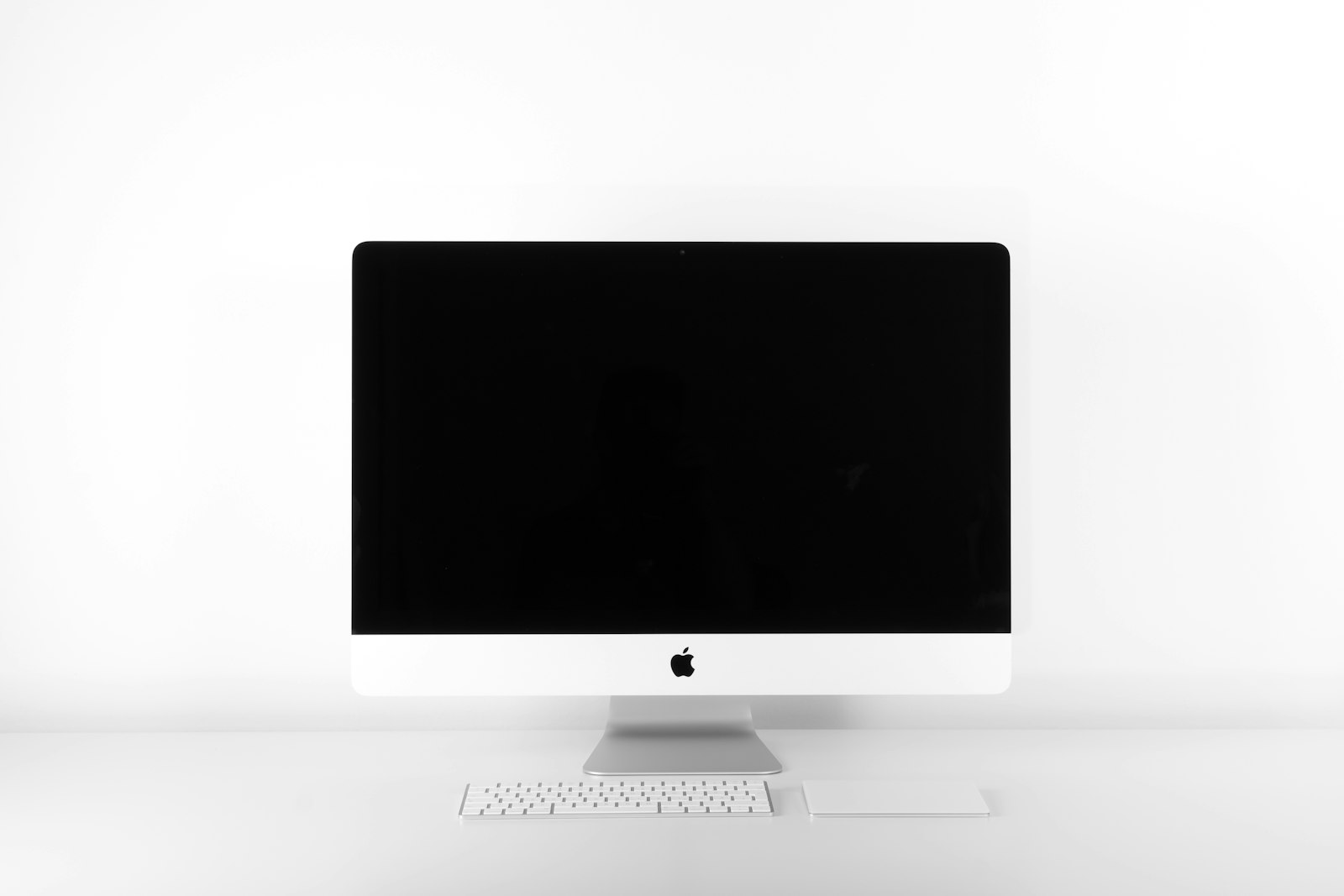
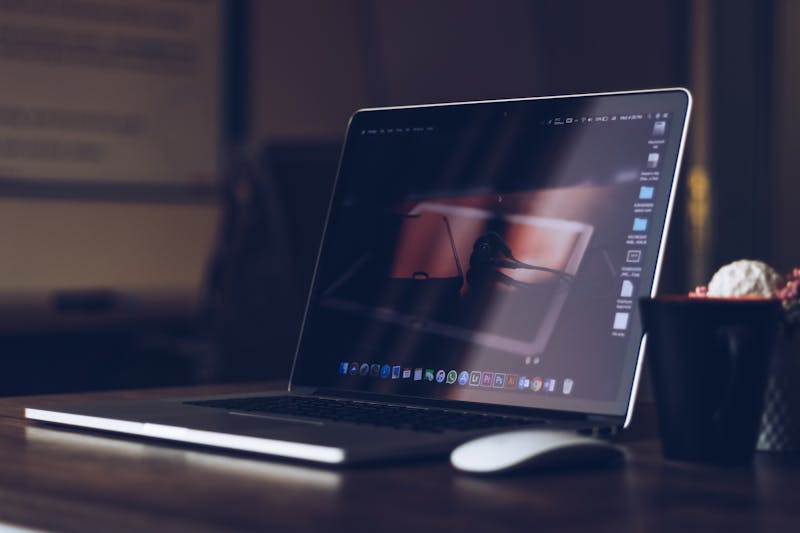
- Zero Glare on the Screen: This is the magic trick. The desk is fully illuminated, while an OLED monitor stays black and glossy, with no annoying reflections.
- Less Eye Fatigue: Because the contrast between the bright screen and the dark room is softened by the ambient glow on the desk, your eyes may feel less dry or strained after long coding sessions. If eye discomfort persists, it is worth seeing an eye care professional.
- Reclaimed Desk Space: It perches securely on top of the monitor using a counterweight clip. It takes up absolutely zero desk space, so the workspace feels cleaner and more minimalist.
Which Monitor Light Bar Features Actually Matter?
Not all light bars are created equal. If you are looking to buy one, these are the features that are genuinely useful rather than just marketing fluff:
- Adjustable Color Temperature: During the day, a crisp, cool white (around 5000K) can help you stay alert and focused. In the evening, switching to a warm, amber glow (around 3000K) signals that it is time to wind down and cuts down on blue light that may disrupt your sleep.
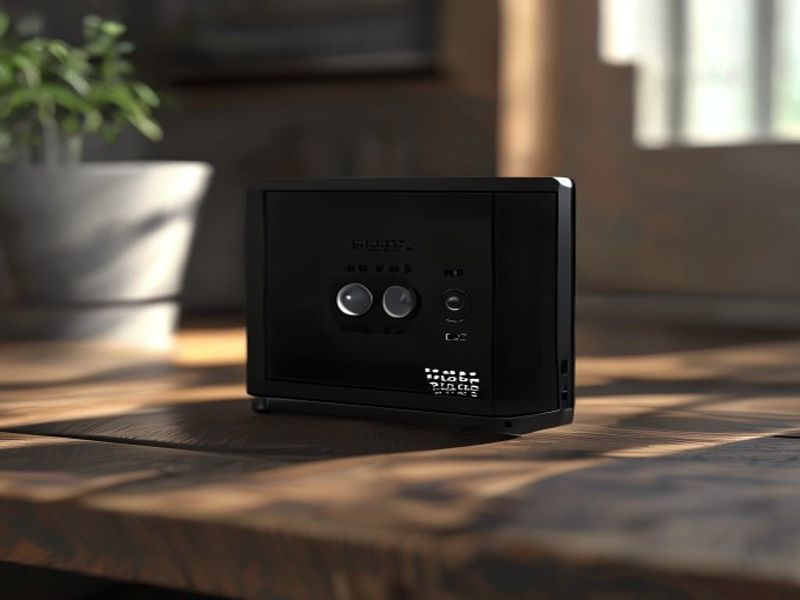
- Wireless Remote: Some cheaper models have buttons directly on the bar. Reaching up over the monitor every time you want to adjust the brightness is annoying. A wireless desktop dial is an absolute game-changer for quick adjustments.
- High CRI (Color Rendering Index): Look for a CRI of 95 or higher. This means the light accurately represents colors. If you do any sort of UI/UX design or photo editing, this is non-negotiable.
Is a Monitor Light Bar Worth It?
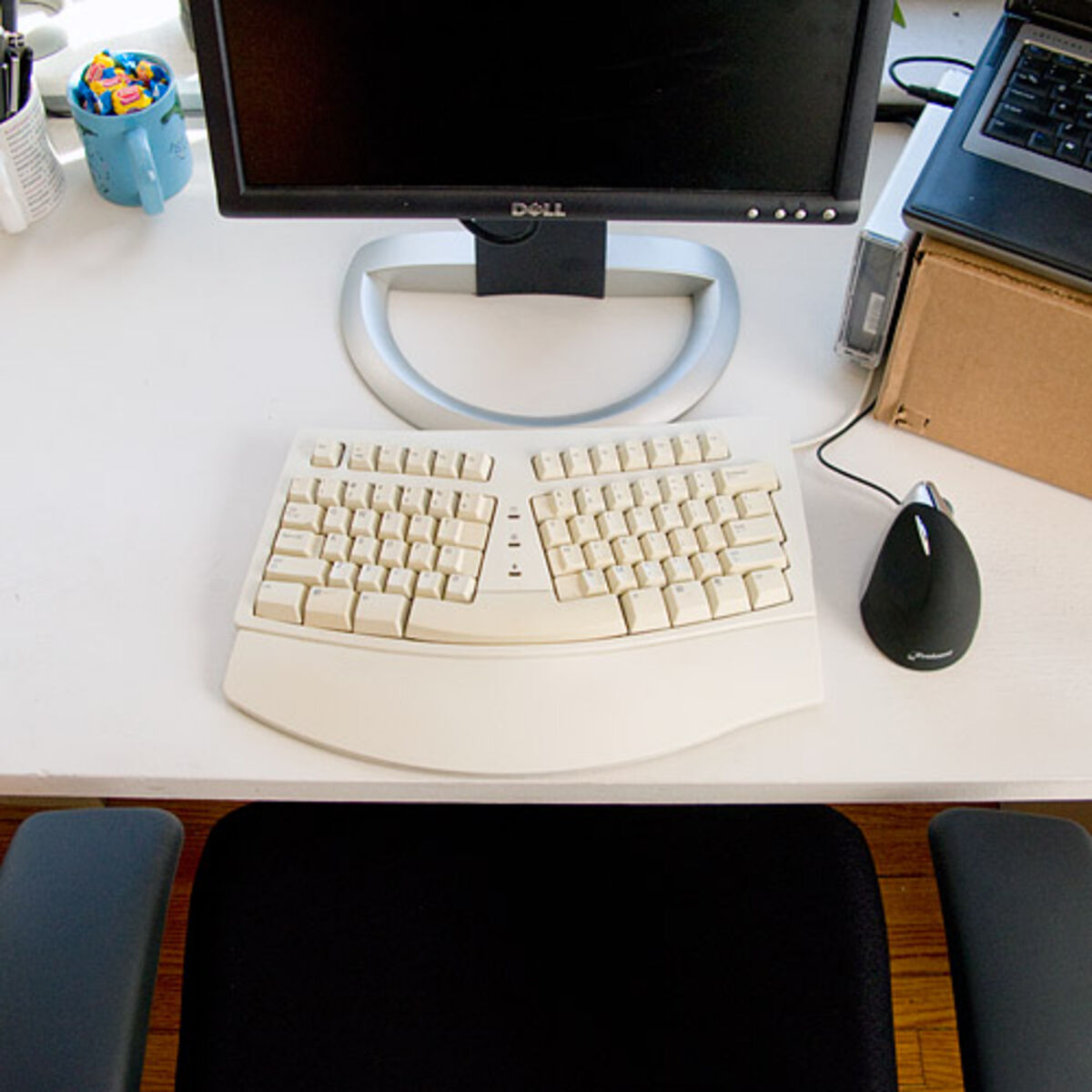
If you spend more than four hours a day looking at a screen, I think a monitor light bar is not an accessory; it is an ergonomic necessity. It ranks right up there with a supportive chair and a split mechanical keyboard.
It transforms your desk into an isolated, evenly lit zone of focus. When the rest of the room is dark and only your immediate workspace is illuminated, it creates a psychological "tunnel vision" effect that can make it easier to drop into a flow state.
If you are tired of eye strain and want a functional, genuinely useful upgrade to your workspace, skip the RGB strips and invest in a quality monitor light bar.