A Turning Point for Coders: Why Switch to a Split Ergonomic Keyboard?
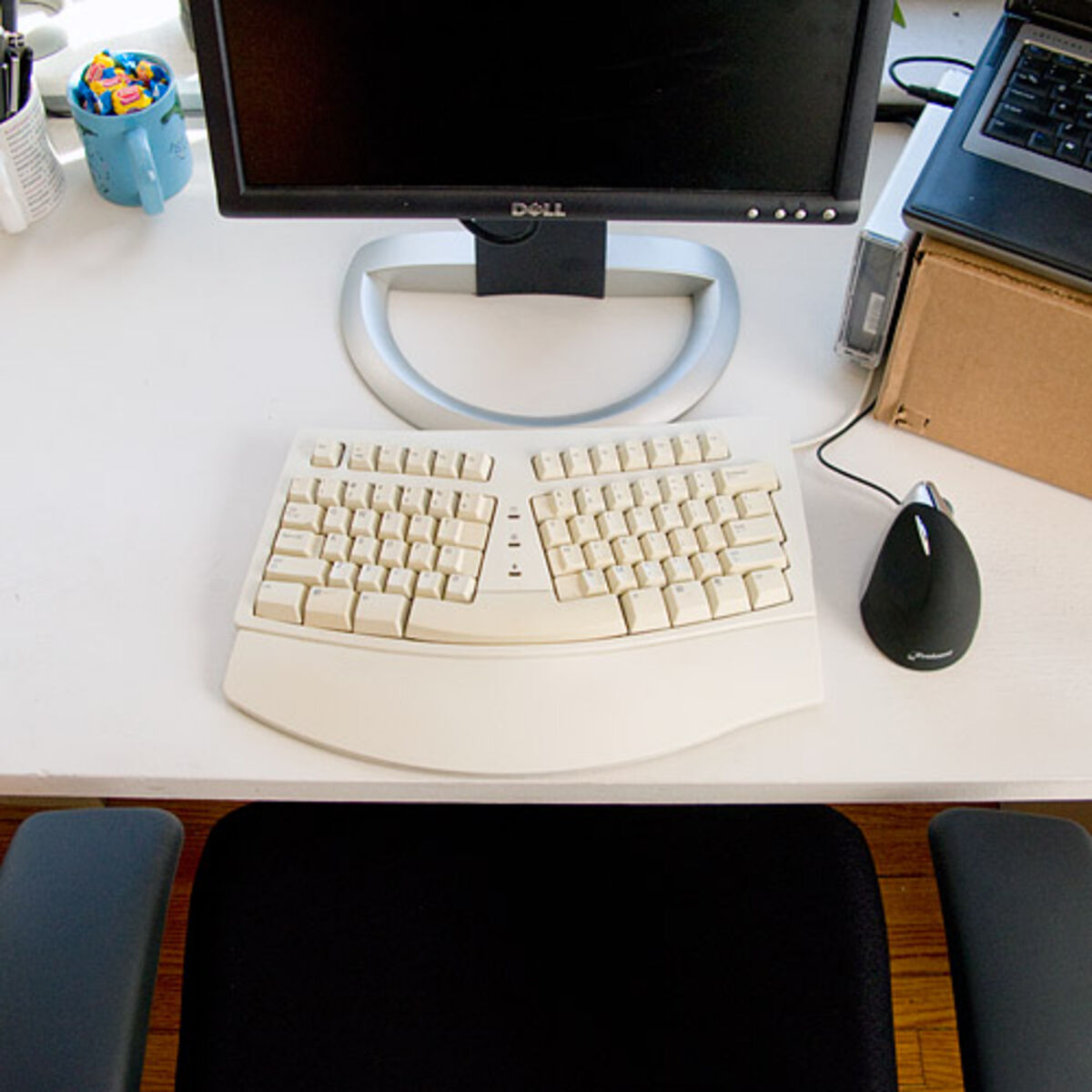
A split ergonomic keyboard lets you place each half so your arms and wrists line up straight, instead of bending outward toward a single, narrow board. For people who type for long hours, that posture change may reduce strain on the wrists, shoulders, and neck—but it comes with a frustrating adjustment period, poor portability, and a high price. If you already feel persistent pain, see a doctor or physical therapist; a keyboard is not a treatment.
Why Consider a Split Keyboard Over a Standard Mechanical One?
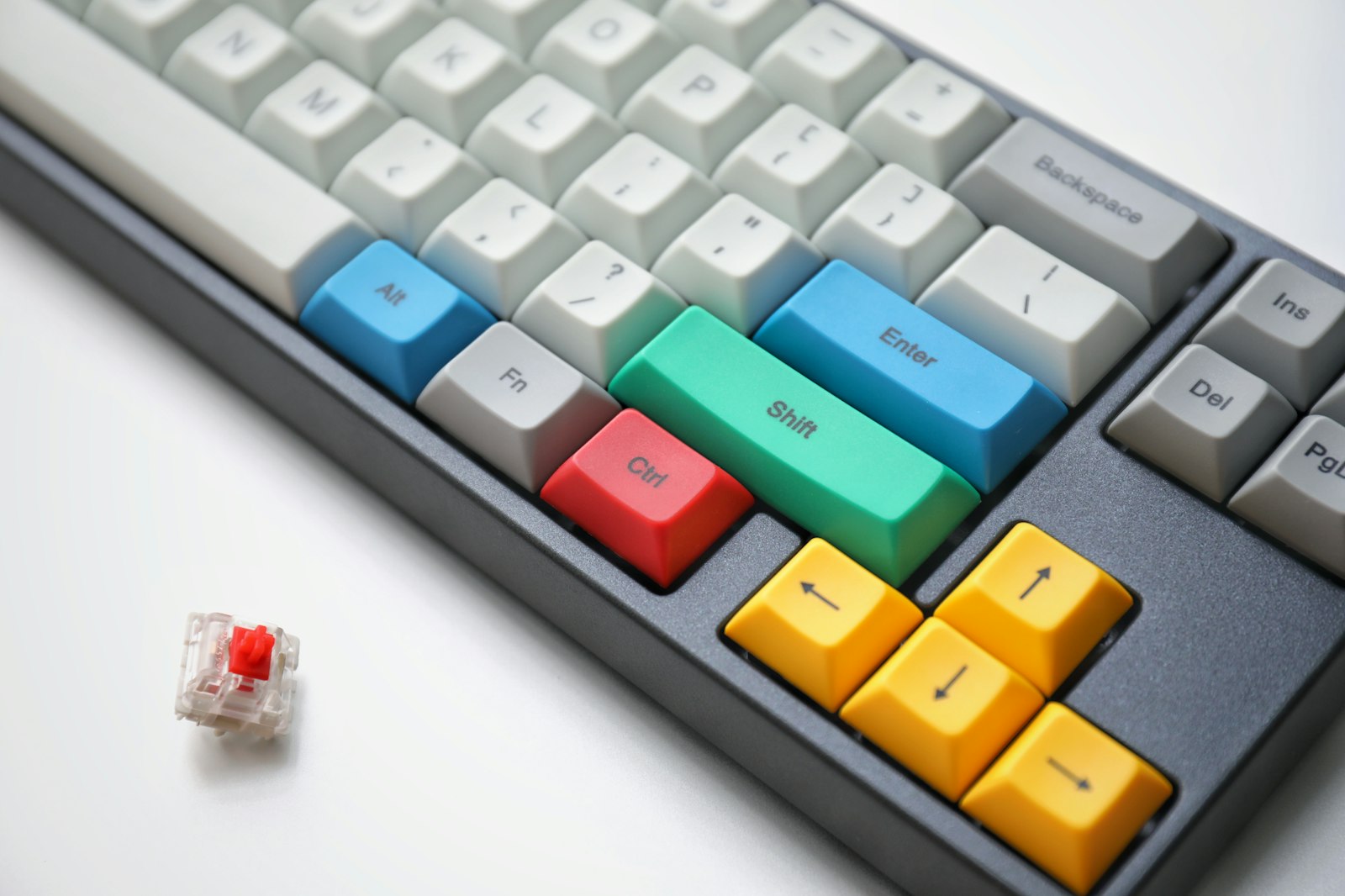
The main reason to consider a split keyboard is typing posture. Standard mechanical keyboards, especially with tactile switches like Cherry MX Browns, have a satisfying, crisp typing feel. But a standard layout forces both hands inward, so the wrists splay outward to reach the keys.
For someone coding and writing all day, that posture can contribute to sharp pain on the outside of the wrist that radiates into the forearm, sometimes to the point where even clicking a mouse hurts. Wrist braces, pain relievers, or a vertical mouse address the symptoms around the edges; a split keyboard targets the hand position while typing itself.
Can You Actually Type on a Split Keyboard Right Away?
Most likely not comfortably at first. A split keyboard looks like the control panel of a spaceship, cut in half down the middle, and the biggest hurdle when moving from a normal keyboard is, without a doubt, the adaptation period.
What Is the First Week Like?
The first days can be rough. A split layout exposes bad typing habits—such as hitting keys like 'B' or 'Y' with the wrong finger—that a standard board hides. Typos can spike and typing speed can drop sharply, and when an urgent email or hotfix comes up, the urge to plug the old keyboard back in is strong.
Sticking with it is what matters. As your fingers find their natural resting places and your brain learns the layout, typing can start to feel comfortable again.
What Changes Can a Split Keyboard Bring?
A split keyboard mainly changes how your upper body is positioned while you type. Here is what that can mean in practice.
1. Opening Up the Shoulders and Easing "Tech Neck"
On a standard keyboard, your shoulders naturally hunch inward and your neck pulls forward toward the monitor. When the two halves of a split keyboard sit shoulder-width apart, your chest opens up and a better posture is easier to maintain without forcing it. Even if you buy one for your wrists, it may also ease tension in the neck and shoulders.
2. Eliminating Ulnar Deviation
A standard keyboard forces both hands inward, causing the wrists to bend outward at an unnatural angle (ulnar deviation). A split keyboard lets you position each half so that your arms and wrists form a straight line. If your model supports "tenting" (raising the inner edges of the keyboard), it also prevents pronation (rotating your forearms inward), which can reduce fatigue over long coding sessions.
3. Building a Custom Workspace
A less obvious benefit is desk space. The gap in the middle can hold a coffee mug, a tablet, or a notebook right in front of you. For developers, placing a Magic Trackpad (or any external touchpad) between the two halves is worth trying: it minimizes hand movement and can make your workflow more efficient.
What Are the Downsides of a Split Keyboard?
A split keyboard is not perfect. If you're considering the switch, be aware of these drawbacks:
- Terrible Portability: Because it's in two pieces and often involves a connecting cable, packing it up and working from a coffee shop is impractical.
- Ruining Normal Keyboards for You: Once your body adapts to a split layout, going back to a laptop keyboard or typing at a coworker's desk can feel awkward and cramped.
- The Price Tag: Good mechanical split keyboards are not cheap. The initial cost is a real barrier to entry.
Is a Split Ergonomic Keyboard Worth It?
If you spend long hours typing and have started to feel stiffness or a twinge of pain in your wrists, shoulders, or neck, I think a split ergonomic keyboard is well worth considering, alongside professional advice if the pain persists.
Rather than treating it as another tech gadget, think of it as an investment in your long-term comfort and productivity. If you can push through the frustration of the adjustment period, you may not want to go back to a standard keyboard.
Your wrists are invaluable! If you're thinking about taking the plunge or have questions about adjusting to a split layout, feel free to drop a comment below.