Can a Dual-Screen Laptop Replace a Multi-Monitor Desktop? A 2026 Developer Review
- Hardware, Review, Technology, Development
- Exienent
- · Updated
A dual-screen laptop can stand in for a multi-monitor desktop, but only for certain people. It shines for hybrid workers and digital nomads who need a full workspace on the move; for someone who sits at the same desk all day, an ultra-wide monitor and a good chair are the better buy.
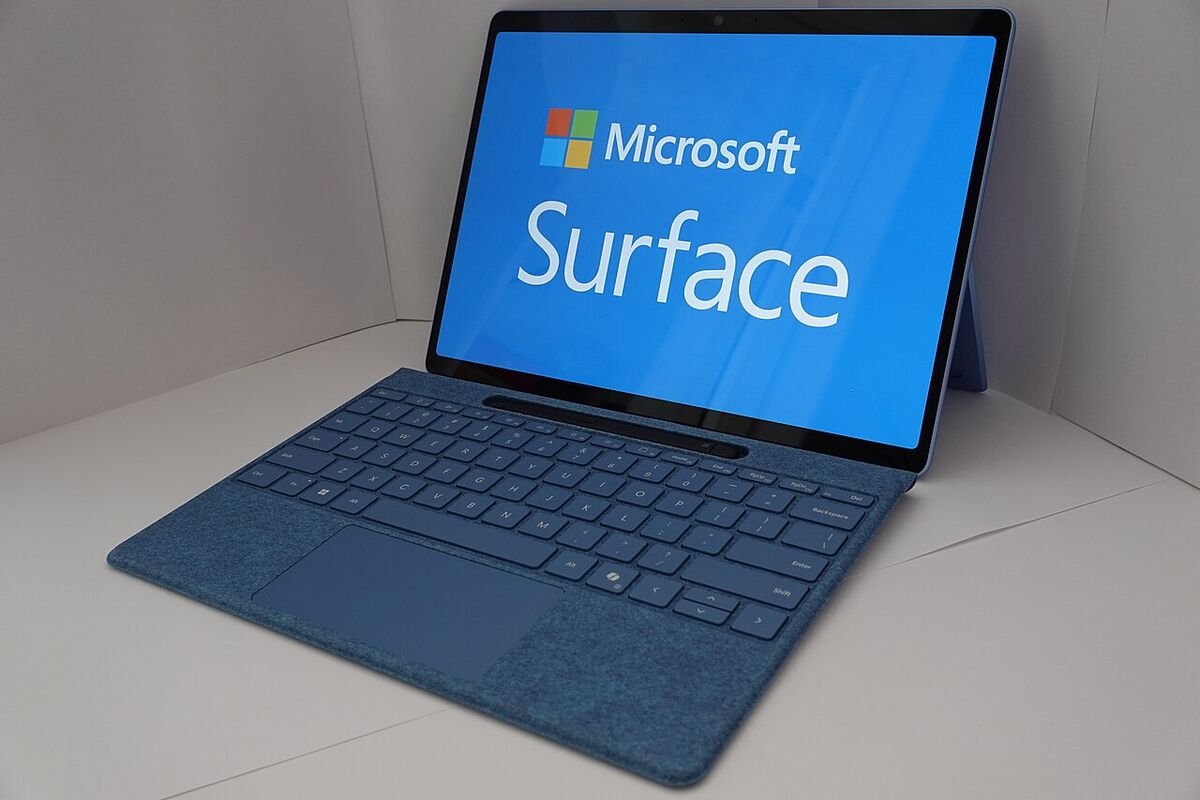
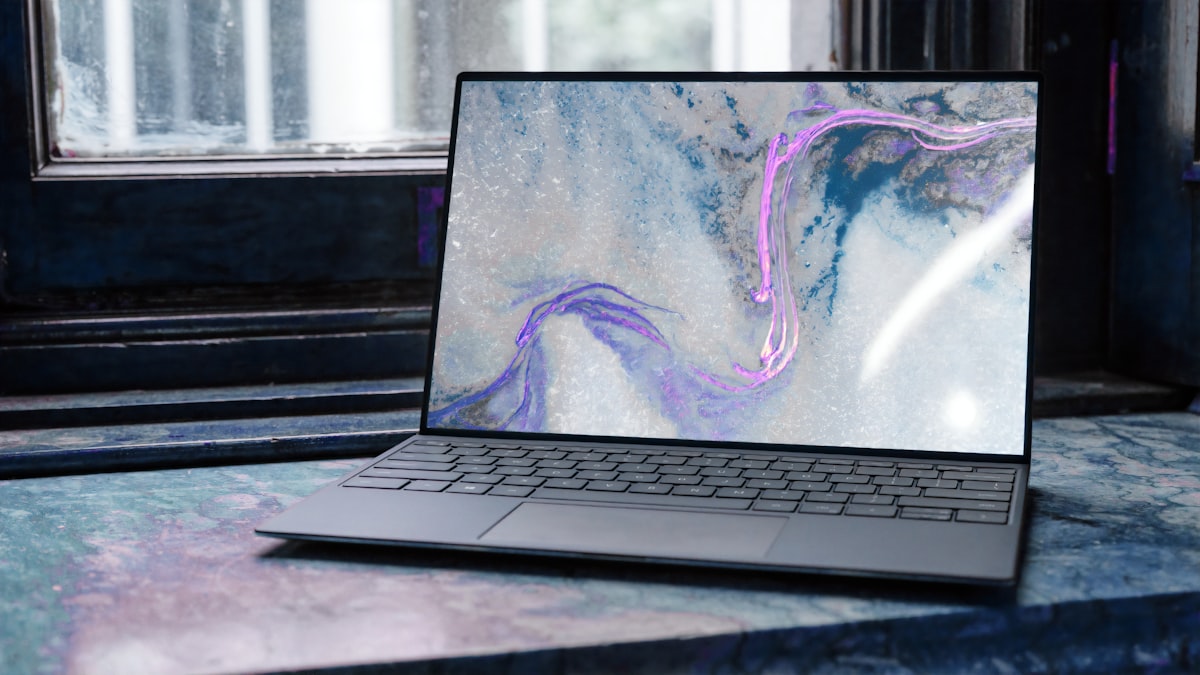
In early 2026, dual-screen laptops—devices that look like a traditional laptop but feature a second OLED screen instead of a physical keyboard—finally hit the mainstream. For software engineers used to two or three large monitors, a single 14-inch screen means constant alt-tabbing between code editor, terminal, browser, and Slack. The promise here is a multi-monitor setup that fits in a backpack. Below is what works, what doesn't, and who should buy one.
What Is the Biggest Advantage of a Dual-Screen Laptop?
The biggest advantage is vertical screen real estate.
When you unfold the device and prop it up on its built-in kickstand, you effectively have two 14-inch OLED screens stacked on top of each other. The amount of context you can keep in your field of vision without turning your head is substantial.
A practical developer layout puts the IDE (code editor) across the entire top screen. On the bottom screen, the web browser can be snapped to the left half for documentation and the terminal to the right half for logs. For working from coffee shops, that changes the equation: remote work no longer has to feel like a compromise when the full command center comes along.
Can You Type on the Second Screen?
"But how do you type on a glass screen?" That is usually the first question the device raises.
The short answer is: You don't.
While the virtual keyboard that pops up on the bottom screen has much better haptic feedback in 2026, typing on glass for eight hours a day is a recipe for wrist strain and slow typing speed.
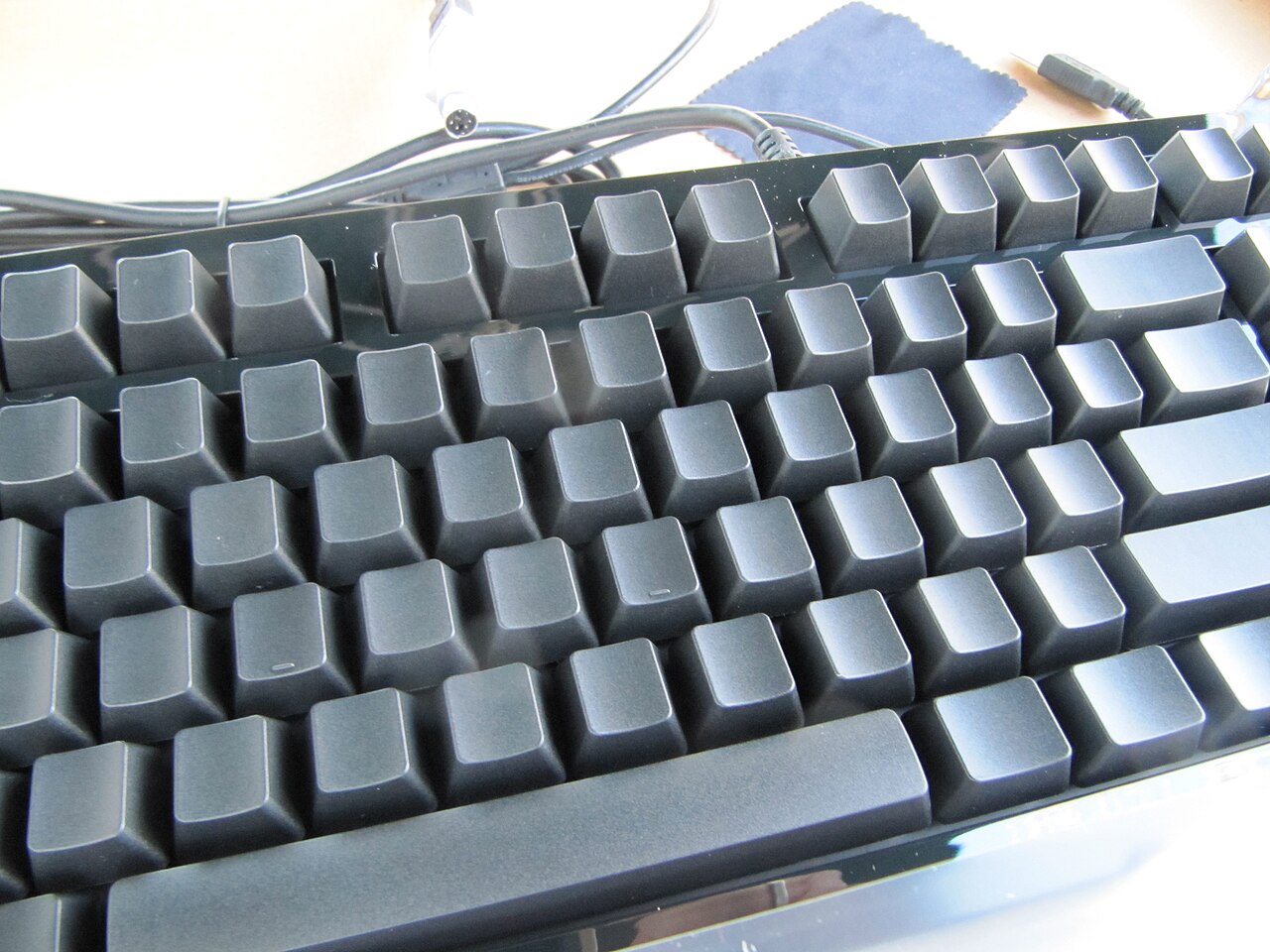
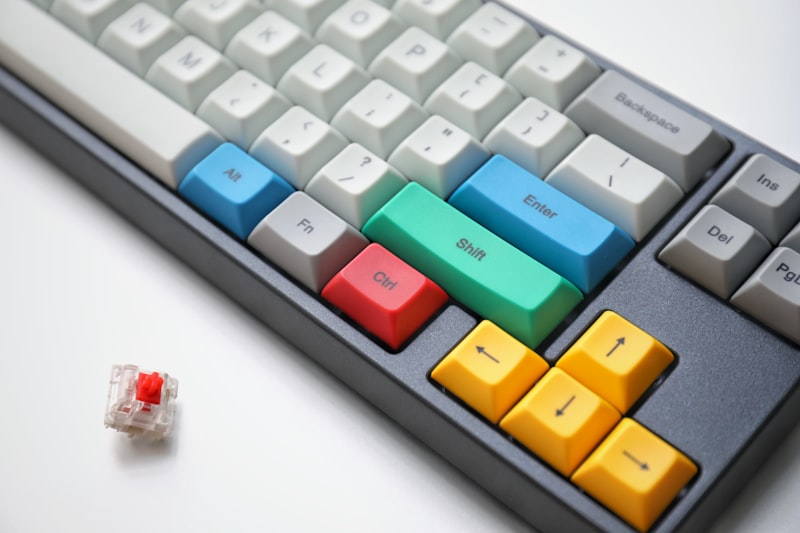
Manufacturers know this. Models in this category can ship with a thin Bluetooth mechanical keyboard that magnetically snaps onto the bottom screen for a traditional clamshell experience, or sits on the desk when the screens are stacked. For real work, the physical keyboard ends up doing almost all of the typing. The transition is seamless, but it means carrying an extra, albeit thin, piece of hardware if you plan to work outside the house.
Does a Stacked Dual-Screen Setup Cause Neck Strain?
It can, if you spend long stretches on the bottom screen.
When the screens are stacked vertically, the top screen sits relatively high—which is good for posture. However, working on the bottom screen for an extended period means looking down at a rather sharp angle, and that can lead to an ache in the back of the neck.
The fix is to be deliberate about window arrangement. Put your primary task (like writing code or an article) on the top screen, and reserve the bottom screen for secondary, glanceable information (like Slack or a music player). If neck pain persists, it is worth reviewing your overall workstation ergonomics with a professional.
Is a Dual-Screen Laptop Worth the Premium?
It is worth it only if you work in many places. Dual-screen laptops in 2026 are still expensive, and you are paying a large premium for that second OLED panel and the complex hinge mechanism.
| Work style | Recommendation |
|---|---|
| At one desk 9 hours a day | Skip it. Spend the money on an ultra-wide monitor and an ergonomic chair. |
| Hybrid worker, digital nomad, or frequently moving between office, home, and coffee shops | A strong fit. The form factor can be a game-changer. |
Being able to fold up a true multi-monitor workspace and slide it into a standard messenger bag feels like a look at the future of computing. In my view, once you are used to two screens on the go, going back to a single laptop screen is hard.