Ditching a 3-Monitor Setup for a Single Screen: Curing Developer ADHD
- Tech, Productivity
- Exienent
- · Updated
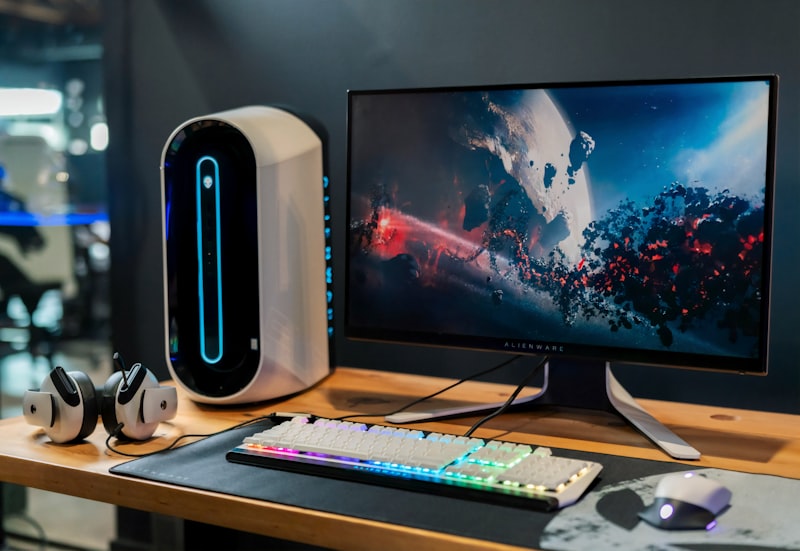
For deep, focused work, a single 27-inch monitor can be more productive than a triple-monitor setup. Extra screens keep notifications and reference material permanently in view, which invites constant context switching; one screen plus virtual desktops and good window management forces you to look only at what you need right now.
Why Can a Multi-Monitor Setup Hurt Productivity?
A multi-monitor setup can hurt productivity because it optimizes for watching information, not for focusing on one task.
If you look at "ultimate desk setup" videos on YouTube, there seems to be an unspoken rule for software engineers: more screens equal more productivity. A typical "NASA command center" layout puts the main IDE in the center, a vertical monitor on the left for Slack and terminal outputs, and another horizontal monitor on the right permanently displaying documentation and Spotify.
It feels like a hacker's setup. But it can come with a cost: constant exhaustion, a shrinking attention span, and complex tasks that take far longer than they should. Unplugging the extra monitors and working on just one 27-inch display for a while is a simple way to test whether your setup is part of the problem.
What Is Context Switching Fatigue?
Context switching fatigue is the mental cost of repeatedly pulling your attention away from one task and back again. With three monitors, the brain is constantly scanning. Even while you try to focus on the code in front of you, a flashing Slack notification on the left monitor or a new email pop-up on the right can instantly derail your train of thought.
- The Illusion of Multitasking: Humans can't actually multitask; we rapid-task-switch. Every glance at another screen carries a "switching cost." It takes an average of 23 minutes to fully regain deep focus after a distraction. With three screens constantly feeding you information, those interruptions can pile up fast.
- Cognitive Load Overload: Keeping documentation constantly visible "just in case I need it" feels productive, but it clutters your visual field and increases your cognitive load. Your brain keeps processing information you don't immediately need.
What Does a Single Screen Do Differently?
A single screen adds a small, useful constraint: you can only look at one thing at a time. The first few days can feel cramped, even claustrophobic, but the constraint is the point.
- Forced Intentionality: With one screen, you only see what you need right now. If you're coding, you see code. If you need documentation, you have to consciously Alt-Tab or switch virtual desktops to pull it up. That tiny bit of friction makes you intentional about what you're doing, rather than passively consuming whatever happens to be on a side monitor.
- The End of "Just Checking" Syndrome: When Slack and email are no longer permanently visible, you don't see them until you choose to open them. That makes it possible to check messages in planned batches instead of reacting all day, leaving more room for deep, uninterrupted work.
- Better Posture: Three monitors can mean twisting your neck back and forth all day. Looking straight ahead at a single, centered monitor may help reduce that strain; persistent neck pain is still worth raising with a professional.
How Do You Work Effectively With One Monitor?
Working well with one monitor depends on having a system to manage your windows; you can't just ditch your monitors and expect immediate nirvana.
- Embrace Virtual Desktops: This is the secret weapon. Assign Desktop 1 to your IDE, Desktop 2 to your browser/documentation, and Desktop 3 to communication (Slack/Email). Switching between full-screen virtual desktops with a quick keyboard shortcut is much faster and cleaner than dragging windows across physical monitors.
- Master Window Management Tools: Tools like Raycast (on Mac) or PowerToys FancyZones (on Windows) are essential. Keyboard shortcuts can snap windows to perfectly split halves when you genuinely need to reference two things side-by-side.
- The "Out of Sight, Out of Mind" Rule: Keep your dock/taskbar hidden. Make your current active window full screen or nearly full screen. The goal is to eliminate all visual noise.
Is a Single Monitor Better Than Three?
For deep focus, I think it is. The triple monitor setup is a trap: it optimizes for information consumption and reactivity, not deep focus and creation.
Downgrading to a single monitor can feel like a step backward technologically, but it can be a big step forward for mental clarity and productivity. If you constantly feel overwhelmed, distracted, or scattered at work, try unplugging those extra screens for a week. The quiet of a single screen might be exactly what your brain is craving.