Switching From a Regular Mouse to a Trackball: What It Can Mean for Your Wrist
- Technology
- Exienent
- · Updated
A trackball mouse keeps your arm and wrist stationary while your thumb rolls a ball to move the cursor. For people whose wrist aches after long days of clicking and dragging, that change in posture may reduce strain, but the first days of adjustment are clumsy, and it is not a fit for fast-paced gaming or pixel-perfect design work. It is not a medical treatment either: persistent wrist pain, RSI, or carpal tunnel symptoms deserve a visit to a doctor or physical therapist.
Why Do People Consider a Trackball for Wrist Pain?
People usually reach for a trackball after other fixes have not helped. Hours of coding, editing, and scrolling through documentation can leave the wrist aching, first as a dull throb and sometimes as sharp pain running up the forearm when dragging windows across dual monitors.
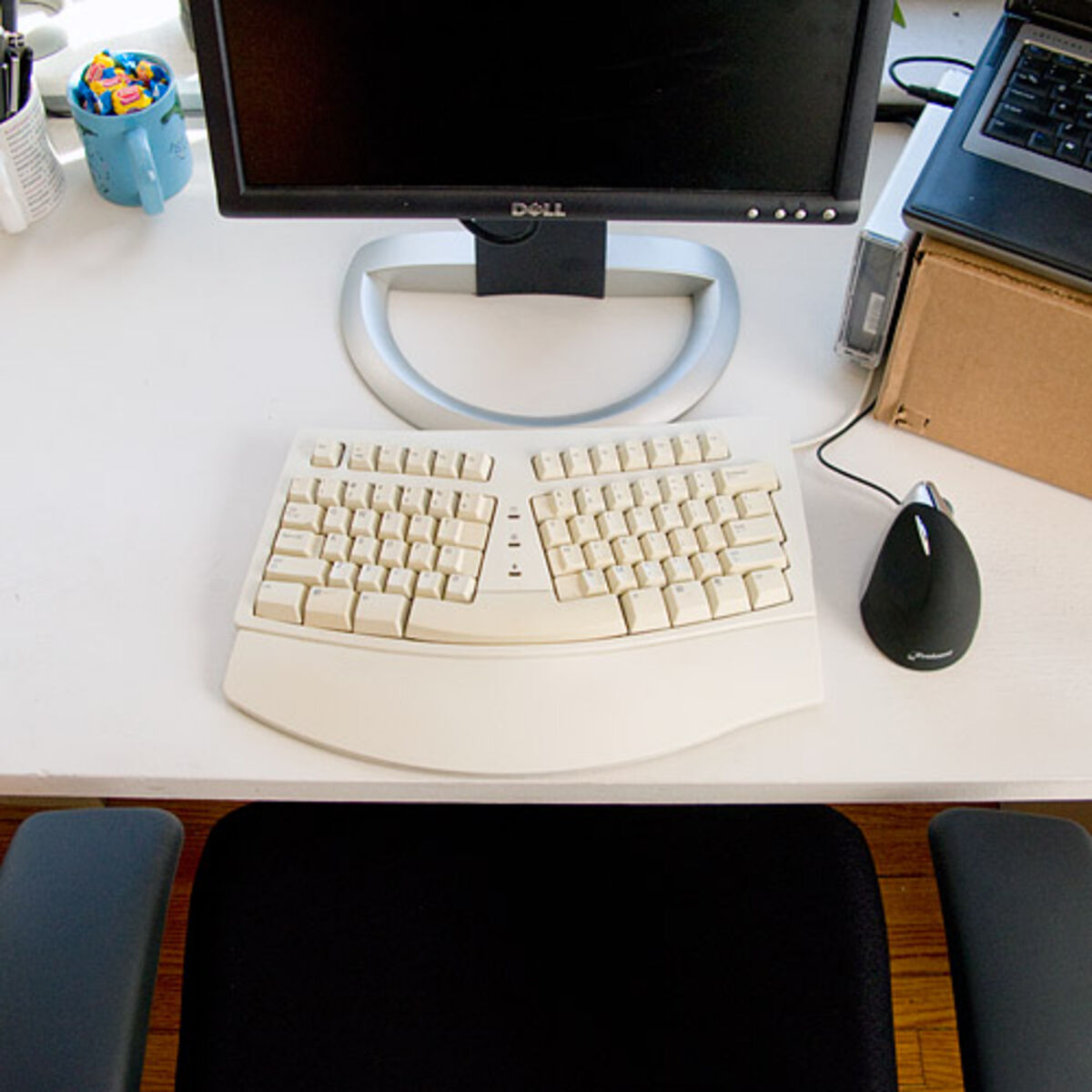
Common attempts before a trackball include an expensive, highly rated vertical mouse, wrist braces worn at night, or even switching hands (which, for a right-handed coder, is a frustrating experiment). When none of these stick, a device that looks like it belongs on a 1990s spaceship control panel starts to look worth a try: the trackball mouse.
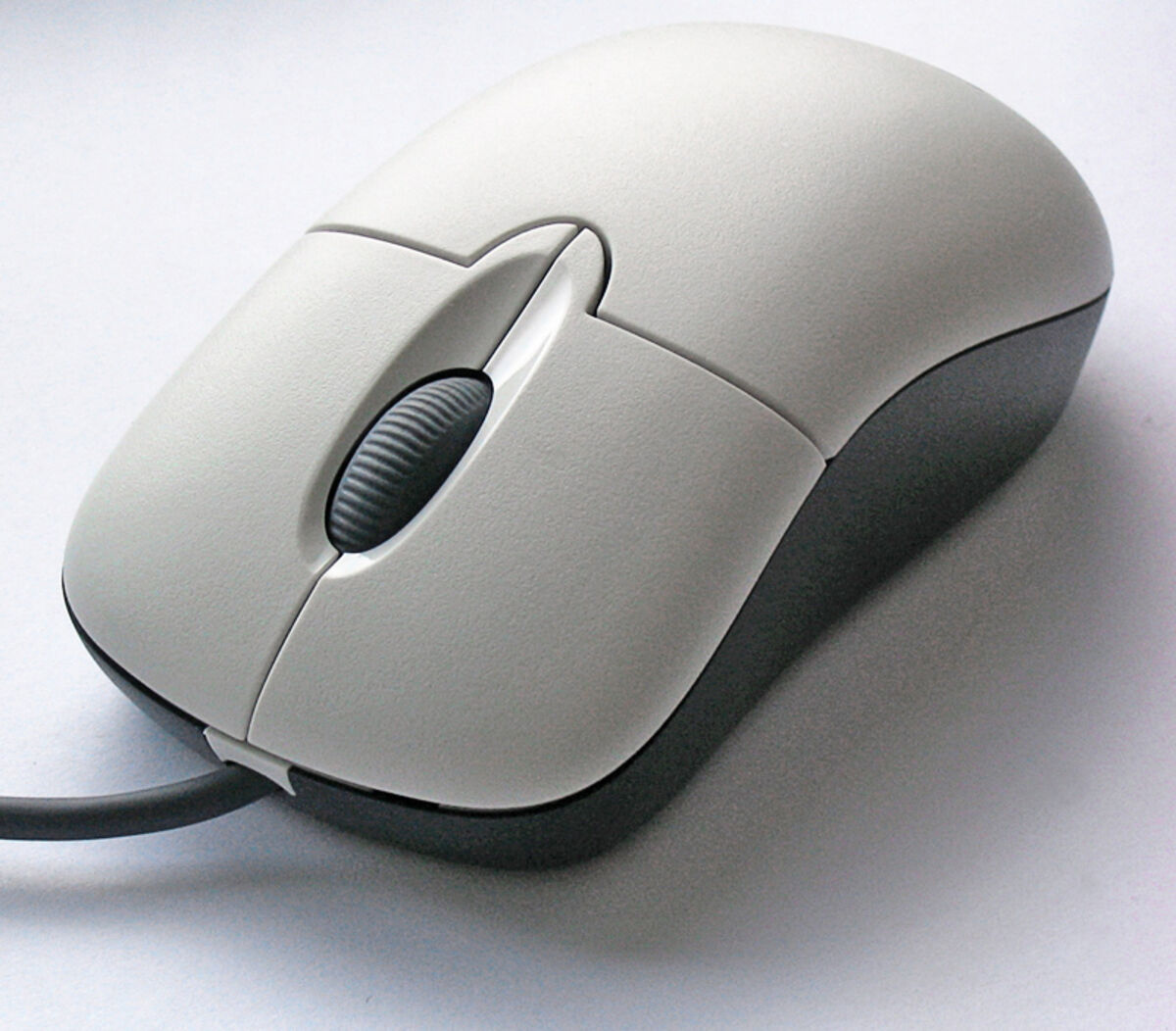
Skepticism is understandable. Trackballs look clunky and outdated, and it is not obvious why rolling a plastic ball with your thumb would beat gliding a sleek, laser-accurate mouse across a premium desk mat. The argument for it comes down to posture.
What Is the First Week With a Trackball Like?
The first few days are usually the hardest part.
Your brain is hardwired to move your entire arm to move a cursor. With a trackball, your arm stays completely stationary, planted firmly on the desk. Only your thumb moves. It feels incredibly unnatural.
You may overshoot buttons, struggle to highlight text accurately, and feel as though you have lost your fine motor skills. Tasks that used to take seconds, like dragging a file from one folder to another, can feel like precision surgery, and the temptation to go back to the old mouse is strong.
One adjustment helps a lot: turn down the cursor sensitivity in your OS settings. With patience, the thumb gradually builds the necessary muscle memory.
When Does It Start to Feel Natural?
Once the muscle memory forms, you stop consciously thinking about rolling the ball. Highlighting code blocks becomes fluid again, and navigating complex UI interfaces feels natural. How long that takes varies from person to person.
The ergonomic reasoning is straightforward. Because the wrist is no longer pivoting side-to-side hundreds of times an hour, that particular source of strain is removed. The trackball keeps the hand in a relaxed, stationary posture, and the only thing doing the work is the thumb, which is well-suited to repetitive rolling motions. For some people, that may mean noticeably less discomfort.
What Are the Unexpected Benefits?
Beyond the potential relief for your wrist, a trackball has a few perks that are easy to overlook:
1. Desk Space is Irrelevant: Since you don't move the mouse itself, you don't need any empty desk space. You can use a trackball on a cluttered desk, perched on the armrest of your sofa, or even balanced on your leg if you're working away from a desk. It's incredibly freeing.
2. Scrolling is a Dream: Some trackballs have a large, smooth scroll ring around the ball. Scrolling through thousands of lines of code or endlessly long articles with a ring like that is far more comfortable than flicking a tiny, ratchety scroll wheel on a traditional mouse.
3. The "In the Zone" Feeling: There's something satisfying about keeping your hand perfectly still while your thumb commands the screen. It can feel less frantic than wildly sweeping a mouse back and forth, and some people find it helps them feel more focused and anchored to the desk.
Is a Trackball Good for Gaming and Design?
No, it is not perfect for everything.
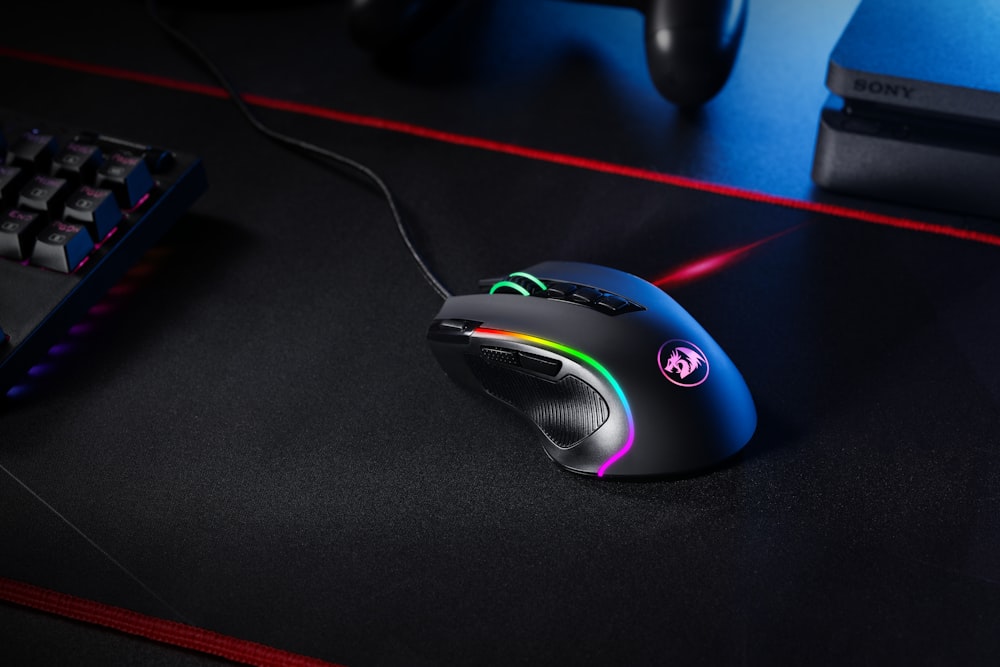
If you are a competitive gamer who plays fast-paced shooters like Valorant or CS:GO, a trackball is not going to work. You simply cannot get the same twitch reflex accuracy as you can with a high-end, ultra-light gaming mouse.
Also, if you do heavy, pixel-perfect photo editing or graphic design, you might find the thumb precision slightly lacking compared to a stylus or a top-tier laser mouse, though some designers swear by them.
For everyday work such as coding, writing, browsing, video editing, and managing spreadsheets, though, a trackball is more than capable.
Should You Switch to a Trackball?
A trackball is worth trying if you spend long hours at a computer and want to reduce wrist movement. It may let a traditional mouse end up gathering dust in a drawer, and it may make long workdays more comfortable, but results differ and nothing here guarantees that pain goes away.
If you are experiencing wrist pain, RSI (Repetitive Strain Injury), or carpal tunnel symptoms, see a medical professional first, and consider a trackball as one ergonomic option alongside their advice. Yes, the learning curve is steep, and yes, you will feel clumsy for the first few days. But once your thumb figures it out, your wrist may thank you.