The Reality of Vanlife Remote Work with Starlink: A Practical Deep Dive (2026 Edition)
- Digital Nomad, Technology, Review
- Exienent
- · Updated
Working remotely from a campervan with Starlink is genuinely possible in 2026, but it is not effortless. The dish draws around 50-70 watts continuously, it needs a completely unobstructed view of the sky, and video calls can fall apart under trees—so a strong electrical system, a cellular backup, and a location-aware calendar matter as much as the dish itself.
What Is Vanlife Remote Work with Starlink Really Like?
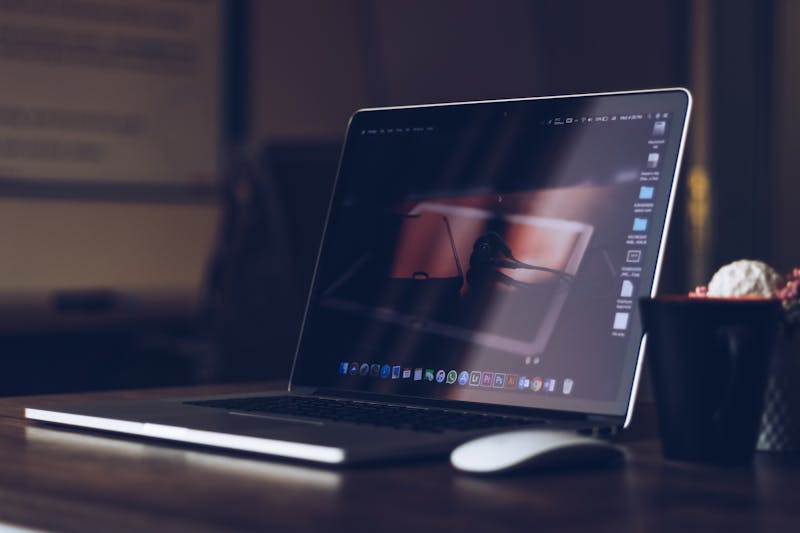
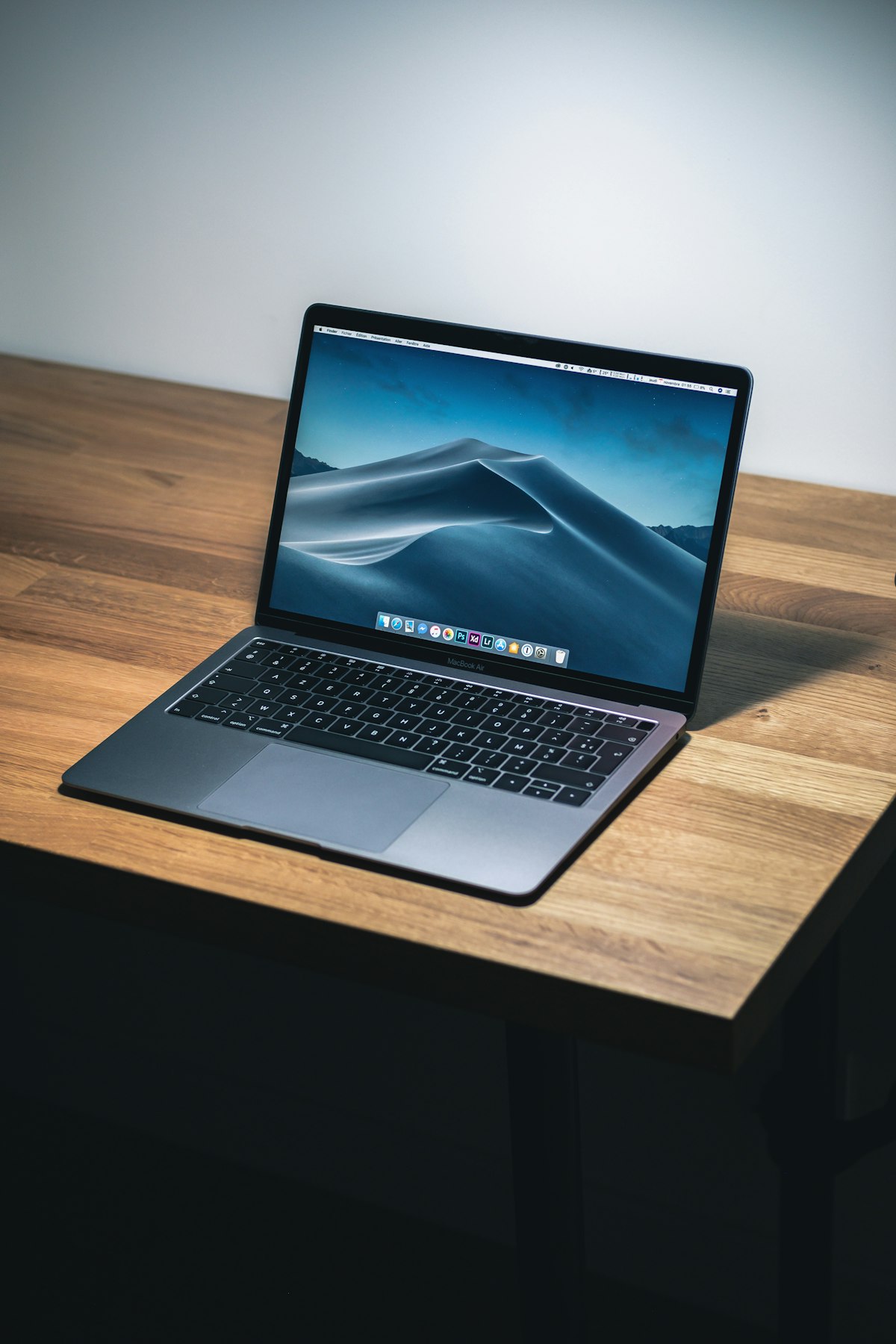
Vanlife remote work with Starlink is a wild mix of breathtaking moments and frustrating technical hiccups. The dream is familiar from Instagram reels: someone sipping a perfectly brewed pour-over coffee while typing on a MacBook, looking out over a pristine national park.
The practical setup behind that dream is a Starlink Roam V4 dish on the roof of a converted Sprinter van. Whether seamless remote work from anywhere actually holds up, or is just curated social media fluff, comes down to how you handle video calls, heavy downloads, and daily productivity while living in a very small space.
Is the Starlink Setup on a Van Really That Easy?
Getting connected is far easier than it used to be. In the past, setting up satellite internet on a vehicle felt like tuning an old TV antenna while balancing on one leg.
The Hardware Evolution
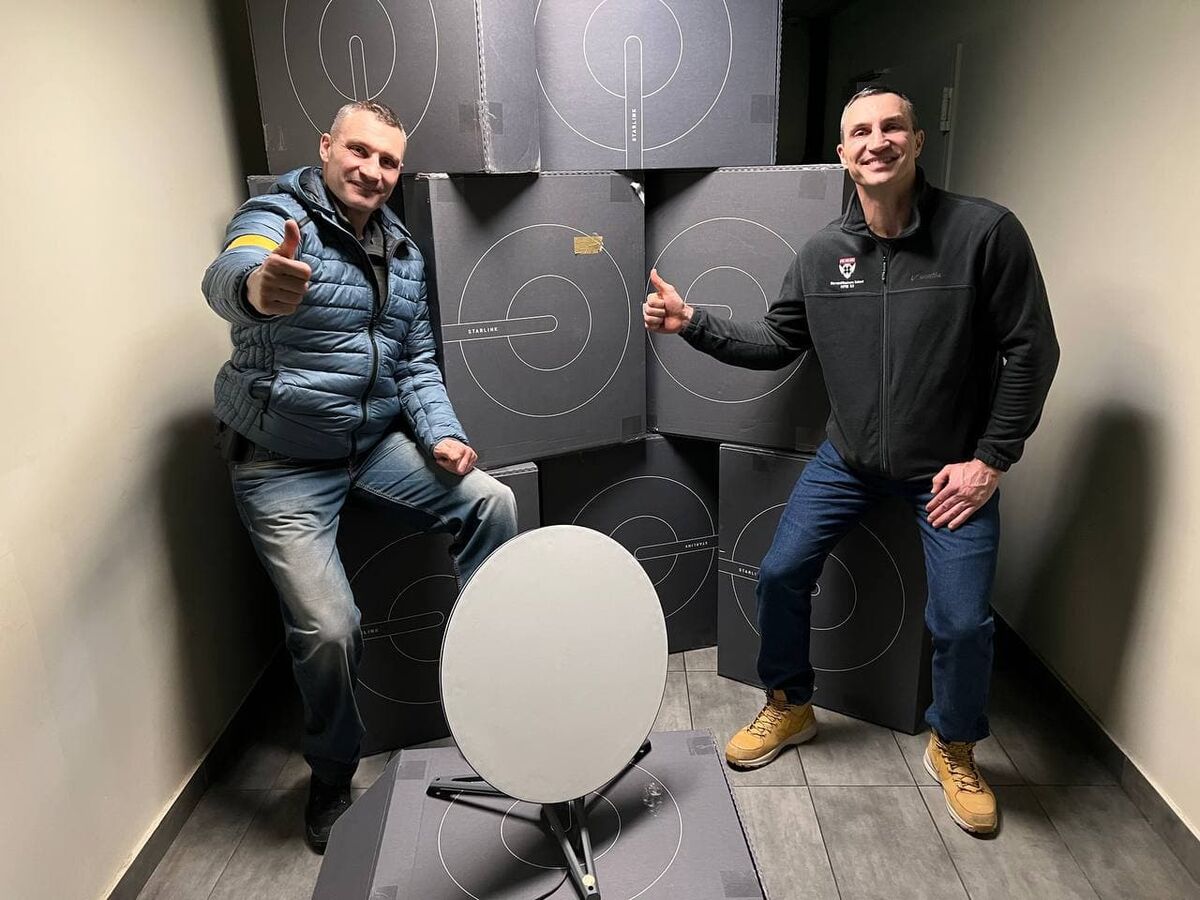
The 2026 version of the Starlink Roam hardware is remarkably sleek. It's flat, compact, and can be permanently mounted to a roof rack. Gone are the days of climbing up and manually angling a dish every time you park. The flat high-performance dish electronically steers itself to find the best satellite connection.
Why Is Power Consumption the Hidden Challenge?
Power is the number one thing nobody tells you about: Starlink is power hungry. Really hungry.
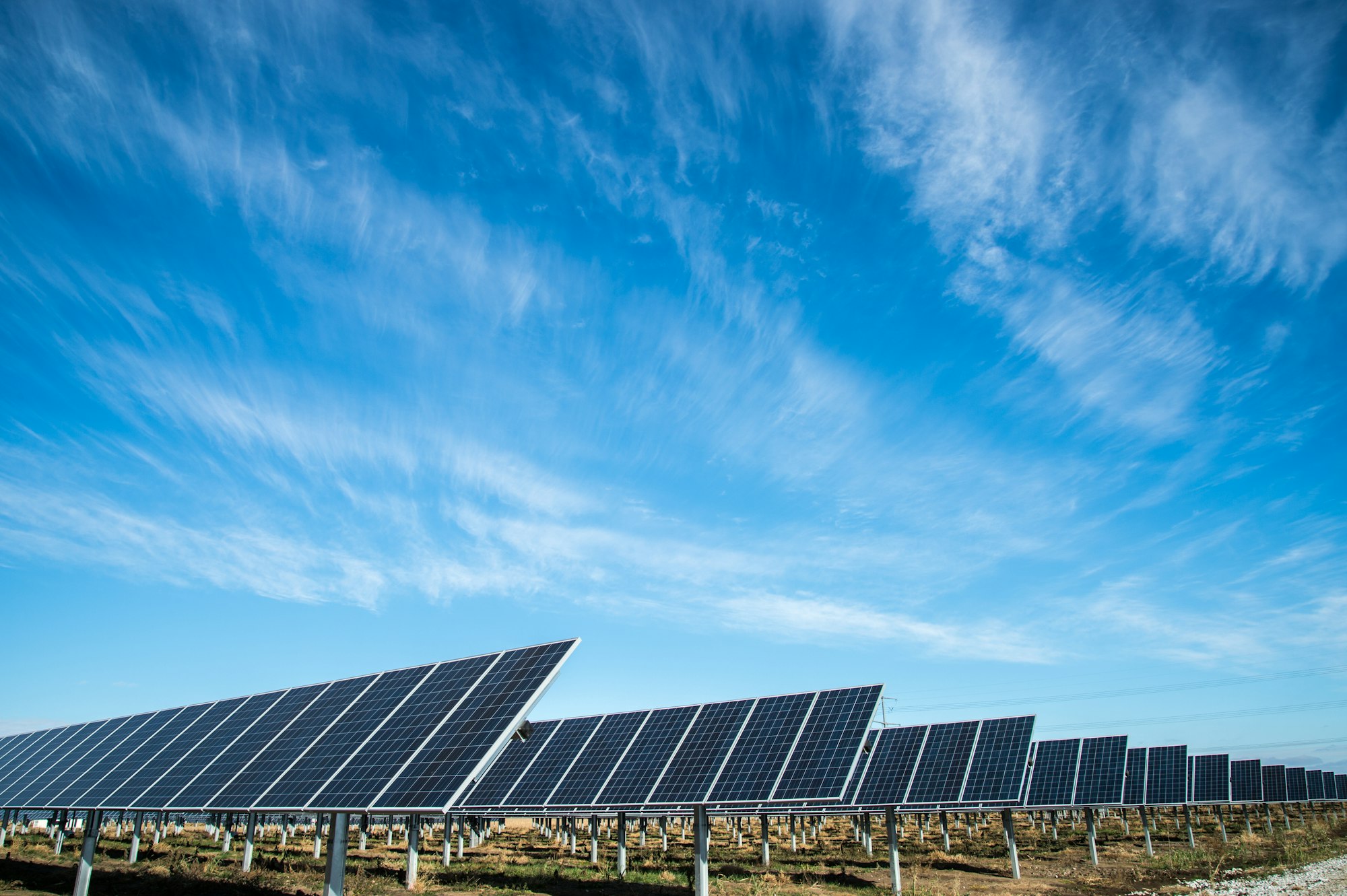
When you're running off solar panels and a lithium battery bank, every watt counts. The dish draws around 50-70 watts continuously just to maintain a connection. Over a 10-hour workday, that's a significant drain on a van's electrical system.
- The workaround: Watch the weather forecast closely. On cloudy days, such as in the Pacific Northwest, you may have to choose between keeping Starlink running for an afternoon Zoom meeting and keeping a fridge (like a Dometic) cold enough that groceries don't spoil. Adding battery capacity can be what lets you work without constant power anxiety.
How Well Does Starlink Perform for Remote Work in a Van?
When Starlink works, it feels like magic. Sitting in the middle of the Utah desert, miles from the nearest cell tower, you can download a large software update in minutes.
What Speeds Can You Expect?
- Download Speeds: In open areas, downloads can be more than enough for 4K streaming, large file transfers, and general web browsing.
- Upload Speeds: This is where it gets tricky. Uploads are much slower than downloads—fine for sending emails and pushing code to GitHub, but a bottleneck if you're a video editor uploading massive 4K raw files.
- Latency (Ping): Low enough for most applications, though serious competitive gamers might notice a slight delay.
Why Are Trees Starlink's Arch Nemesis?
Trees are your worst enemy because Starlink requires a completely unobstructed view of the sky. Even a single branch swaying into the dish's field of view can cause tiny connection drops.
When you're browsing a website, you won't notice these drops. But on a Microsoft Teams or Zoom call, the video can freeze, the audio can cut out, and you become the person constantly saying, "Sorry, can you hear me now?"
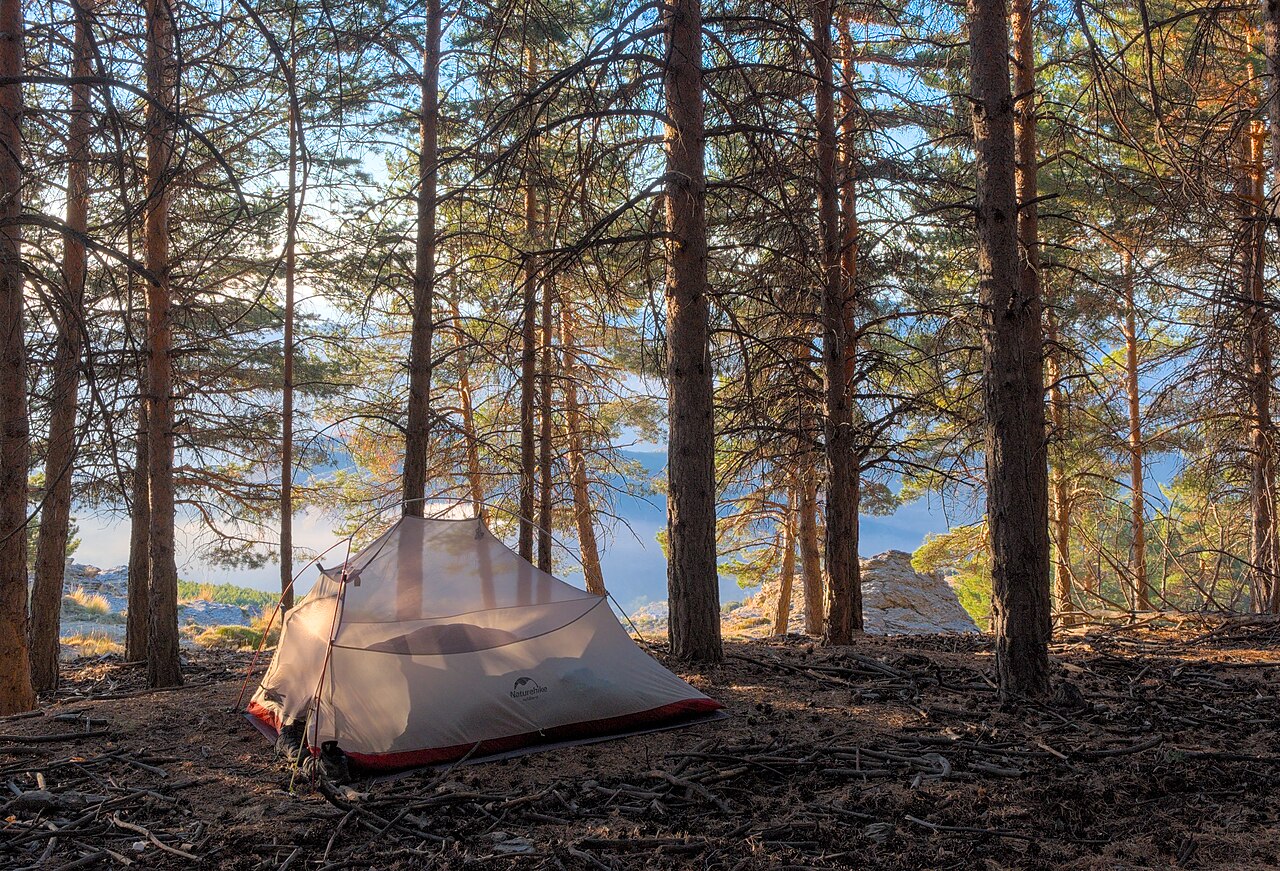
A stunning campsite in Oregon surrounded by towering pine trees can feel like paradise—until Monday morning, when a stable video call becomes impossible. The fix may be packing up camp and driving to a dusty, unshaded parking lot just to present to your team. That is the unglamorous side of vanlife that doesn't make it to TikTok.
What Are the Essential Tips for Remote Work on the Road?
If you are planning to make this lifestyle work, these three tips matter most:
- Have a Backup Connection: A cellular hotspot as a backup is essential. One option is a 5G router with dual SIM cards from two carriers (for example, AT&T and Verizon). When trees block Starlink, cellular may be there to save the day. When you're in a dead zone, Starlink takes over. You need redundancy.
- Overbuild Your Electrical System: Calculate your expected daily power usage (Laptop + Monitor + Starlink + Fridge + Lights), and then double your battery capacity.
- Manage Your Calendar: Schedule heavy meeting days for times when you'll be parked in wide-open spaces (like the desert or plains). Save deep work, heads-down coding days for mountains or forests, where the connection might be spotty but you don't need to be on camera.
Is Vanlife Remote Work with Starlink Worth It?
I think it is. Despite the power management stress and the occasional frantic drive to find a clear patch of sky, the freedom is intoxicating.
Finishing a tough day of work, closing the laptop, and stepping straight out into the Grand Canyon or onto a secluded beach is hard to beat. Starlink in 2026 makes true remote work possible, but you have to treat it like a tool that requires active management, not magic Wi-Fi dust.
If you're willing to adapt to the technical limitations and embrace a bit of unpredictability, vanlife remote work can be a rewarding way to build a career on your own terms. Just remember to pack extra solar panels!