Replacing Kitchen Cookbooks with a Smart Display: An Honest Review
- Technology, Lifestyle
- Exien
- · Updated
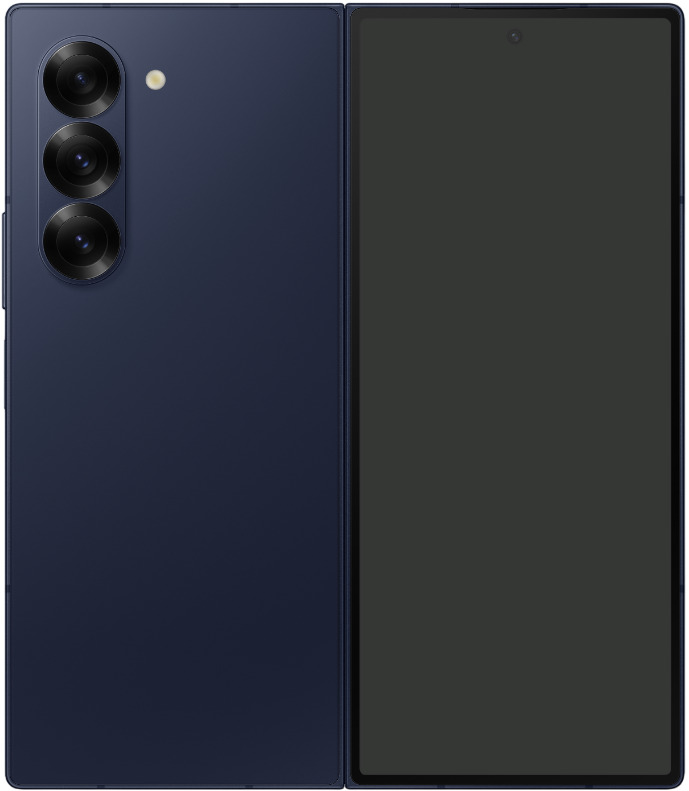
A smart display such as a Google Nest Hub or Echo Show is genuinely useful in the kitchen, not just a glorified egg timer: hands-free recipe steps, visual timers and smart home controls remove a lot of friction from cooking. The trade-offs are a screen that gets greasy and a built-in web browser that is poor for anything beyond structured tasks.
We've all seen those glossy tech commercials where someone elegantly chops vegetables in a pristine kitchen, casually asking a glowing screen to "set a timer for 10 minutes" or "show me a recipe for beef bourguignon." Real kitchens are messier, so the question is whether a smart display can replace flour-dusted cookbooks and a smartphone propped in the splash zone as an everyday sous-chef.
Is a Smart Display Good for Following Recipes?
Yes—recipes are where a smart display helps most. Cooking from a phone often means finding a recipe, washing your hands, trying to unlock the phone with wet fingers (which rarely works), scrolling past pages of a blogger's life story, and finally reaching the ingredients. A smart display removes most of that friction.
- Hands-Free Navigation: This is the killer feature. When your hands are covered in raw chicken or bread dough, being able to say, "Hey, go to the next step," or "Show me the ingredients again," feels like magic. You may not realize how much you touch your phone while cooking until you don't have to.
- Visual Timers: A smart speaker can set a timer, but a smart display shows you the timer. When you are juggling several pots on the stove, you can glance over and see that the pasta has 4 minutes left while the sauce needs 10.
- Step-by-Step Clarity: Instead of a massive wall of text, it breaks the instructions into large, easy-to-read chunks, which is forgiving for a messy cook.
What Else Can a Kitchen Smart Display Do?
Beyond cooking, a smart display can act as the control center for a whole home. The kitchen is usually the highest-traffic room in the house, so a dedicated control panel there makes sense.
- Controlling the Ambience: While doing dishes, you don't need to pull out your phone to change the music. A tap on the screen or a voice command switches a Spotify playlist, and with connected smart bulbs you can dim the lights for dinner right from the counter.
- The Morning Briefing: While coffee brews, one glance at the screen shows the weather forecast, the day's calendar, and the morning news headlines. That can be less stressful than diving straight into an email inbox on your phone.
- Digital Photo Frame: When it's not in use, the screen doesn't just go black; it cycles through your chosen photo albums. It sounds minor, but a rotating gallery of memories can make the kitchen feel warmer and more personal.
What Are the Downsides of a Smart Display in the Kitchen?
There are two main downsides to know before you clear counter space for one.
First, the screen gets dirty. Even if you mostly use your voice, you will still tap it occasionally to pause a video or swipe a notification. In a kitchen, grease and flour smudges are inevitable, so you will need to wipe it down frequently.
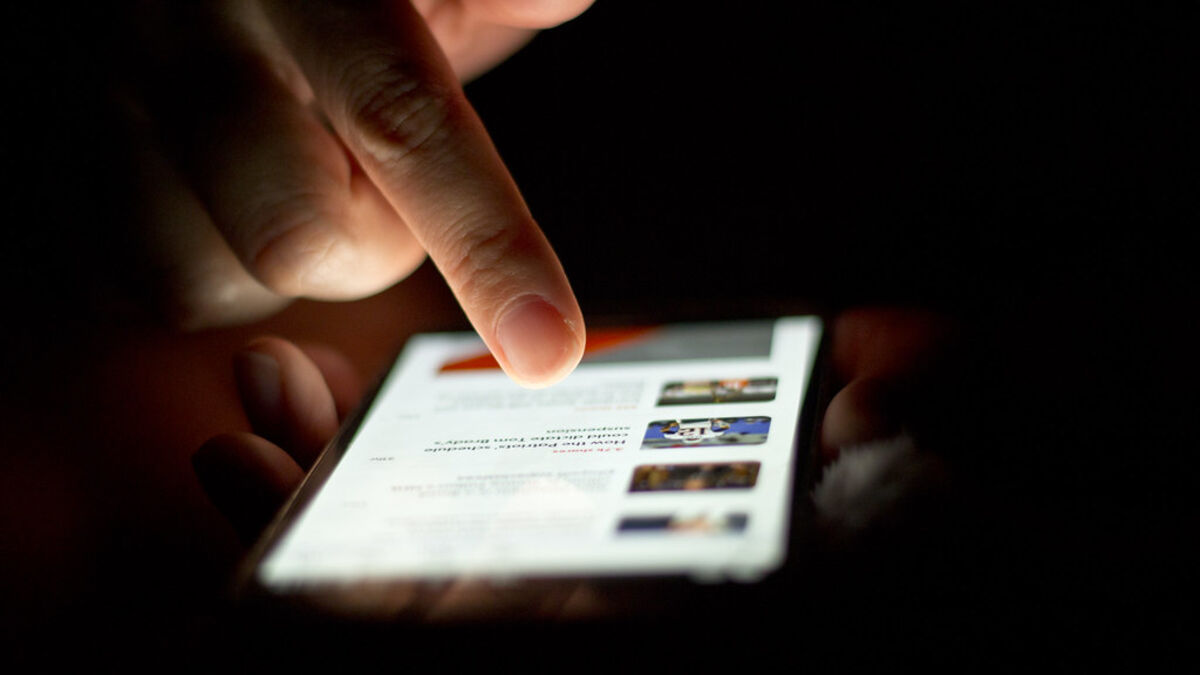
Second, the built-in web browsers on these devices are usually pretty terrible. For casual browsing or reading a long article, you will still want your smartphone or a tablet. These displays are built for specific, structured tasks, not open-ended web surfing.
| Strengths | Weaknesses |
|---|---|
| Hands-free recipe steps | Screen picks up grease and flour |
| Visual timers for multiple dishes | Poor built-in web browser |
| Music, lights and morning briefing | Not suited to open-ended browsing |
Is a Kitchen Smart Display Worth It?
I think it is worth it if you cook frequently and already own a few smart home devices (like lights or a thermostat): a kitchen smart display is arguably one of the best tech investments you can make. It can smooth out your cooking workflow, keep your smartphone away from flour and water, and make cooking less stressful by putting the technology exactly where and when you need it. If you rarely cook, a smart speaker or your phone may be enough.