The Reality of Using a Portable Dual Monitor for Remote Work in 2026
- Technology, Review
- Exienent
- · Updated
A portable second monitor is worth carrying if you are a developer, video editor, or deep-work professional who juggles many windows away from home; for light email and browsing, it is extra weight. A 15.6-inch portable monitor that runs off a single USB-C cable can bring much of a home dual-monitor setup to a cafe, at the cost of laptop battery, posture, and table space.
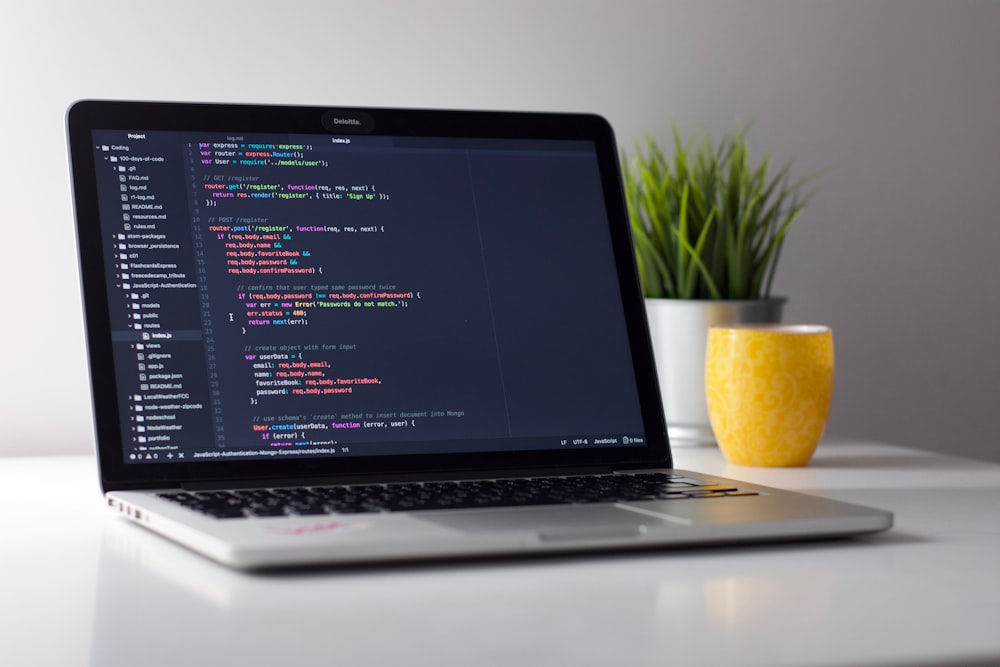
The problem it solves is familiar. You're working from a coffee shop, an airport lounge, or a tiny Airbnb desk, desperately trying to manage three different spreadsheets, a Slack window, and a code editor on a cramped 13-inch laptop screen. You alt-tab frantically until you lose track of what you were actually doing. Remote work brings freedom, but productivity can tank compared to a big dual-monitor setup back home.
How Hard Is a Portable Monitor to Set Up?
Setup is easy, because the technology has come a long way. Many current models aren't bulky, complicated setups that require a massive power brick. They connect via a single USB-C cable that handles both power and video.
It takes seconds: pull it out of the magnetic folio case (which doubles as a somewhat flimsy stand), plug it into the laptop, and you have an instant second screen. No drivers, no fuss.
How Does a Second Screen Improve Remote Work?
A second screen away from home can feel like a superpower, mainly because it changes how you split your work.
1. Less Context Switching
This is the biggest win. You no longer have to minimize your research window to write code, or hide your video call to look at meeting notes. The mental tax of constant context switching drops. Primary work stays on the laptop screen while Slack, email, or reference materials move to the portable screen, which can make it much easier to stay focused.
2. Presentation Confidence
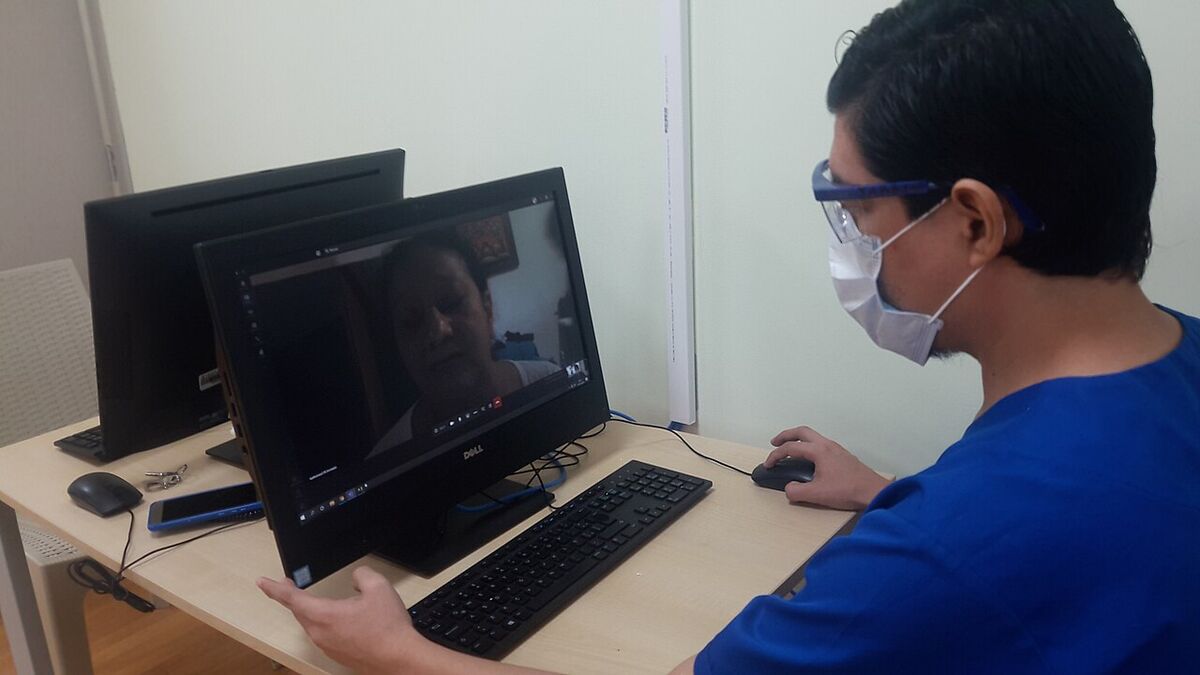
When you need to share your screen during a remote meeting, you can share only the portable monitor. That keeps private notes, next slides, or emergency Google searches safely on the main laptop screen. It can make remote presentations feel more professional and less stressful.
3. Surprisingly Good Display Quality
Don't assume a portable panel will be washed-out and dim; modern portable monitors can be very good. A 1080p IPS panel can be bright enough for a sunny cafe, with colors vibrant enough for light photo editing, and close to a laptop's own display quality.
What Are the Downsides of a Portable Monitor?
The downsides are battery drain, ergonomics, and space. There are definitely some compromises you have to accept.
- The Battery Drain is Real: Because the monitor pulls power from the laptop over USB-C, laptop battery life can drop noticeably while it is connected. If you aren't near a wall outlet, your portable work session is going to be shorter.
- The Ergonomic Problem: Because the portable monitor sits flush on the desk next to your laptop, you spend a lot of time looking down, which may leave your neck sore after a few hours. You either need a separate, bulky stand to elevate it, or accept poor posture.
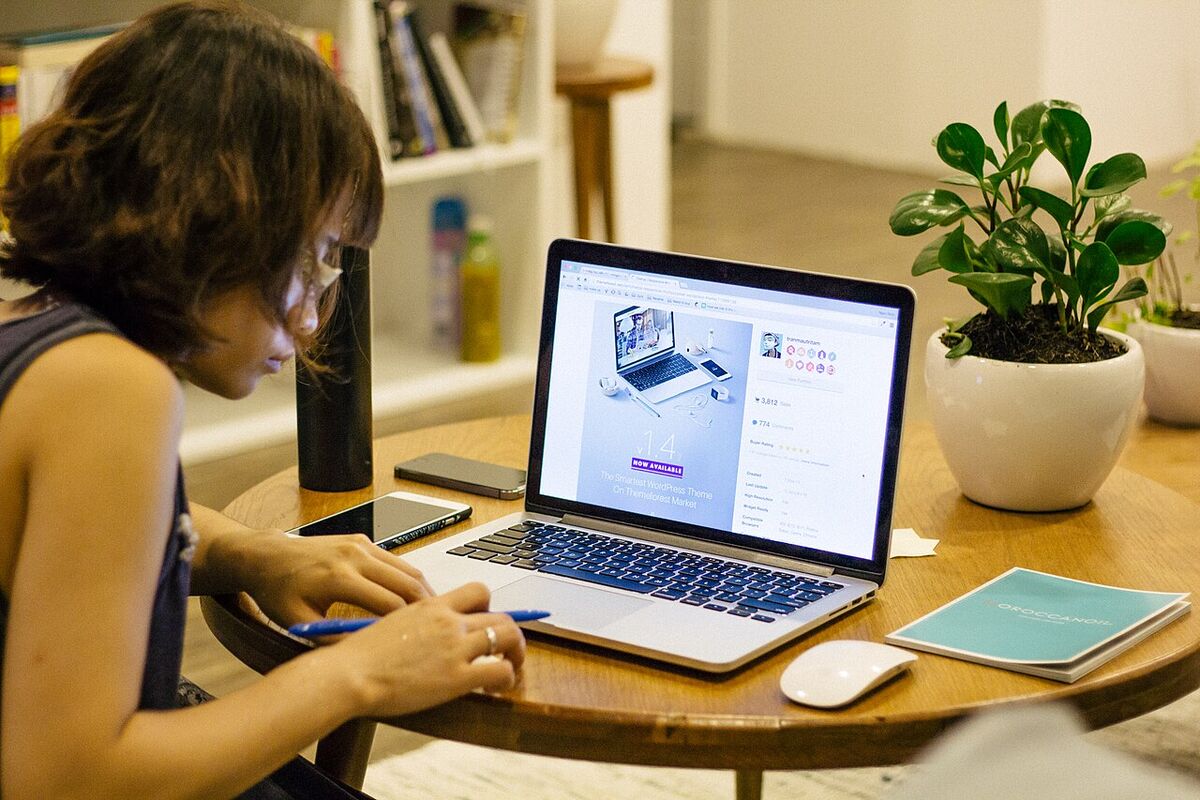
- Table Real Estate: Finding space for a laptop and a 15-inch monitor in a crowded cafe can be difficult. Fitting both screens on a tiny, round coffee shop table may mean sitting at an awkward angle.
Is a Portable Monitor Worth Buying?
It depends on how you work. If you are just answering emails and browsing the web on a weekend trip, leave it at home. The extra weight and setup aren't worth it.
However, if you are a developer, video editor, or deep-work professional who relies heavily on multiple windows to get your job done, a portable monitor can be a game-changer and earn a permanent spot in your travel bag. It bridges the gap between the portability of a laptop and the productivity of a home office. Just make sure you know where the nearest power outlet is before you start working!