Walking While Coding: The Brutally Honest Under-Desk Walking Pad Review
An under-desk walking pad is worth it for remote workers who treat it as a way to add gentle, consistent movement to a sedentary day, not as a gym replacement. It works well for email, code review and listen-only meetings, but it slows typing, demands supportive shoes and a decent microphone, and should be switched off for deep, complex work.
Why do remote workers consider a walking pad?
Remote work removes the commute, and with it most of the incidental walking in a day. For a developer working from home, the trip from bed to desk can be the longest walk before lunch, and the most intense physical activity may be typing out a Git commit message. Long hours of sitting can come with lower back discomfort and a post-lunch energy dip.
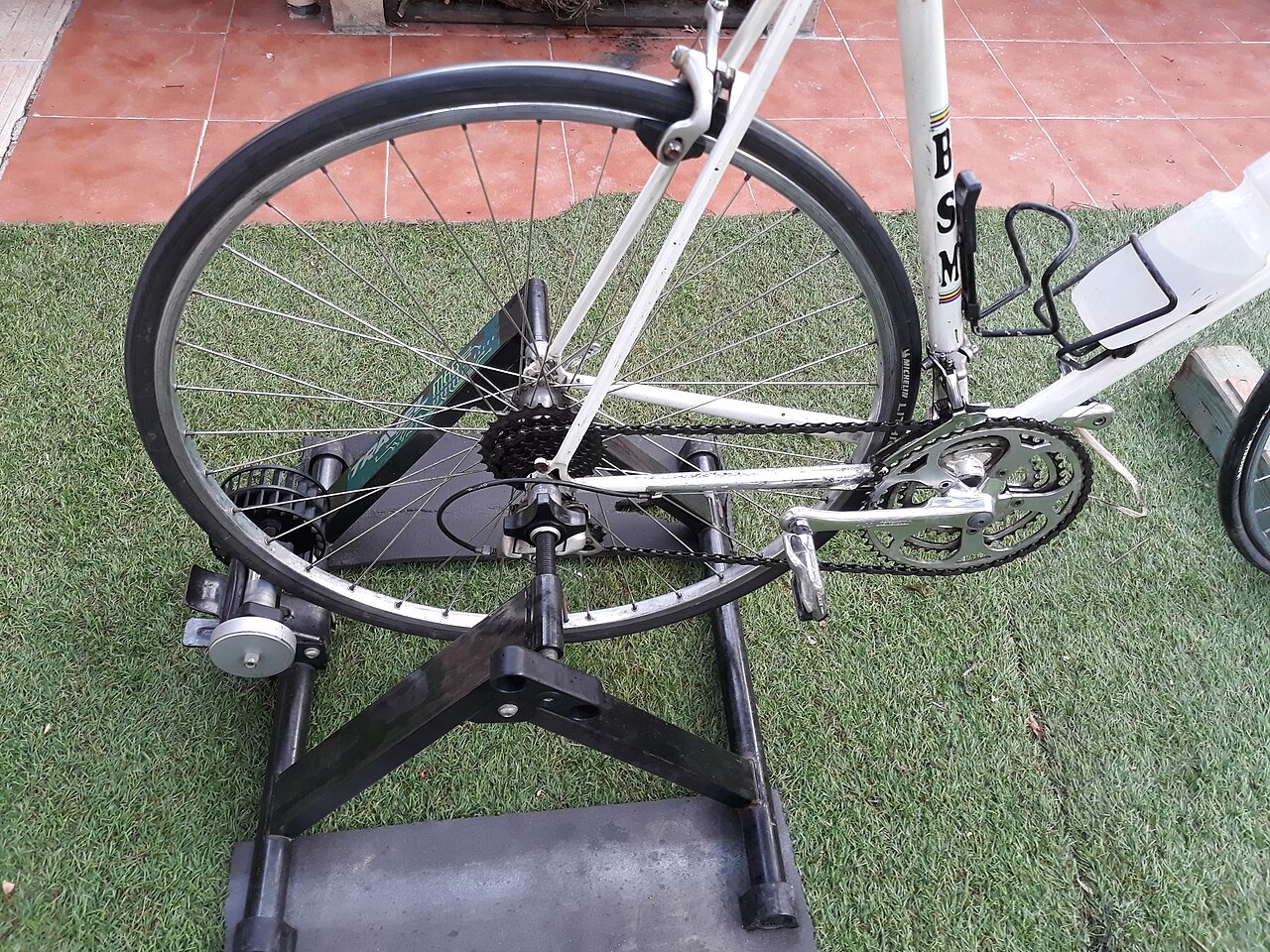
An under-desk walking pad is a slim mini treadmill without handles that slides under a standing desk. The idea is simple: walk slowly while you work. The questions that matter are whether it hurts your ability to write complex code, and whether the benefits outlast the novelty.
What is the first week on a walking pad like?
The first few days can be frustrating. The plan of walking briskly while effortlessly squashing bugs rarely survives contact with reality.
- The Typo Crisis: When you are walking, your upper body naturally sways. Trying to hit specific keys while bobbing up and down can push your typo rate way up, and you may need to drop to a very slow speed just to type accurately.
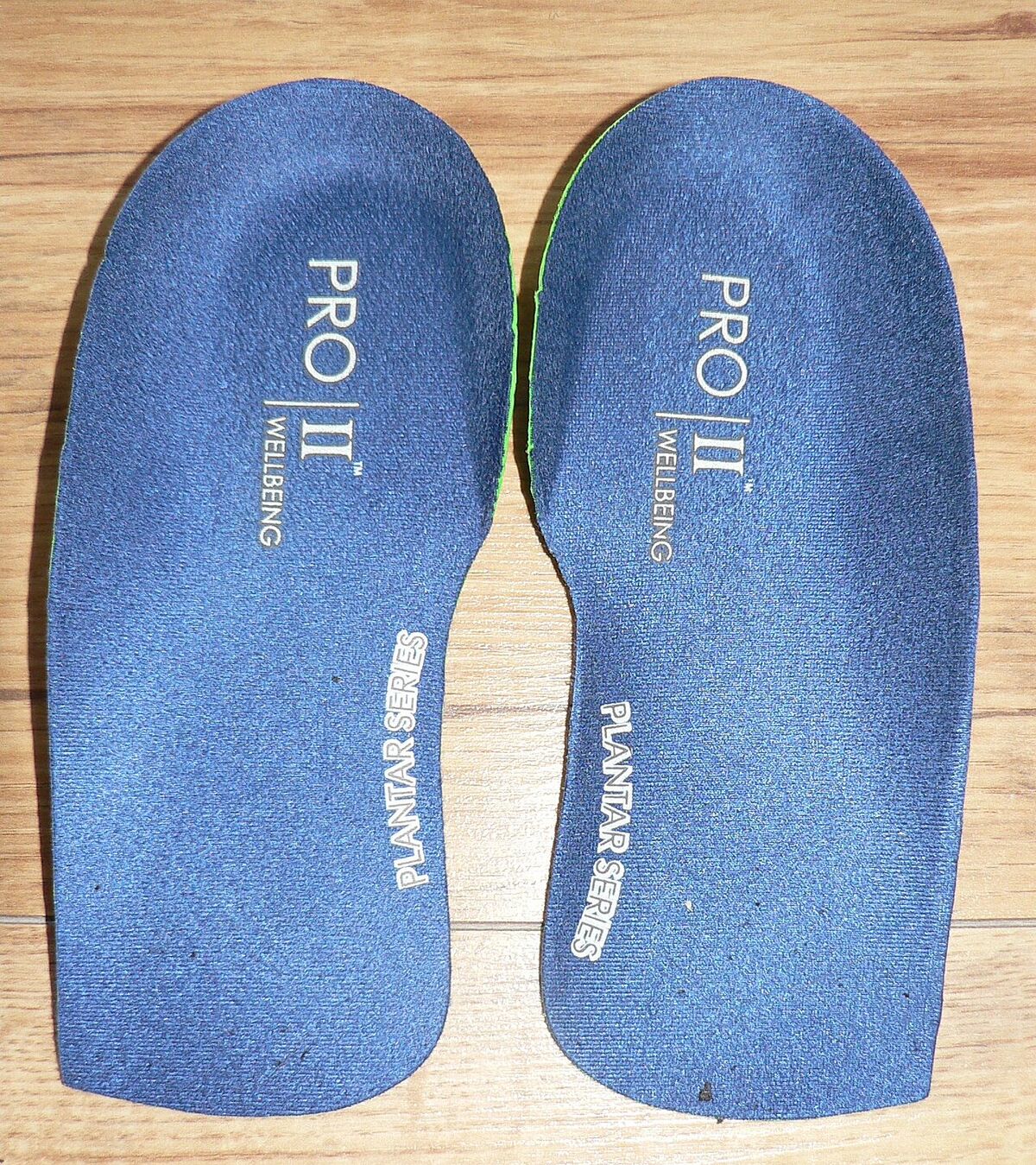
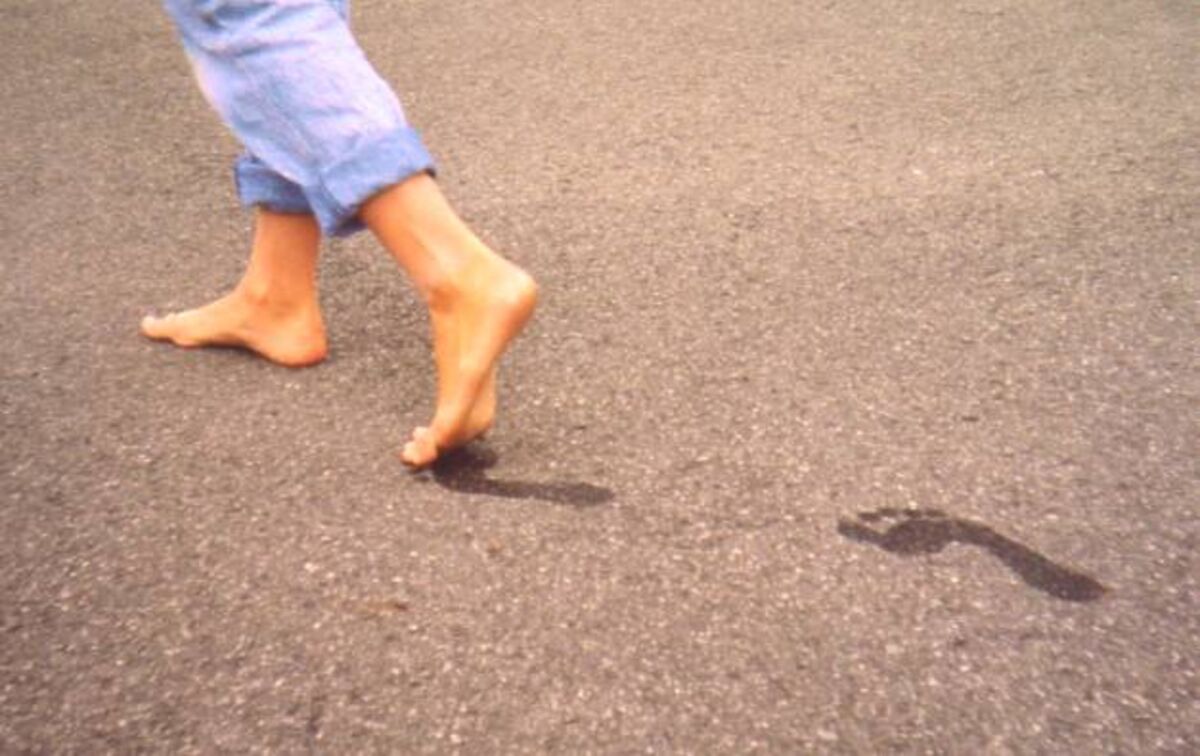
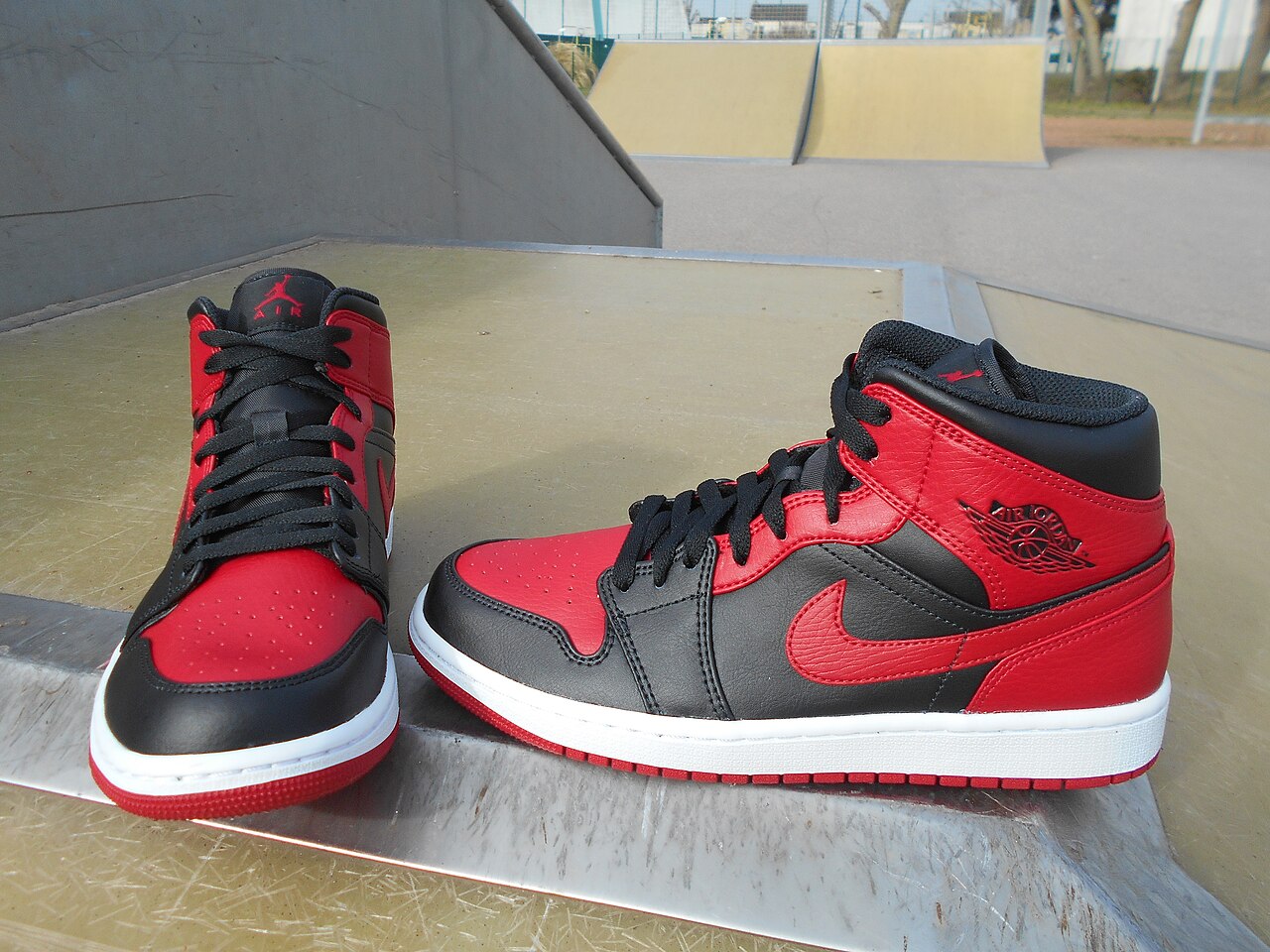
- The Unexpected Soreness: Even fit people can be caught off guard, because walking at a slow, constant pace for hours uses different muscles than a quick jog or lifting weights. Sore calves and a dull ache in the knees can show up within the first days. You cannot use a walking pad barefoot or in just socks. Wearing proper, supportive running shoes is absolutely mandatory.
- The Sweat Factor: Even at a slow pace, if you walk for two hours straight, you are going to sweat. Doing a video call while visibly glistening isn't a great look, so a small desk fan pointed at your face helps.
Is a walking pad actually worth it?
Once your body adapts and you find a comfortable "sweet spot" speed, the benefits can start to justify the investment.
- The Magic of NEAT: The biggest benefit isn't "cardio." It's NEAT (Non-Exercise Activity Thermogenesis). This is the energy expended for everything we do that is not sleeping, eating, or sports-like exercise. Walking slowly while checking emails or reviewing pull requests adds to it with little effort. Don't expect dramatic weight loss, though; any change depends on your overall activity and diet.
- Fighting the 2 PM Slump: You know that heavy, brain-fog feeling after lunch? Starting the walking pad when it creeps in may help you feel more alert, since light movement gets you out of a static posture. Your late afternoons may feel more productive as a result.
- Less Time Sitting Still: Our bodies are meant to move, not sit statically. Breaking up hours of chair time may ease stiffness for some people, but it is not a treatment; see a professional for persistent back or joint pain.
Is a walking pad too loud for Zoom meetings?
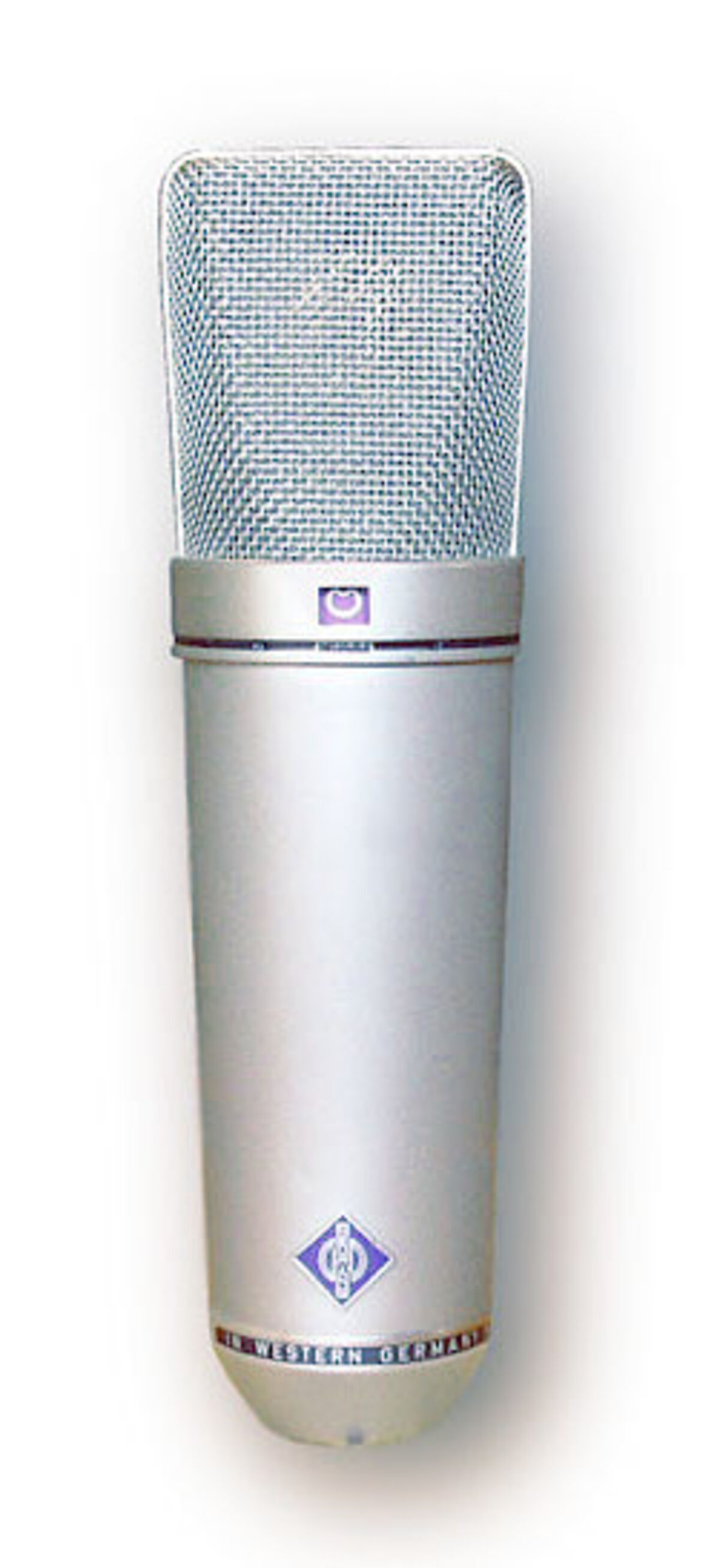
It depends on your microphone. The walking pad itself emits a steady, low-frequency hum. If you are using the built-in microphone on your laptop, everyone on the call will hear what sounds like a distant washing machine.
However, a decent headset or a dedicated microphone with good noise cancellation (like a dynamic mic or software like NVIDIA Broadcast) can filter the noise out, making it possible to take meetings at a slow walk without anyone noticing.
When should you NOT use a walking pad?
You cannot do everything while walking, and knowing when to switch it off is the most important habit.
- Deep, Complex Problem Solving: When you are architecting a new database schema or debugging a nasty, deeply nested logic error, turn the walking pad off. High-level cognitive tasks need your full attention, and spending even a little of it on balancing and walking is distracting.
- Precision Mouse Work: If you need to do graphic design work, use Photoshop, or even just precisely drag and drop elements in a UI builder, forget about it. The slight swaying makes precision mouse movements infuriatingly difficult.
The Final Verdict: Should you buy one?
If you buy an under-desk walking pad expecting it to replace your gym membership, you will be disappointed. But if you view it as a tool to inject gentle, consistent movement into an otherwise sedentary lifestyle, I think it is well worth it.
A routine that fits the strengths and limits above: sit for deep work in the morning, and use the walking pad in the afternoon for lighter tasks such as checking emails, watching tutorials, reviewing code, and attending meetings where you just need to listen.
Is it worth the money? If afternoon fatigue and too much sitting are your main problems, in my view it's one of the better investments a home worker can make in daily movement. Just remember to buy good shoes.