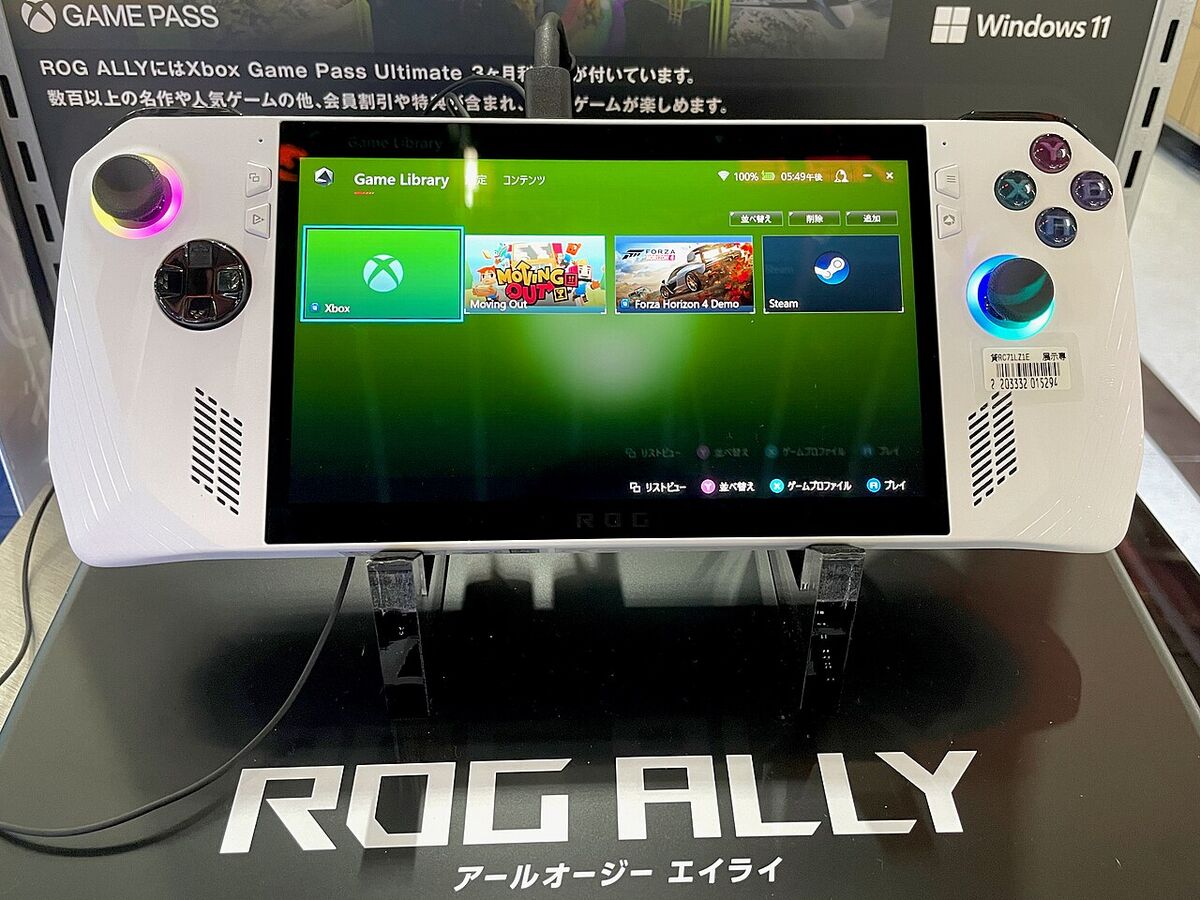
Can the ROG Ally X Replace Your Gaming PC? A Realistic Look
- Review
- Exienent
- · Updated
The ASUS ROG Ally X can replace a gaming desktop for some players, but not for everyone. Its doubled 80Wh battery, extra RAM and better ergonomics make it the best Windows handheld on the market, yet Windows 11's clunky handheld experience and limited performance on a 1440p external monitor mean it is not a true desktop rig.
The appeal is easy to see if your desktop is showing its age: instead of spending another couple of grand on a new GPU and motherboard, a single handheld could serve as your only gaming and daily computing device. It's not perfect, but it can fundamentally change how you play games.
What Does the ROG Ally X Get Right?
The Ally X fixes most of the original's hardware problems. The original ROG Ally was a neat concept hampered by a terrible battery and some hardware quirks (notably the SD card reader). The Ally X feels like the device ASUS should have released in the first place.
How Good Is the ROG Ally X Battery Life?
The most significant upgrade is the battery. ASUS literally doubled the capacity to 80Wh. What does this mean in real life?
- Indie Games (Stardew Valley, Hades): Light titles can run for a long session away from the charger.
- AAA Games (Cyberpunk 2077, Elden Ring): Demanding games drain it much faster, but 15W mode can stretch a play session noticeably.
With older handhelds, you were often chained to an outlet. With the Ally X, flights and long train rides become realistic without as much battery anxiety.
Performance and Ergonomics
The performance jump isn't night and day from the original Z1 Extreme chip, but the extra RAM (24GB vs 16GB) makes a huge difference. Games can stutter less, and you have more memory to allocate to the GPU.
The best part may be how it feels. It's slightly heavier, but the grips are thicker and more ergonomic, which can make long sessions more comfortable than on the original Ally. The joysticks also feel tighter and much more premium.
What Are the Downsides of Windows 11 on a Handheld?
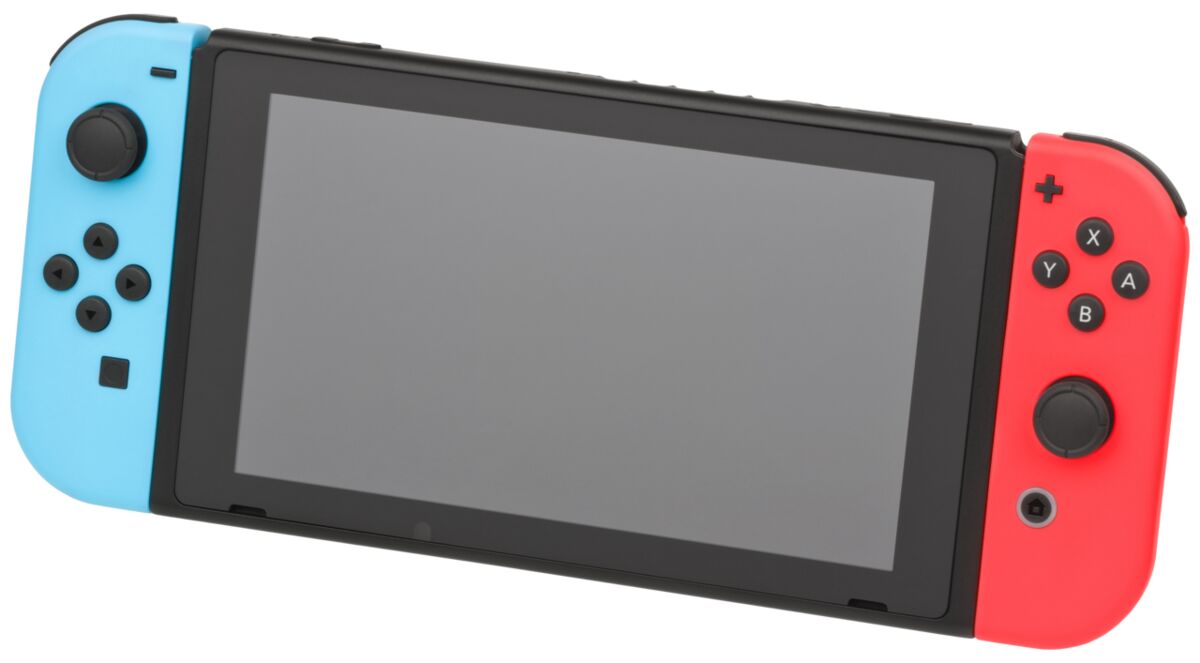
If you are coming from a Nintendo Switch or a Steam Deck, you need to set your expectations right. This is a full-blown Windows 11 PC, for better or worse.
The Software Experience is Still Clunky
Armoury Crate SE (ASUS's software overlay) has gotten better, but Windows 11 is just not built for touch or controller input.
- Navigating the Desktop: Trying to close tiny windows or use the on-screen keyboard is frustrating.
- Sleep/Wake Issues: Unlike the Steam Deck where you just press the power button to suspend a game perfectly, Windows sometimes completely crashes the game when you try to wake it up.
Can the ROG Ally X Work as a Desktop Replacement?
Docked to a USB-C dock with an external monitor, mouse and keyboard, it works well for everyday tasks but not for high-resolution gaming. Can it do basic web browsing, YouTube, and writing? Absolutely. It handles all of that smoothly. Can it play modern AAA games at 1440p on an external monitor? No. You really have to drop the resolution to 1080p (or lower) and rely heavily on upscaling tech like FSR to get playable framerates on a big screen.
Should You Buy the ROG Ally X?
The ASUS ROG Ally X is undoubtedly the best Windows handheld on the market right now. It fixed almost every hardware complaint people had about the original.
Who is this for? If you travel a lot, want to play games that aren't supported on SteamOS (like Destiny 2 or anything with strict anti-cheat), or just love the idea of lounging on the couch playing PC games, it's an incredible device.
Who should skip it? If you want a seamless, console-like experience where things "just work," get a Steam Deck. And if you are expecting this to perform like a $2000 desktop rig when plugged into a monitor, you will be disappointed.
In my view, the freedom of carrying your entire gaming library to the couch or a coffee shop is the Ally X's real selling point—and for the right player, it is enough to leave the desktop packed away.