Replacing Wi-Fi with Li-Fi at Home in 2026: The Future of Light-Based Internet
- Technology, Hardware, Review
- Exienent
- · Updated
Li-Fi (Light Fidelity) delivers internet through LED light instead of radio waves, and in 2026 consumer kits finally let you run a home network on it. The short verdict: Li-Fi offers a fast, interference-free and room-confined connection, but its line-of-sight limits mean it works best as a complement to Wi-Fi, not a replacement.
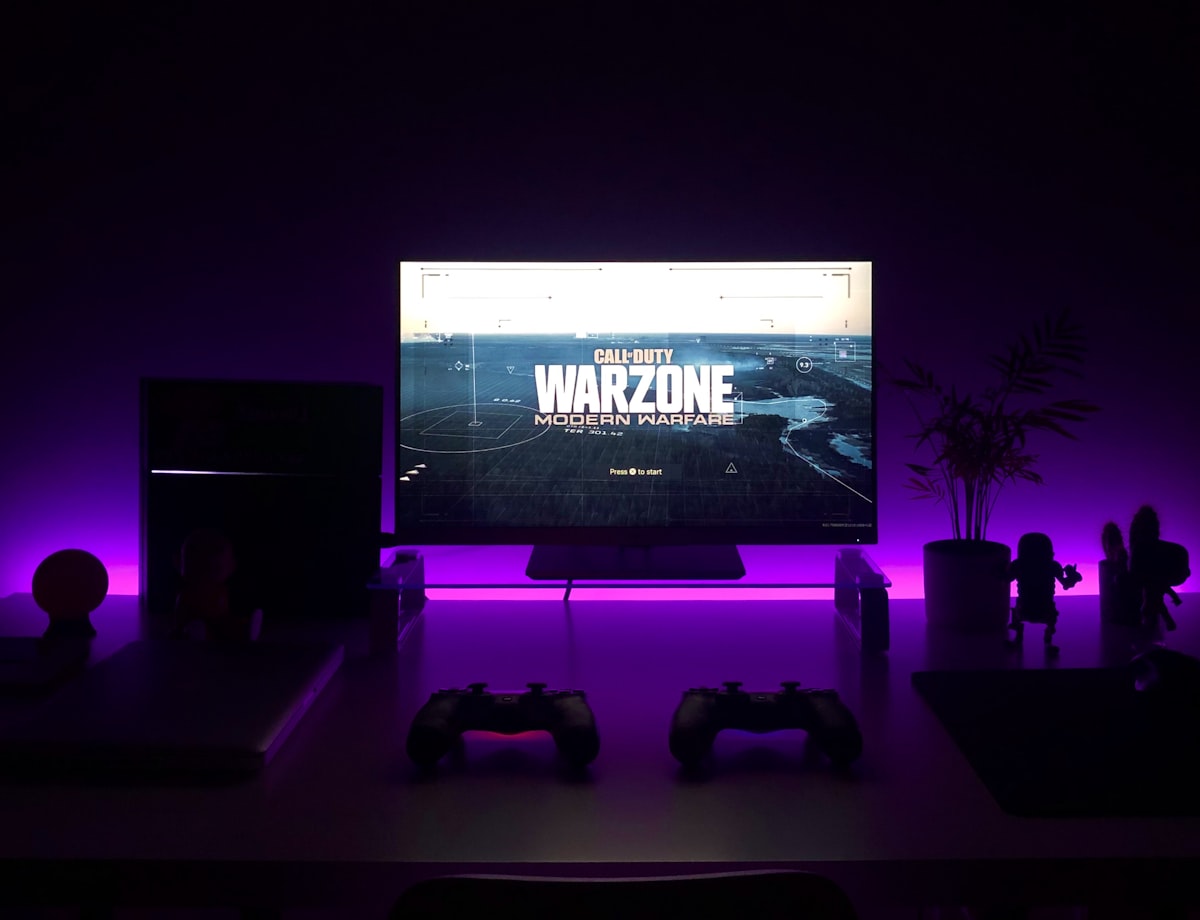
The appeal is easy to understand. In the middle of an intense gaming session or a crucial video call, the connection drops because someone turned on the microwave, or a neighbor's router crowded your channel. Wireless interference is the bane of hyper-connected lives. Li-Fi sidesteps crowded radio waves entirely by using the lights already illuminating the room, and it is finally stepping out of the enterprise sector and into living rooms.
What actually is Li-Fi?
Li-Fi uses light—specifically LED bulbs—to transmit data wirelessly instead of the radio frequencies (RF) used by traditional Wi-Fi.
Imagine a lighthouse blinking Morse code to a ship, but millions of times a second and invisible to the naked eye. That's essentially what a Li-Fi bulb does. Your device (laptop, phone, or dongle) has a receiver that picks up these microscopic flickers and translates them back into a data stream.
How do you set up Li-Fi at home?
Setting up a consumer Li-Fi network is mostly a matter of changing lightbulbs, although it differs slightly from plugging in a standard router.
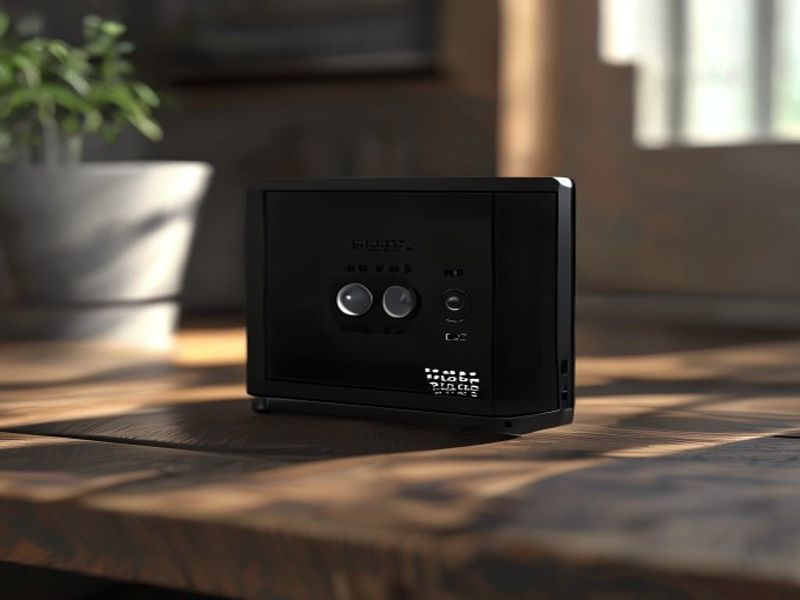
- The Base Station: A primary controller connects to the main internet modem.
- The Bulbs: Standard LED bulbs in rooms such as an office and living room are replaced with specialized Li-Fi-enabled bulbs. These bulbs communicate with the base station via Powerline networking (using the existing electrical wiring in the walls).
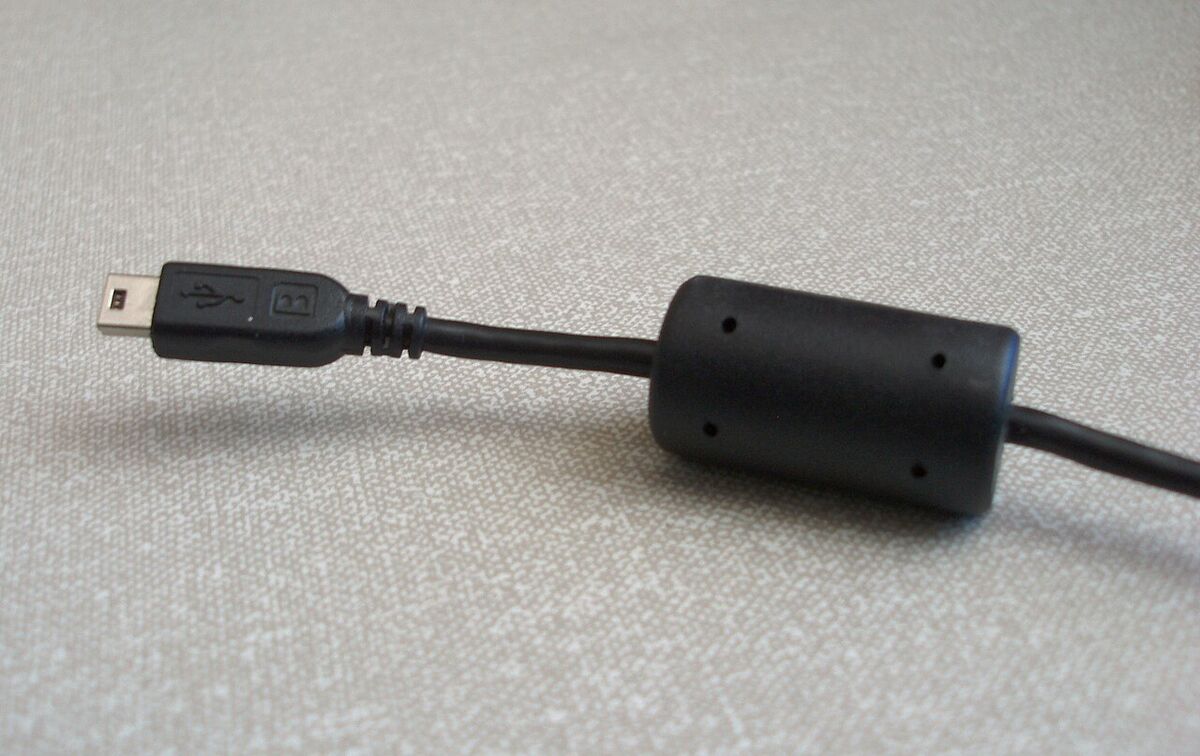
- The Receiver: Since most smartphones and laptops in 2026 still don't have built-in Li-Fi receivers, a laptop needs a small USB-C dongle that acts as its "eye."
Once the lights are on and the dongle is plugged in, the device is connected.
How fast and secure is Li-Fi?
Li-Fi's biggest strength is a consistent connection, and its security comes from physics.
- Zero Interference: Because Li-Fi uses the visible light spectrum (and infrared), it doesn't compete with the 2.4GHz, 5GHz, or even 6GHz bands that every other gadget in an apartment building is shouting over. That can mean a rock-solid link without jitter or lag spikes.
- High Speeds: A good unit can keep up with a fast fiber connection, so large downloads may feel closer to copying a file from a local drive. Latency can also be very low, which suits cloud gaming and VR.
- Security by Design: This is perhaps the biggest selling point for corporate and privacy-conscious users alike. Light cannot pass through walls, so a Li-Fi network is confined to the physical room. Anyone who wants to hack it has to be in the room, standing under the light. You can't wardrive a Li-Fi network from the street.
What are the downsides of Li-Fi?
Living with Li-Fi comes with some very real, physical limitations worth weighing before building it into a smart home setup.
- The Line-of-Sight Problem: Li-Fi requires a clear line of sight, or at least strong ambient reflection, between the bulb and the receiver. Moving a laptop under a desk or covering the USB dongle with a book can drop the connection immediately.
- The "Lights On" Requirement: To use the internet, the lights have to be "on." Modern Li-Fi bulbs have an infrared mode that transmits data while appearing dark to the human eye, which helps when watching movies in the dark. However, you still need a physical device screwed into a socket overhead.
- Mobility is Tricky: Walking from one room to another can mean a brief disconnect as a laptop switches from one bulb's coverage cone to another's. The "handoff" is improving, but it isn't yet as seamless as a good mesh Wi-Fi system.
Will Li-Fi replace Wi-Fi?
My verdict is no: Li-Fi won't replace Wi-Fi, but it is an excellent complement to it.
For devices that stay put—desktop PCs, smart TVs, gaming consoles—Li-Fi offers a faster, more secure, and interference-free connection. It frees up the crowded Wi-Fi spectrum for devices that actually need to move around, like phones or smart watches.
For anyone frustrated by dead zones and lag in a crowded apartment building, Li-Fi is no longer just a sci-fi concept. It's a viable, fast option that you can literally screw into your ceiling.