The End of the Whirring Laptop: Solid-State Active Cooling in 2026
- Hardware
- Exienent
- · Updated
Solid-state active cooling is replacing the spinning laptop fan in 2026. Thin chips with ultrasonically vibrating membranes move air over the processor with no blades or bearings, so ultrabooks can run heavy workloads almost silently, resist dust build-up, and avoid thermal throttling. For everyday laptops, I think it makes the mechanical fan look obsolete; for top-end desktop rigs, fans and liquid cooling still win.
The problem it solves is familiar. You are sitting in a quiet coffee shop, you open a complex spreadsheet or launch a quick rendering task, and suddenly... VWHIRRRRR. Your sleek, expensive machine starts sounding like a tiny jet engine getting ready for takeoff.
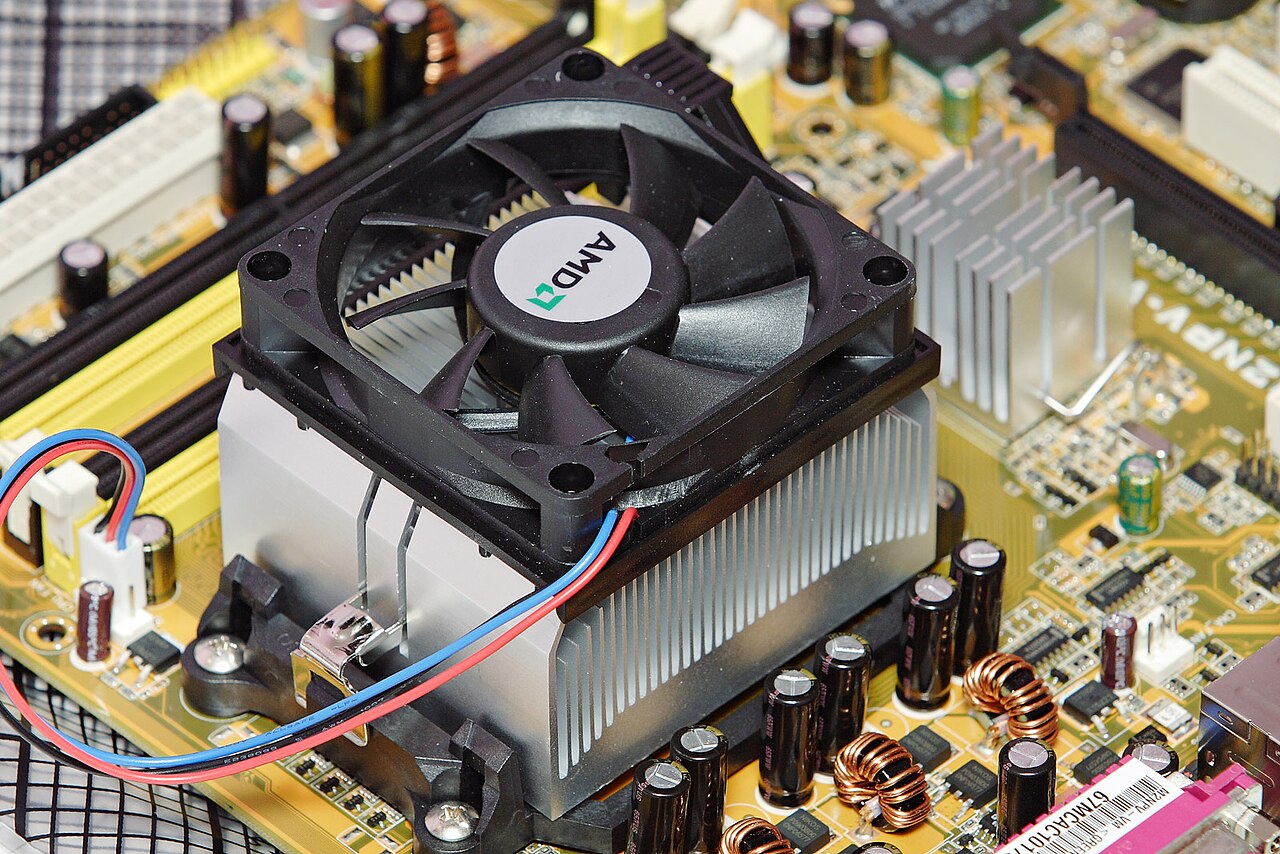
For the last three decades, high-performance computing on the go meant accepting the mechanical fan: the noise, the bulky vents, and the inevitable moment when the laptop chokes on its own internal dust bunnies. Workloads like compiling code, running local AI models, and keeping dozens of browser tabs open are exactly where that fan has been loudest—and where solid-state cooling chips in new ultra-thin laptops are meant to take over.
What is Solid-State Active Cooling?
Solid-state active cooling moves air with vibrating membranes inside a flat chip instead of a spinning fan. The most famous example driving this trend is the "AirJet" technology originally developed by Frore Systems.
Instead of a motor with plastic blades pushing air, the membranes sit hidden inside an incredibly thin chip. Here is how it works in practice:
- Ultrasonic Vibration: Inside the cooling chip, tiny membranes vibrate at an incredibly high frequency (ultrasonic speeds).
- High-Pressure Suction: This vibration creates massive suction power, drawing cool air in through tiny slits in the laptop chassis.
- Pulsing Air Jets: The chip then shoots that air at high velocity directly over a copper heat spreader sitting on top of the processor, pulling the heat away.
- Exhaust: The hot air is then smoothly pushed out of the back of the device.
There are no gears, no bearings, and no spinning blades. It is essentially an electronic lung that breathes for your computer.
What Are the Benefits of Solid-State Cooling?
The specs translate into four practical differences in daily use.
How Quiet Is a Solid-State Cooled Laptop?
Close to silent. When a mechanical laptop is pushed to 100% CPU usage, the fans scream; a solid-state cooled laptop at 100% is essentially quiet. With your ear pressed against the chassis in a completely silent room, you might hear a very faint, airy whoosh, but in a normal office or living room it is imperceptible. That can make it possible to render 4K video during a Zoom call without needing headphones.
Does Solid-State Cooling Stop Dust Build-Up?
Largely, yes. Dust is the hidden killer of traditional laptops: mechanical fans are basically vacuum cleaners that suck up dust, pet hair, and lint, eventually clogging the heatsink and causing the laptop to overheat and slow down (thermal throttling). Solid-state cooling chips have integrated dust filters on the intake so tiny that they physically block dust particles from entering the internal mechanism. The design goal is that cooling performance on day 1000 matches day 1.
Can Laptops Get Thinner and Lighter?
Yes. The chips are about the thickness of a few credit cards stacked together, so manufacturers no longer have to design bulky chassis around thick fans and massive copper heat pipes. A thinner model can still handle sustained workloads well.
Does It Prevent Thermal Throttling?
It is designed to. A fanless MacBook Air pushed hard for more than 10 minutes gets too hot, and the processor has to slow itself down to protect itself. With solid-state active cooling, the machine stays cool enough to run at maximum speed indefinitely, without the noise penalty of a fan. It is the best of both worlds.
Are There Any Downsides?
Yes: it can't yet cool the most power-hungry desktop hardware.
Solid-state cooling is fantastic for ultrabooks, mini PCs, and handheld gaming consoles. However, if you are building a massive, 1000-watt desktop gaming rig with an RTX 5090, traditional liquid cooling and large case fans are still the reigning champions. The solid-state chips simply can't move enough sheer volume of air for those top-tier desktop components just yet.
For laptops, tablets, and mini-servers used for daily work, though, I'd argue the mechanical fan is effectively obsolete.
Should You Buy a Laptop With Solid-State Cooling?
If you are shopping for a new laptop this year, it is worth looking specifically for models featuring solid-state active cooling. The transition feels very similar to the move from spinning hard drives (HDDs) to Solid State Drives (SSDs) a decade ago: at first it seems like a neat premium feature, but it quickly proves to be a fundamental leap in reliability and user experience.
Once you hear how quiet a high-performance machine can be, the whir of a traditional fan will sound like ancient history.