Should Programmers Buy OLED Monitors? Burn-in, Text Clarity and Verdict (2026)
Yes, an OLED ultrawide can be a great coding monitor in 2026, especially if you work in dark mode. Modern panels have strong built-in burn-in mitigation, text fringing is largely manageable with the right font settings, and the 21:9 layout makes multitasking easier. The main exception is people who spend all day on bright white documents.
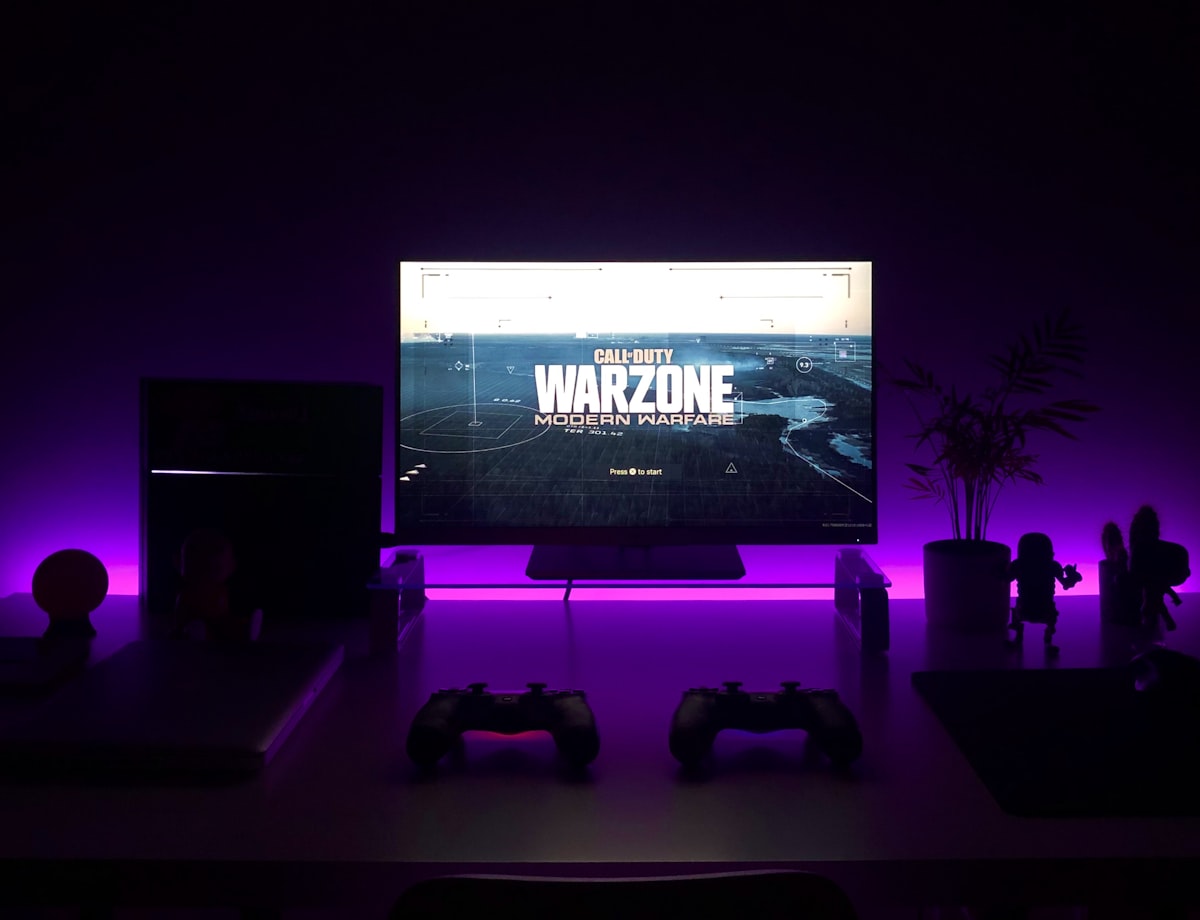
There is a constant, raging debate in developer communities: "Is it safe to buy an OLED monitor for coding?" The usual warning is that staring at static IDEs all day will cause permanent screen burn-in within months. Here is a breakdown of what coding on a 34-inch OLED ultrawide panel actually involves.
Will an OLED Monitor Get Burn-in From Coding?
Burn-in is a much smaller risk on modern panels than the old warnings suggest, though it is not zero.
Panel technology has evolved massively. Modern OLEDs (especially the latest QD-OLED and 3rd-gen WOLED panels) have incredibly aggressive built-in mitigation features. That being said, it makes sense not to ignore the risks completely. A few logical precautions go a long way:
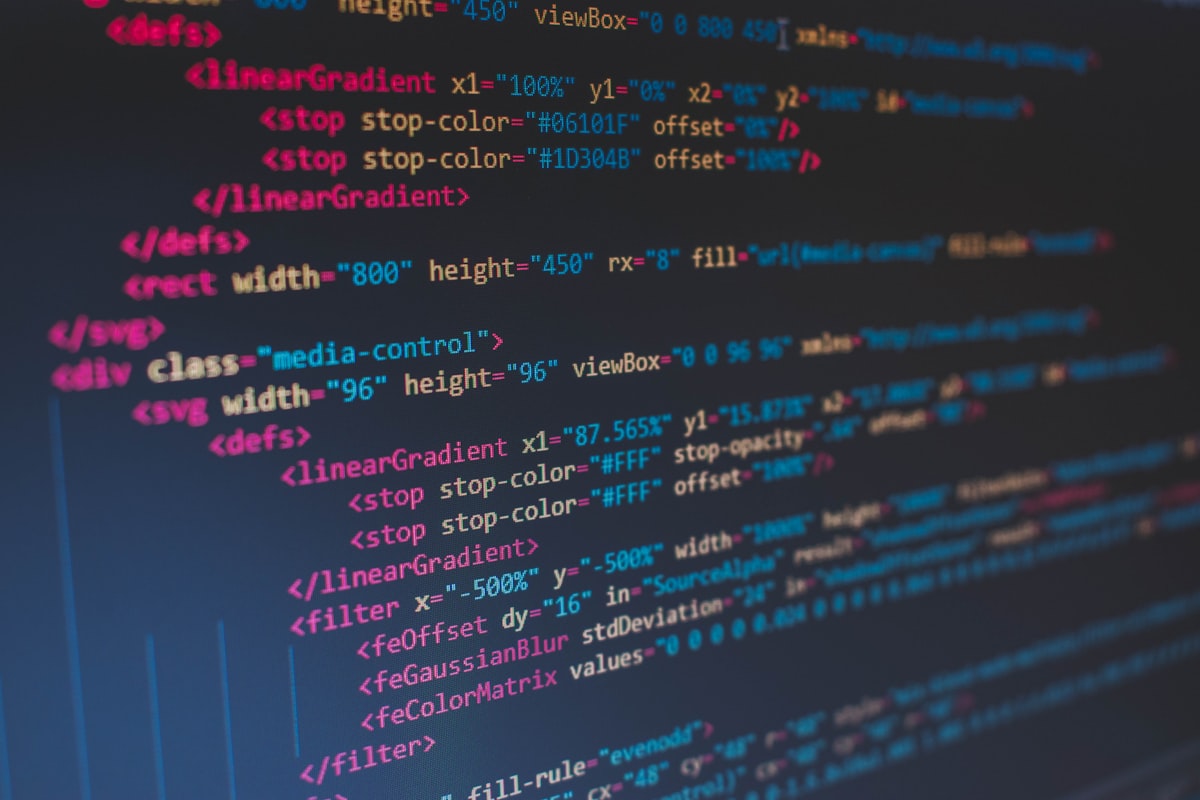
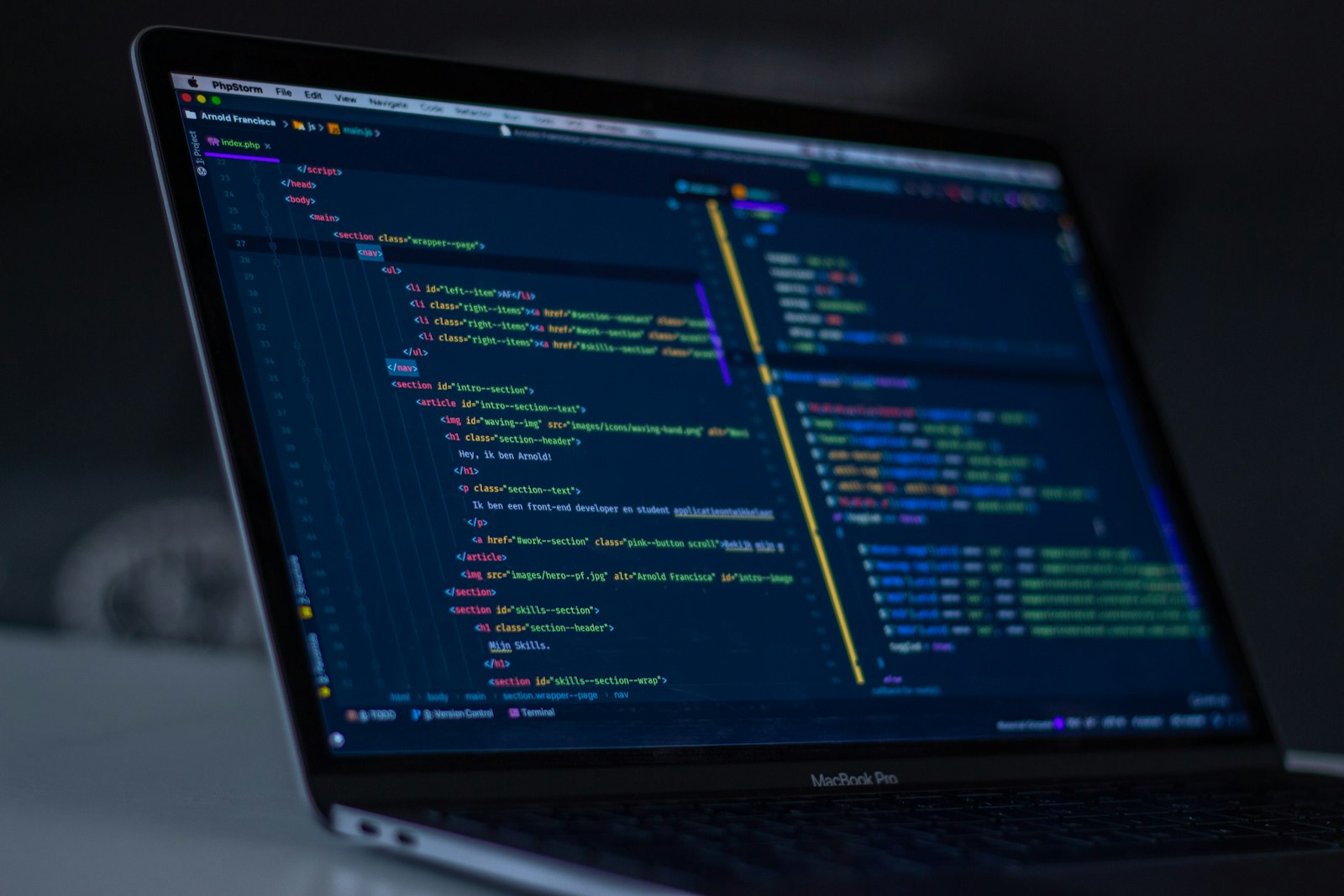
- Dark Mode is Mandatory: Put VS Code, your terminal, and your browser in dark mode. Because OLEDs turn off individual pixels to display black, this reduces wear and can also feel easier on the eyes.
- Auto-Hide the Taskbar: Set the Windows taskbar (and Mac dock) to auto-hide.
- Leave Pixel Shift On: OLED monitors may include a setting that imperceptibly shifts the image by a few pixels every few minutes. It is hard to notice while typing.
With basic habits like these, a modern panel can stay in excellent condition for a long time. The fear of burn-in is overblown for modern panels, as long as you take sensible precautions.
Is OLED Text Fringing Really That Bad for Programmers?
Text fringing is far less of a problem than it used to be. Early OLED monitors had subpixel layouts that caused chromatic aberration around text, making letters look blurry or fringed. For anyone who reads and writes code for a living, this is the biggest concern.
On Windows, after a quick run of the ClearType tuner, text can look very close to an IPS panel. On a Mac, macOS font rendering can make the issue even less noticeable. Sure, if you press your nose against the glass and compare it to a high-density 4K IPS panel, the IPS might look slightly sharper. But at a normal, healthy viewing distance of about 2 feet, the difference may not get in the way of everyday coding at all.
Why Is an OLED Ultrawide Good for Developers?
- Infinite Contrast for Dark Themes: When you use a dark theme on an IPS panel in a dark room, the background is actually a glowing dark gray (IPS glow). On an OLED, the black background in VS Code is pure black. Without backlight bleed, long sessions in a dark room can feel more comfortable.
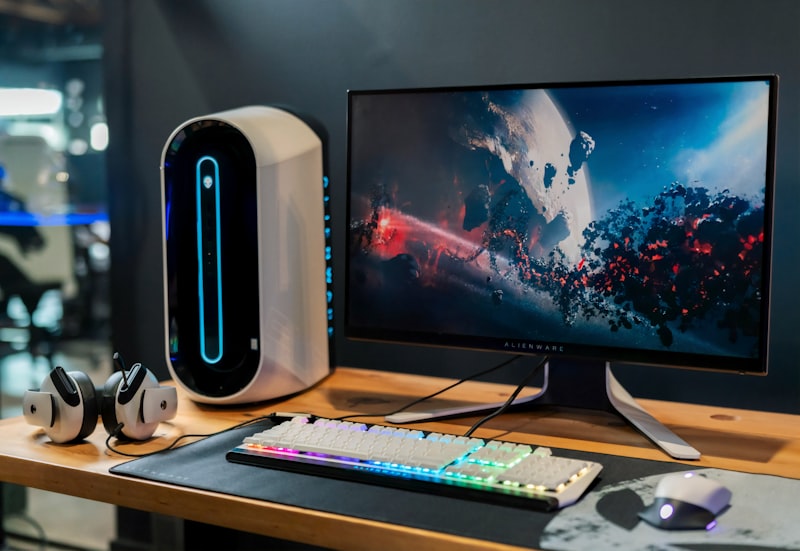
- The Magic of 21:9 Aspect Ratio: Ultrawide is a game-changer for coding. You can keep code on the left, a live preview in the center, and your terminal/Stack Overflow on the right, which cuts down on Alt-Tabbing and can noticeably help productivity.
- The Ultimate After-Hours Reward: When you finish compiling for the day and fire up Netflix or a Steam game, the vivid colors and 0.03ms response time make the same monitor an excellent media and gaming screen.
Who Should Buy an OLED Ultrawide Monitor?
If you spend 10 hours a day staring at white Excel spreadsheets or bright Word documents, save your money and buy an IPS panel.
But if you are a dark-mode-loving developer, and you want one monitor that offers strong productivity during the day and elite gaming/media performance at night? An OLED ultrawide is, in my view, one of the best hardware investments you can make right now. Take the basic precautions and enjoy the deep blacks!