The Hi-Res Audio Era: Does the Average Listener Really Need a Dedicated DAC?
For most casual listeners, a dedicated DAC is optional—but if you listen to Hi-Res Lossless files through wired headphones at a desk, an entry-level desktop DAC in the $100-$200 range can be a worthwhile upgrade. It won't help wireless earbuds or heavily compressed streams at all.
Gaining access to 'Hi-Res Lossless' audio is now easy with streaming services like Apple Music and Tidal, and lossless tiers became widely available without extra charges. Yet plugging ordinary wired headphones straight into a laptop may not sound noticeably different from standard YouTube Music. That's why a prevailing opinion in audiophile communities says: "If you want to truly experience Hi-Res audio, an external DAC is mandatory." Here is a plain-language, non-technical look at whether that holds up.
What Exactly Is a DAC?
A DAC is a Digital to Analog Converter. The music files on our phones or computers exist purely as digital data—ones and zeros. However, the sound that our ears actually hear through headphones or speakers is an analog signal. A DAC is essentially the translator that converts that digital code into analog sound waves.
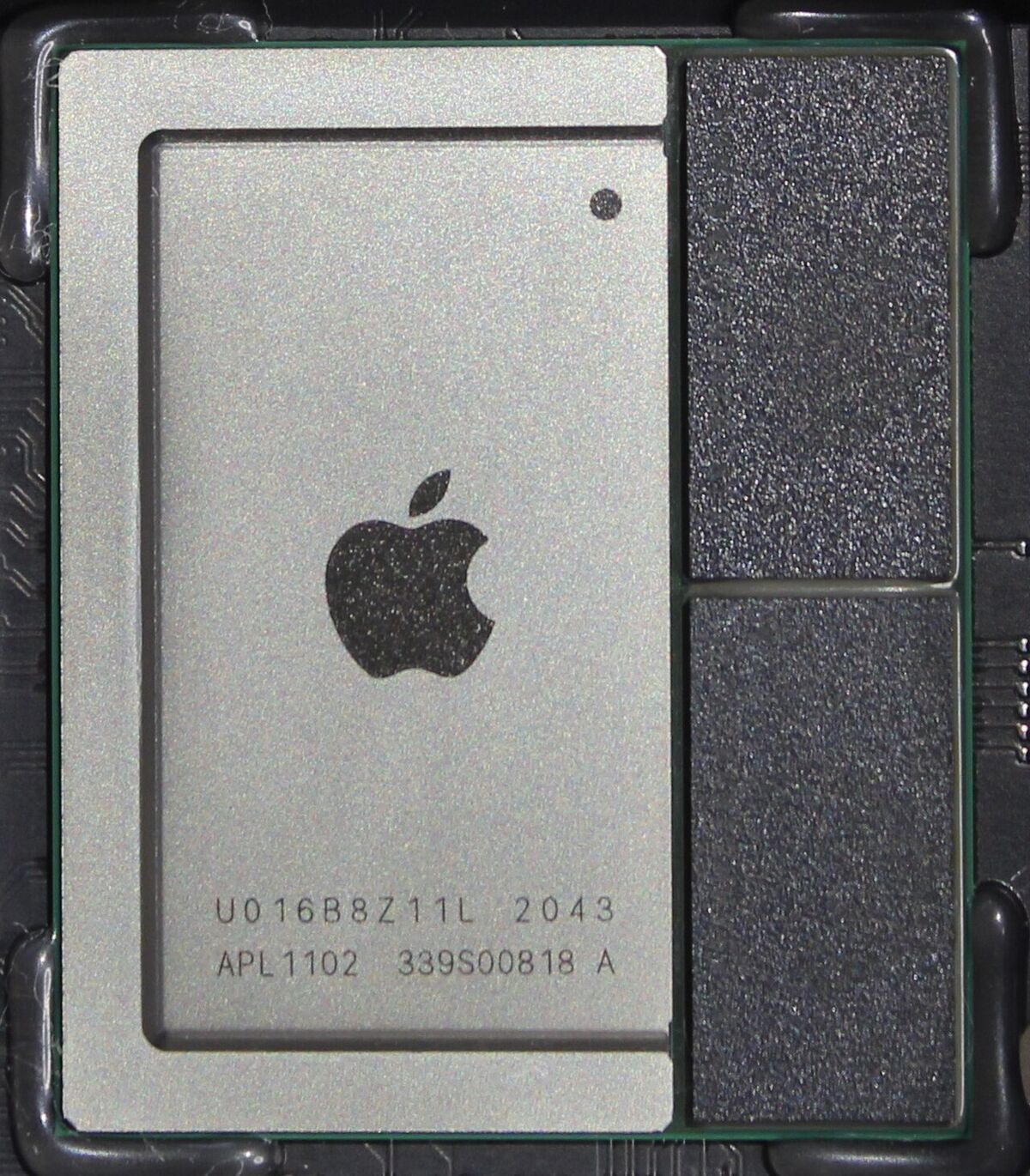
Your smartphone, laptop, and even your wireless earbuds already have a DAC chip built inside them. However, these built-in chips are usually very cheap and incredibly tiny. They simply lack the processing power and isolated circuitry required to accurately translate the massive amount of data contained in a Hi-Res Lossless file. By using a larger, dedicated "external DAC," you are bypassing the cheap built-in chip and letting a specialized piece of hardware handle the translation, resulting in higher quality sound.
Will You Hear a Difference Right Away?
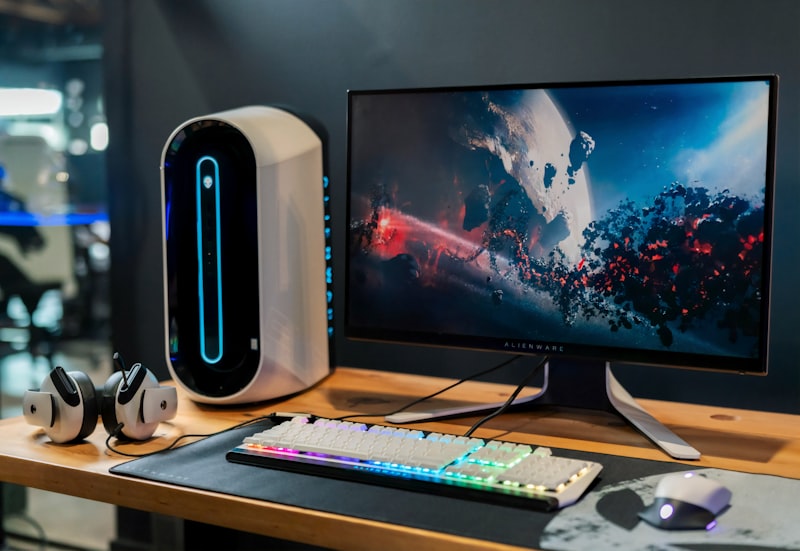
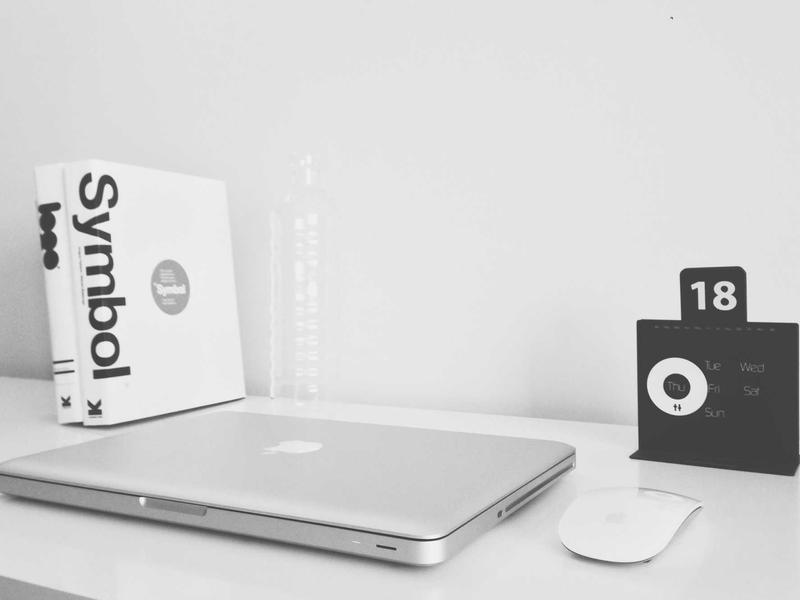
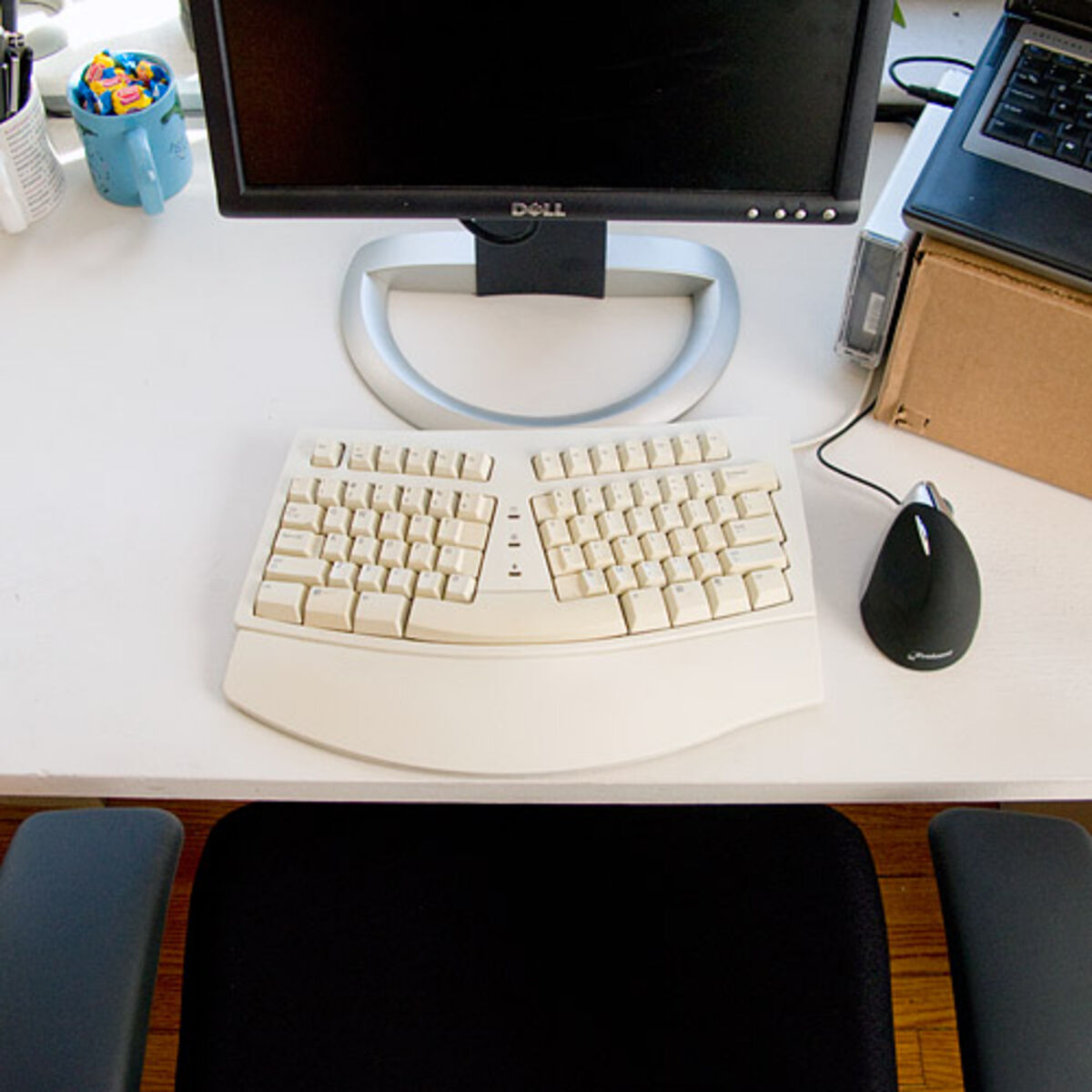
Not necessarily—the change may not be a magical, instant transformation. Setup is simple: the DAC sits on the desk, connects to the computer via USB, and the same wired headphones plug into the DAC instead of the laptop.
At first, the sound may seem almost identical. The differences tend to reveal themselves as you keep listening, especially on complex tracks.
1. Clarity and Separation
The most noticeable improvement a DAC can bring is resolution. Plugged directly into a laptop, complex songs can feel like a wall of sound, with instruments and vocals mashed together into one big chunk. Through a good DAC, the soundstage can open up, making it easier to separate the bass guitar from the kick drum or to notice a subtle acoustic guitar in the background. It can feel like wiping a layer of fog off a window.
2. Quieter Background: Less Noise
Have you ever noticed a faint, static-like hiss when the music is paused or during a quiet intro while plugged straight into a PC? That's electrical noise generated by the internal components of your computer leaking into the audio jack. Because an external DAC processes the audio outside of that noisy computer environment, it can remove that background hiss. Quiet passages become truly silent, which lets dynamic drops and heavy beats hit with more impact.
3. More Power and Tighter Bass
Most entry-level desktop DACs also include a built-in amplifier. With a laptop's soundcard, pushing the volume near the max can produce a thin, strained, somewhat distorted sound. A DAC/Amp combo can deliver rich, powerful sound with only a slight turn of the dial, and the bass response can feel tighter and punchier rather than loose and muddy.
Who Doesn't Need a DAC?
A DAC is not for everyone. You should probably save your money if you fall into either of these categories:
- You Only Use Wireless Earbuds (AirPods, Galaxy Buds, etc.): Bluetooth headphones have their own DAC built-in because they receive a digital wireless signal. Plugging an expensive DAC into your computer will have literally zero effect on your wireless earbuds.
- You Only Listen to Standard Spotify or YouTube Music: If the source audio file is heavily compressed and low-quality, running it through a high-end DAC won't magically make it sound amazing. A DAC needs high-quality, lossless source files to actually show off its capabilities.
Is an Entry-Level Desktop DAC Worth It?
For music lovers who spend long hours at a desk, I think an entry-level DAC is a worthwhile desktop luxury. There's a famous saying in the audio world that "diminishing returns hit hard and fast," so there is no need to fall down the rabbit hole of spending thousands of dollars on audio gear. Dropping $100-$200 on an entry-level desktop DAC, however, is a reasonable investment for anyone who loves music and works at a desk for long hours.
Clean, detailed sound can also make long work sessions more pleasant. If you're getting bored with your daily playlists, consider upgrading your source with a dedicated desktop DAC before you go out and buy expensive new headphones.