Self-Hosting a Developer's NAS: Replacing Paid Cloud Storage
- Technology, Development
- Exienent
- · Updated
A custom NAS can do far more than store files: for a developer, it can replace paid cloud storage, private Git hosting, and on-demand CI servers with a single box at home. The trade-off is that you become your own IT department, but you gain lower recurring costs, full control over your data, and faster local workflows.
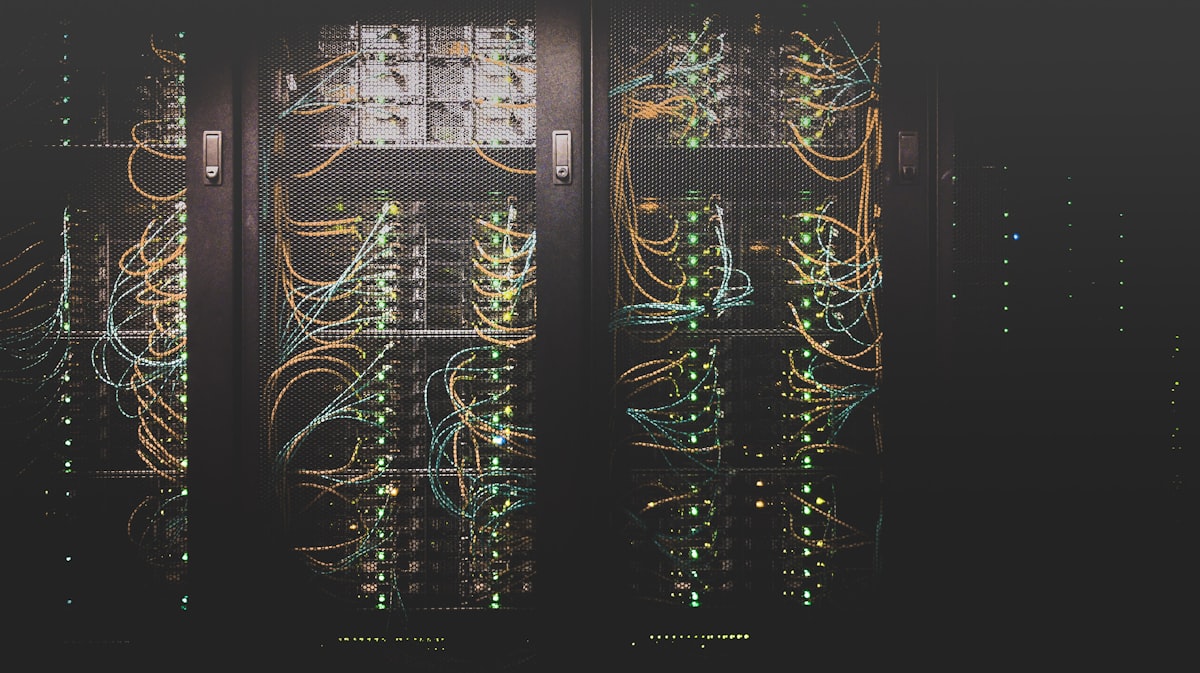
Network Attached Storage (NAS) devices can look like nothing more than digital filing cabinets—boxes where photographers dump terabytes of RAW files or where movie collections are hoarded. Meanwhile, a cloud-based development workflow can mean paying monthly for Google Drive to sync documents, GitHub for private repositories, and DigitalOcean droplets or AWS EC2 instances every time you need to test a Docker container or run a CI/CD pipeline. As subscription fees pile up and the "cloud repatriation" movement gains traction among enterprise companies, a NAS built as a fully fledged local development server becomes a serious alternative.
What hardware and OS suit a developer NAS?
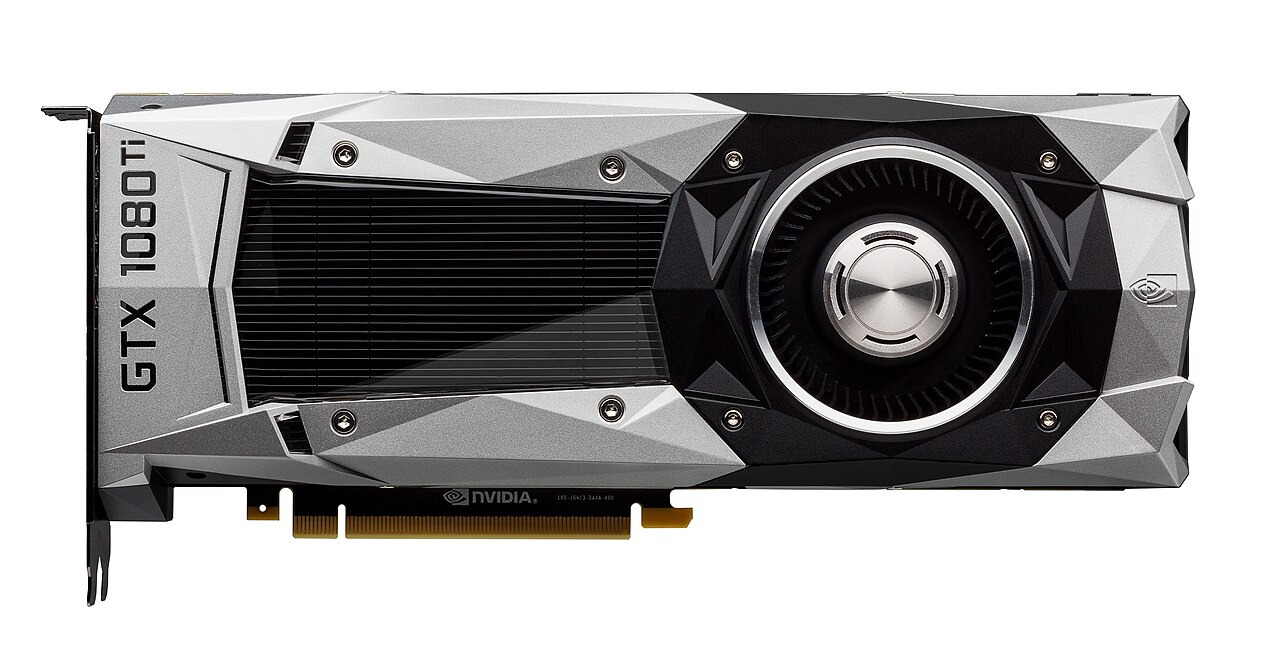
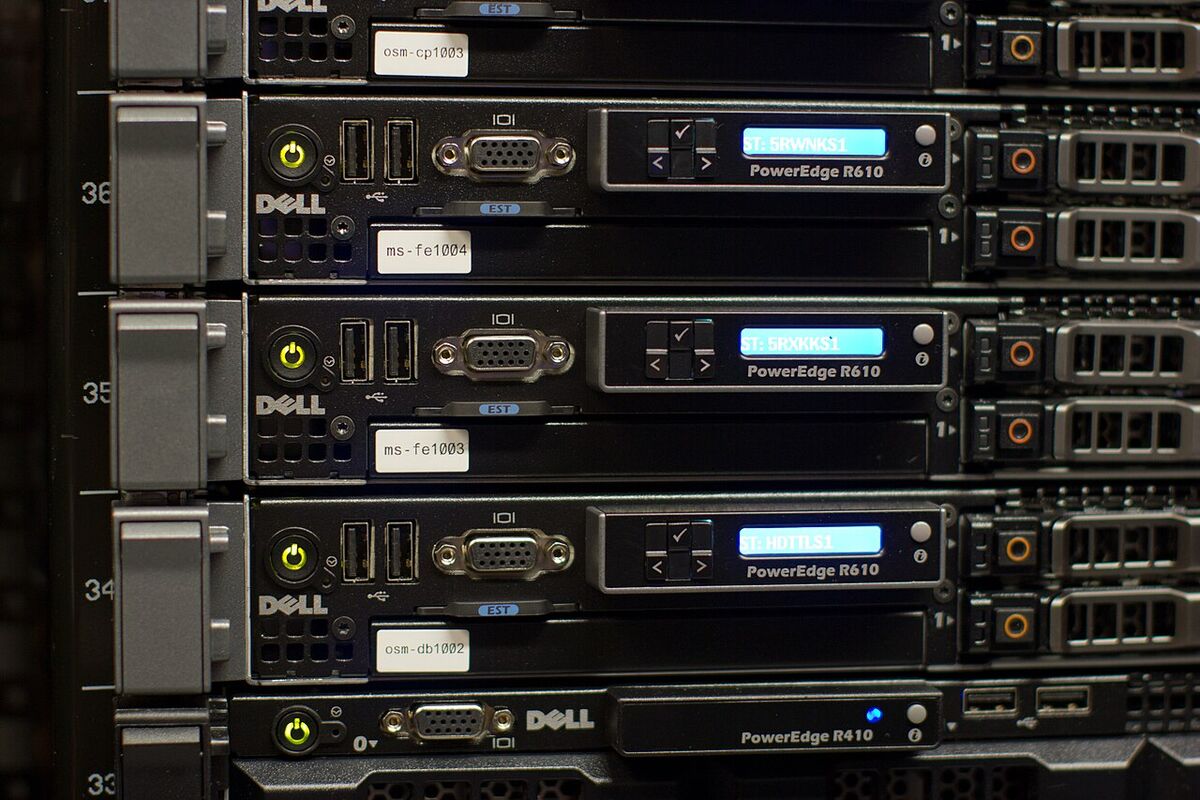
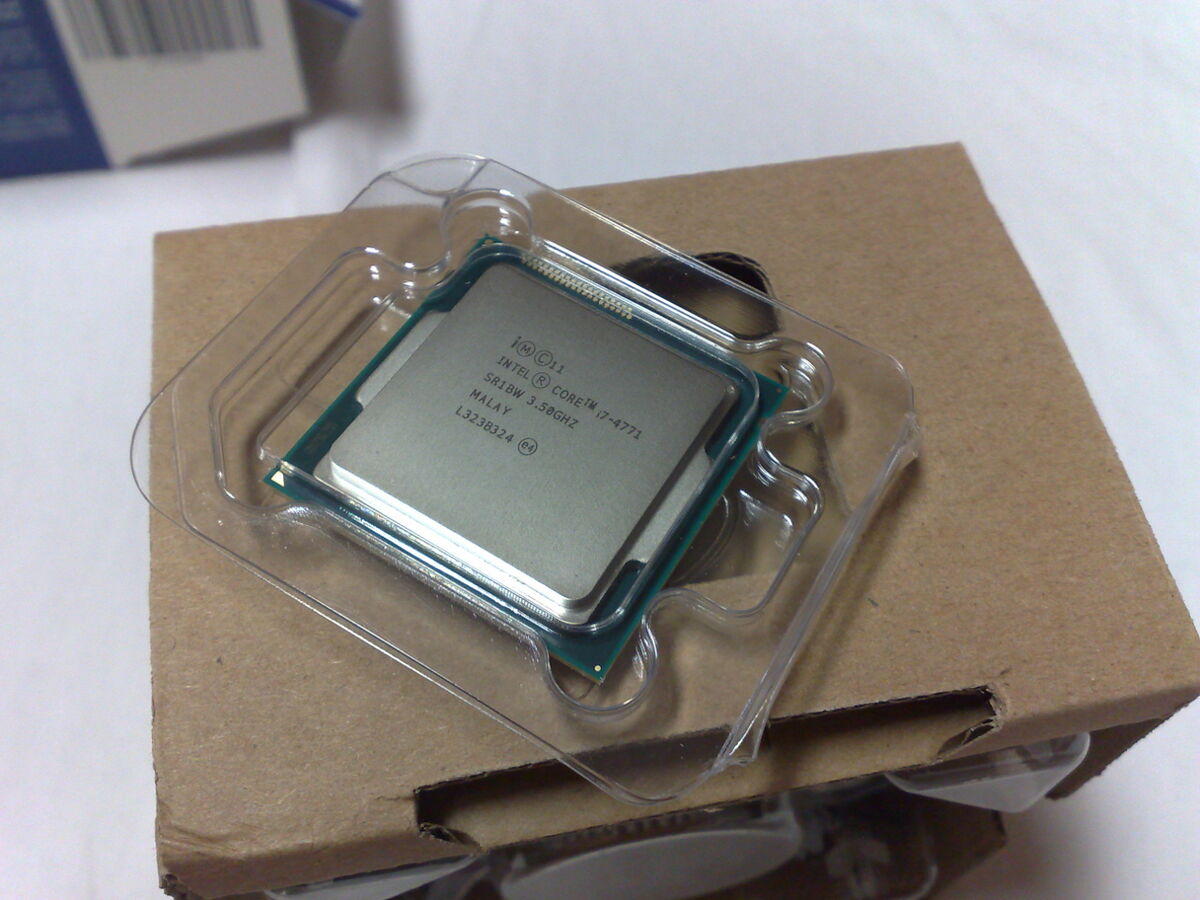
A developer NAS needs enough power to run multiple virtual machines and Docker containers without breaking a sweat, while staying power-efficient enough to keep electricity bills in check. Off-the-shelf Synology or QNAP boxes are great for beginners but often charge a premium for relatively weak CPUs. A custom build is the alternative; one example configuration is:
- A low-power Intel Core i3 processor
- 32GB of ECC RAM
- Four 16TB IronWolf Pro hard drives
For the OS, TrueNAS SCALE is a strong fit instead of proprietary software. Because it is based on Linux (specifically Debian), it treats Docker containers and Kubernetes deployments as first-class citizens. Its ZFS storage pool adds enterprise-grade file system integrity checks, which can offer a peace of mind that blindly trusting cloud providers does not.
Which cloud services can a self-hosted NAS replace?
A self-hosted NAS can replace cloud file sync and private Git hosting. Google Drive is the easiest subscription to drop: an instance of Nextcloud, securely routed through Cloudflare Tunnels, avoids exposing your home IP address or wrestling with router port forwarding. Within an afternoon you can have a private cloud syncing files across a MacBook, iPad, and Android phone. Over a local 10GbE home network, transferring large video assets or massive node_modules folders can feel almost instantaneous.
Code repositories are next. A self-hosted instance of Gitea is very lightweight yet can cover the everyday Git hosting needs of personal and side projects that would otherwise live on GitHub or GitLab. Sensitive side projects and massive datasets stay entirely on your local network, and push and pull speeds are practically zero-latency.
How does a NAS work as a local CI/CD runner?
A NAS can act as a local CI/CD runner by hosting an isolated Docker environment for testing web applications. In one setup, every commit to the local Gitea instance triggers a webhook that fires up a Jenkins runner on the NAS. The runner builds the Next.js frontend, spins up a PostgreSQL database, runs the integration tests, and then tears everything down—all in the background while you keep coding on your laptop. Because the NAS does the heavy lifting, the laptop's fans can stay quiet and its battery can last longer.
What are the downsides of self-hosting?
The main downside of self-hosting is that you become your own IT department. When a container fails to start after an update, or when network permissions are accidentally misconfigured, there is no customer support to call. Debugging something like a DNS resolution issue inside a Docker bridge network can eat an entire weekend morning.
However, the educational value of running your own infrastructure is immense. Running your own stack can deepen your understanding of Linux networking, reverse proxies, and container orchestration far more than clicking buttons in a managed AWS console.
Is a developer-focused NAS worth building?
A developer-focused NAS is worth building if you like tinkering and want control over your infrastructure. It can cut monthly recurring cloud costs, give you complete sovereignty over your data, and speed up local development. In my view, a modern NAS is so much more than a place to store photos; it's a silent powerhouse waiting to be unleashed.