The End of the Menu: How a Generative UI OS Works in 2026
- Technology, AI & Data, Application
- Exienent
- · Updated
A Generative UI operating system replaces the grid of static apps with interfaces that the AI builds on the fly for each task, based on your current context, goals, and habits. The result can be far less app switching and a more personal interface, at the cost of losing the muscle memory that fixed layouts provide.
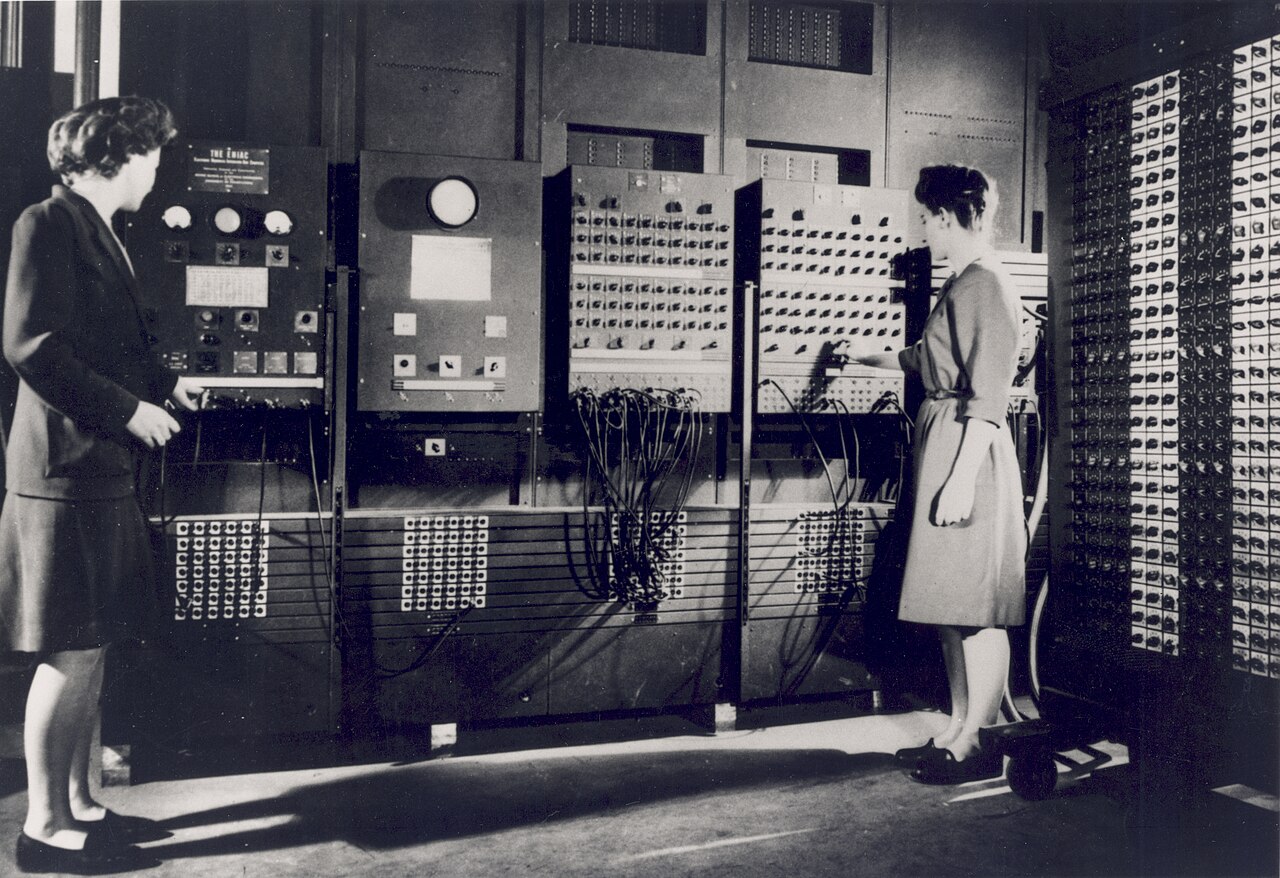
For the past two decades, we've all been playing the same game with our devices. We memorize where the settings icon is, we learn to navigate deeply nested hamburger menus, and we adapt our workflows to fit the rigid design choices of a software developer we've never met. In 2026, that paradigm is starting to shift.
Generative UI is not just a fresh coat of paint or a smarter Siri. It is a fundamental rethinking of human-computer interaction in which the interface itself is generated in real time. Here is what changes when a phone stops being a grid of static icons and starts acting like a fluid, intelligent assistant.
What Replaces Apps in a Generative UI OS?
In a Generative UI OS, temporary, task-specific interfaces replace the traditional "home screen" filled with apps. Unlocking the device can bring up a minimalist, dynamic canvas instead.
Rather than opening a weather app, checking a calendar app, and then opening a mapping app to plan the morning, you simply tell the OS (by typing or speaking), "I need to go to the downtown office for my 10 AM meeting."
A bespoke, temporary interface then appears on the screen. It can pull in the current weather for the route, display an interactive map with live traffic, and offer a one-tap button to message colleagues if you're running late. Those UI elements—the buttons, sliders, and text fields—don't exist as a pre-programmed "commute app" on the phone. The AI assembles them for that specific moment, and when you arrive at the office, that interface dissolves again.
How Does Generative UI Personalize the Interface?
Generative UI personalizes the interface by learning how each person likes to interact, instead of relying on a "one size fits all" design. A traditional fitness app looks exactly the same for a 20-year-old bodybuilder as it does for a 65-year-old recovering from knee surgery.
For a user with slightly poor eyesight, a request to summarize a long financial report could produce an interface with a larger font and a high-contrast dark mode. If the system has learned that this user prefers visual data over dense tables, it might add an interactive pie chart.
Another person on the exact same OS could ask for the same report summary and get a completely different UI: a dense, text-heavy bulleted list optimized for quick skimming, matching their reading style.
How Does Generative UI Remove App-Switching Friction?
The biggest advantage of Generative UI is that it can eliminate "app switching friction" by generating the tool you need right where you are.
Say you are looking at a recipe online. On a legacy OS, scaling the recipe up and adding the items to a grocery list means doing the math in your head, copying the text, switching to a note-taking app, and pasting it.
With Generative UI, you swipe from the edge and say, "Double this and build a shopping list." The OS generates a clean, interactive checklist right over the recipe, and you can check items off immediately. No separate notes app launches; the system simply builds the exact tool needed, precisely where it is needed.
What Are the Downsides of a Fluid Interface?
The main downside of a fluid interface is the loss of muscle memory. We are deeply conditioned to tap the top right corner to close a window or swipe left to go back. Because Generative UI creates novel layouts on the fly, elements aren't always in the same physical place they were yesterday, which can be a hurdle in the first days of use.
The AI can also guess wrong, generating a complex, cluttered interface when all you wanted was a simple binary "Yes/No" button. The system is designed to be corrective, though: a quick "simplify this" command can redraw the screen into something more manageable.
Is Generative UI the Future of Operating Systems?
Generative UI points to a future where software learns how to interact with us instead of us learning how to use software. Once you get used to it, going back to a standard smartphone can feel clunky, and opening a folder to hunt for a specific app can start to feel as archaic as using a rotary phone.
By dynamically generating the exact controls we need, exactly when we need them, Generative UI in 2026 suggests we may finally move past the era of the static menu and into a truly frictionless digital reality.