Why Identical-Looking USB-C Cables Charge and Transfer at Different Speeds
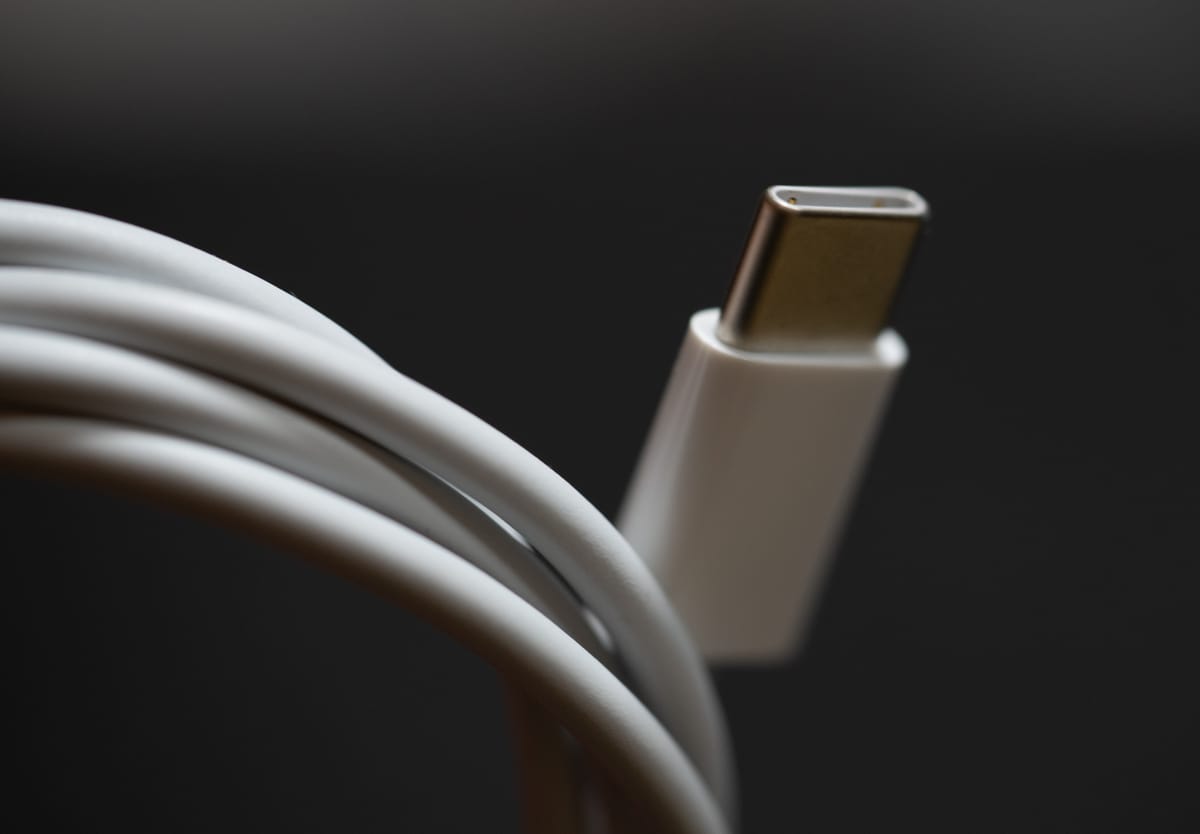
USB-C defines only the reversible oval connector, not what runs inside the jacket. Two cables that look identical on your desk can differ by 4× in charging power (60W vs. 240W), more than 160× in data speed (480 Mbps vs. 80 Gbps), and whether they carry video to a monitor at all. If a phone charges slowly, an SSD crawls, or a USB-C display stays blank, the bottleneck is often the cable rather than the charger or laptop.
Why can't every USB-C cable fast-charge a laptop?
Standard USB-C cables cap out at 3 amps—60W at 20V—unless they contain a tiny identification chip called an e-Marker. Under the USB-IF USB Power Delivery (USB PD) 3.1 specification, cables carrying more than 3 amps or voltages above 20V must be built for 5 amps and announce their rating electronically so the charger and device know the wire can safely handle the load.
The USB PD 3.1 update (announced in 2021) raised the ceiling from the older 100W limit (20V/5A) to 240W by adding fixed 28V, 36V, and 48V profiles alongside an Adjustable Voltage Supply (AVS) range starting at 15V:
| Cable tier | Max current & voltage | Max power | e-Marker chip required? | Typical use |
|---|---|---|---|---|
| Standard 60W | 3A up to 20V | 60W | No (for charging-only/USB 2.0) | Phones, tablets, earbuds, thin laptops |
| Legacy 100W | 5A up to 20V | 100W | Yes | Older high-wattage laptops and 45W+ 5A phones |
| EPR 240W (PD 3.1) | 5A up to 48V | 240W | Yes (EPR-rated) | 140W–240W laptops, docks, monitors, future-proof charging |
If you plug a 140W laptop charger into a plain 60W cable, the charger won't fry the wire—it simply negotiates down to 60W because no e-Marker reports 5A/EPR capability. The same limit explains why some 45W phones that rely on a 5A programmable profile drop down to 25W on a standard 3A cable.
Why is the USB-C cable in my phone box so slow for file transfers?
Because most charging cables only wire the four data pins needed for USB 2.0 (480 Mbps), skipping the extra high-speed wire pairs to stay thin, flexible, and cheap. Even high-wattage 240W charging cables are frequently USB 2.0 on the data side.
Apple explicitly notes this on its iPhone USB-C support page: the USB-C cable included in the box supports charging and USB 2 speeds, while getting USB 3.2 Gen 2 speeds up to 10 Gbps on Pro models requires a separate compliant USB 3 cable. High-speed cables have far more internal conductors and shielding, which makes them noticeably thicker and stiffer—and shorter at top speeds.
| Spec / marking | Max data rate | External display support? | Notes |
|---|---|---|---|
| USB 2.0 (480 Mbps) | 480 Mbps | No | Most bundled phone and laptop charging cables |
| USB 3.2 Gen 2 (10 Gbps) | 10 Gbps | Often (DisplayPort Alt Mode) | External SSDs, fast phone photo transfers |
| USB 20 Gbps (USB 3.2 Gen 2×2 / USB4) | 20 Gbps | Yes (full-featured cables) | Fast external drives and single-cable monitors |
| USB4 40 Gbps / Thunderbolt 4 | 40 Gbps | Yes (up to 4K/8K displays) | High-speed docks, multi-monitor setups |
| USB4 80 Gbps (Version 2.0) | 80 Gbps | Yes (high-refresh 4K/8K) | Defined in the USB-IF USB4 specification |
Why won't my USB-C cable output video to a monitor?
Video over USB-C uses DisplayPort Alternate Mode (or Thunderbolt/USB4 tunneling), which travels over the high-speed SuperSpeed wire pairs that USB 2.0 charging cables physically leave out. Apple's iPhone USB-C guide, for example, notes that connecting to a USB-C display up to 4K at 60Hz relies on the DisplayPort protocol and a cable rated for USB 3.1 or higher (or Thunderbolt). If your monitor powers your laptop over USB-C yet says "No Signal," you almost certainly grabbed a charging-only USB 2.0 cable.
How can you tell what a USB-C cable actually supports?
Uncertified cables often print nothing on the plug, which is why the USB-IF Logo License program requires certified cables to carry standardized power and speed markings (detailed in the USB Type-C Cable Logo Usage Guidelines). Check these clues in order:
- Look at the plug molding for official logos. Certified charging cables print 60W or 240W directly on the connector housing. High-speed cables pair data rate and power—such as 20Gbps / 240W, 40Gbps / 240W, or 80Gbps / 240W—while Thunderbolt 3/4 cables show a lightning bolt with a "3" or "4."
- Check the actual negotiated wattage in software. On a Mac, Apple's power adapter guide explains that holding Option and opening Apple menu > System Information > Power shows the exact wattage listed under AC Charger Information—handy for confirming whether a cable is capping a 100W or 140W brick at 60W.
- Use thickness and length as a rough sanity check. Passive 40 Gbps cables are typically 0.8 m to 1 m long and relatively stiff. A thin, limp 2 m cable with no markings is almost certainly USB 2.0 for data, even if it handles 60W or 240W charging.
Which USB-C cables are actually worth buying?
You don't need an expensive 40 Gbps cable for every wall outlet. Splitting your cables into two roles saves money and keeps bedside cords flexible:
- For daily charging (phones, tablets, laptops): Buy USB-IF certified 240W USB 2.0 cables. They are inexpensive, flexible at 2 m lengths, and cover everything from a 20W phone to a 140W+ laptop without risking a 60W bottleneck.
- For external SSDs, monitors, and docks: Keep one or two certified USB4 40 Gbps (or Thunderbolt 4) 240W cables labeled with tape so they don't get mixed into your nightstand pile.
Pairing the right cable with the right charging habits matters for battery longevity too—see whether fast charging degrades phone batteries and whether keeping a laptop plugged in all day harms its battery.
Image: Tony Webster, CC BY 2.0, via Wikimedia Commons