Apps development
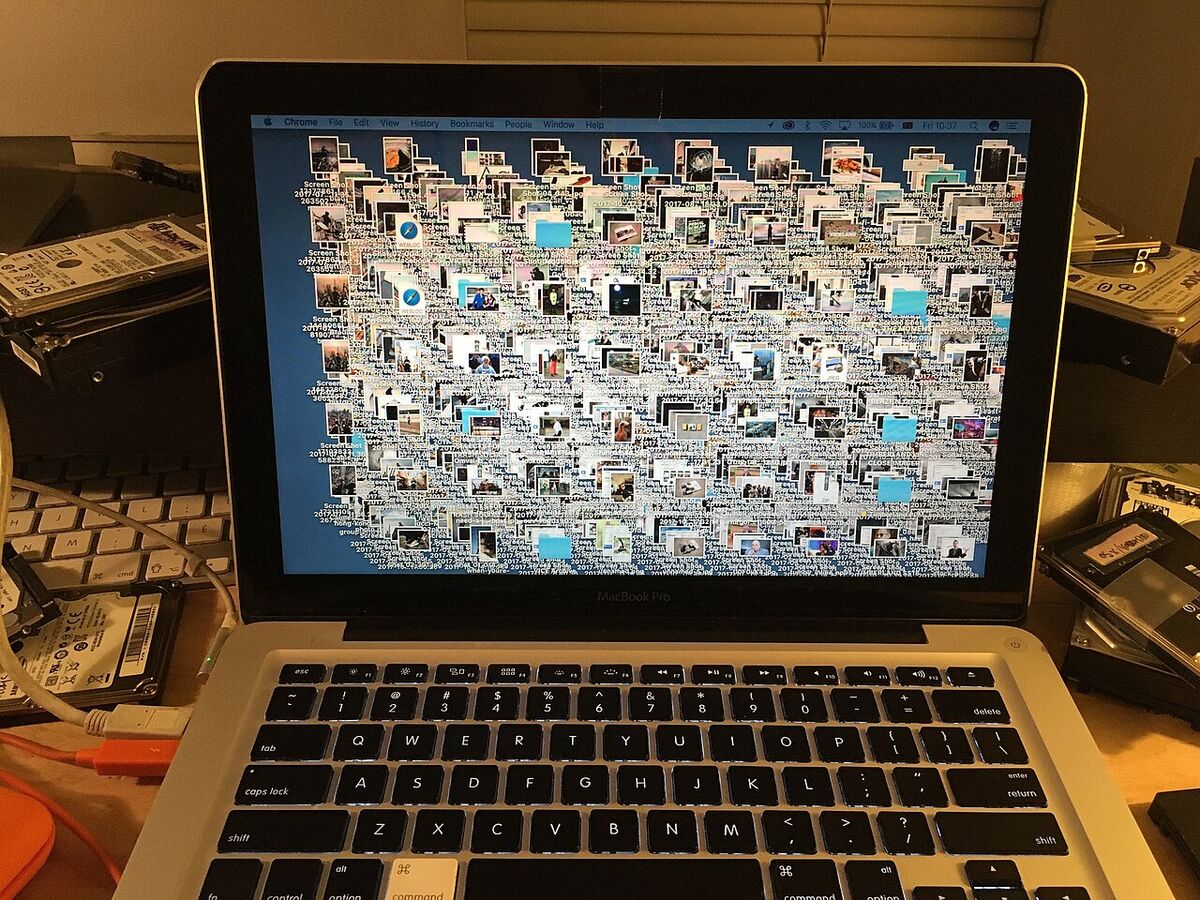
How to Do an Extreme 30-Day Digital Declutter in 2026
A 30-day digital declutter pairs a break from optional apps with a clean-up of files, email and cloud storage. Here is a week-by-week plan and why it helps.
The Prototype Economy: Can AI Really Build a Working App in a Weekend?
AI coding tools can turn an idea into a clickable prototype in a weekend, but research shows the code is often insecure and needs review before real users touch it.
AI-Native Development: The End of Traditional Coding as We Knew It
AI-native platforms let AI draft code, tests and pipelines across a whole repo. Gartner expects smaller teams; the evidence on speed is still mixed.

The Golden Age of Solo Dev: Building Games in Your Bedroom with AI
Free engines with visual scripting and AI helpers make solo game development easier, but Steam requires AI disclosure and AI music and art carry copyright risk.
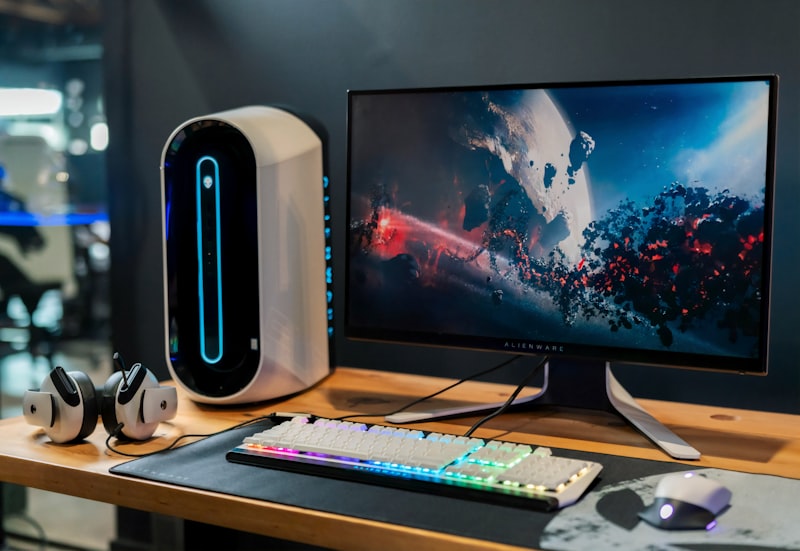
Ditching a 3-Monitor Setup for a Single Screen: Fewer Distractions for Developers
One monitor can suit deep work better than three: fewer always-visible apps mean fewer interruptions, and virtual desktops plus window snapping cover the rest.
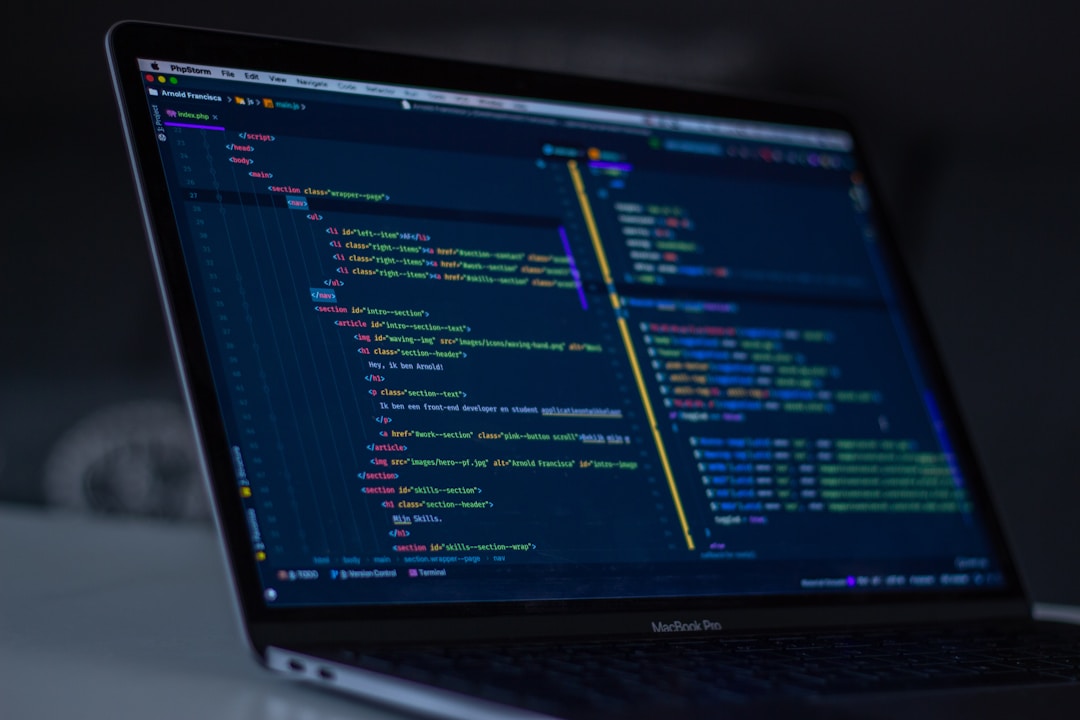
Replacing SaaS Subscriptions with n8n and AI Agents: What Works and What Breaks
Self-hosted n8n with AI Agent nodes can take over support triage and content scheduling for a small team, but its license isn't open source and agents need human review.

Cursor AI Review: Is It Time to Say Goodbye to VS Code?
Cursor is built on VS Code's codebase with an AI agent at its core. What it does in 2026, what the new Free-to-Ultra plans cost, and the privacy points to check.
All files at a glance! -End file search with Everything
Everything is a free Windows tool that finds files and folders by name in real time, indexing about 120,000 files in roughly a second with little memory use.
Recommended Free PDF Editing Tools
Use iLovePDF in the browser to merge, split and compress PDFs, and a desktop editor like ALPDF or ezPDF for text edits, OCR, HWP conversion and signatures.
How to Record Your Screen Using OBS Studio
Add a Display or Window Capture source in OBS Studio, check the Audio Mixer, and hit Start Recording; then record to MKV and add audio filters for clean results.
Tips for using Google Drive
Get more from Google Drive with offline mode, shortcut keys, search filters and operators, image-to-text conversion, version history and Drive for desktop.

Must-Have Google Chrome Extensions
Useful Chrome extensions cover ad blocking, tab management, translation and privacy. Here are picks that still work after Chrome dropped Manifest V2 support.
Why You Should Use Bandizip
Bandizip is a fast, lightweight archiver with multi-core speed, support for ZIP, RAR, 7Z and more, AES-256 encryption and reliable Unicode filenames.

Introduction to GIMP: A Free Image Editor
GIMP is a free, open-source image editor for Windows, macOS and Linux with layers, masks, filters and plugins, a capable alternative to paid Photoshop.
Best Free Screen Capture Tools
Windows' Snipping Tool handles basic snips, OCR and video. PicPick, free for personal use, adds scrolling capture, a fuller editor and design tools.
Introducing PicPick, an all-purpose screen capture tool
PicPick is a free, lightweight capture tool with scrolling, window, and fixed-area capture, a ribbon-style editor, mosaic, watermarks, and a color picker.
Top 10 Essential Windows Keyboard Shortcuts
Win + D, Win + E, Win + L, Ctrl + Shift + Esc and Win + V cover most daily Windows 11 tasks; snapping, virtual desktop and system shortcuts save more time.

Turn the Old Phone in Your Drawer Into a Free Home Security Camera (CCCamera Tips)
With CCCamera, a spare smartphone and your Wi-Fi are all it takes to set up a 24-hour live home camera or pet cam, with no extra hardware to buy or monthly fee.
SpaceSniffer Portable: Where to Download It and How to Use It
SpaceSniffer is a free portable tool that maps folder and file sizes as treemap boxes. Where to get it, how filters work, and what to check before you delete.