Productivity
Is the 4-Day Work Week Actually Working? Pros, Cons, and Reality
Is the 4-day work week actually working? It can, when a company truly shifts to measuring output instead of hours — but it is not a magic bullet for burnout, and it brings real costs in work inte
- Business & Marketing
- 09 Oct, 2026

5 Google Search Hacks You Need to Know in 2026
The fastest way to get better Google results is to use five simple search operators: quotation marks, the minus sign, site:, filetype: and the asterisk. Each one tells Google exactly what to incl
- Technology
- 12 Sep, 2026
Why an Analog Habit Tracker Can Beat Apps in 2026
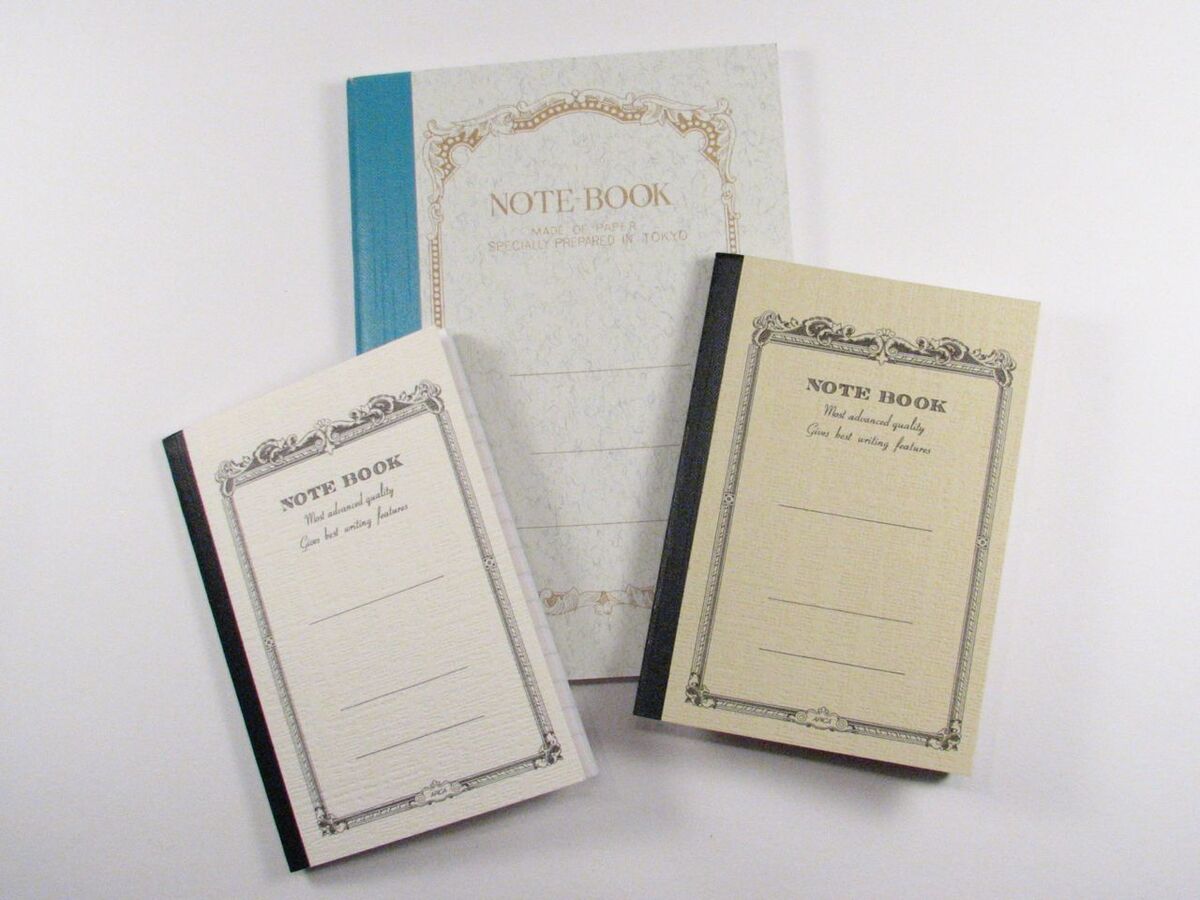
An analog habit tracker — a simple grid in a paper notebook — can work better than a habit-tracking app because it removes the streak anxiety, the notifications, and the temptation to drift into soci
- Lifestyle, Mental Health
- 02 Sep, 2026

Time Blocking vs. Pomodoro: Which Time Management Method Actually Works Better?
Neither method is universally better: the Pomodoro Technique works best for overcoming procrastination and grinding through repetitive tasks, while Time Blocking works best for juggling many
- Lifestyle, Productivity
- 02 Sep, 2026

Switching from White Noise to Brown Noise for Ultimate Focus
Brown noise is a deeper, softer cousin of white noise that emphasizes low frequencies and rolls off the harsh highs. For focus work in a noisy space, it can mask distracting speech while feeling
- Health, Technology, Lifestyle
- 30 Aug, 2026

The Reality of the Caffeine Crash and How to Reset Your Tolerance in 2026
If you drink several cups of coffee a day and still feel wiped out by mid-afternoon, you may have built up a caffeine tolerance, and the slump you feel is the caffeine crash. A gradual step-d
- Health
- 24 Aug, 2026
How to Do an Extreme 30-Day Digital Declutter in 2026
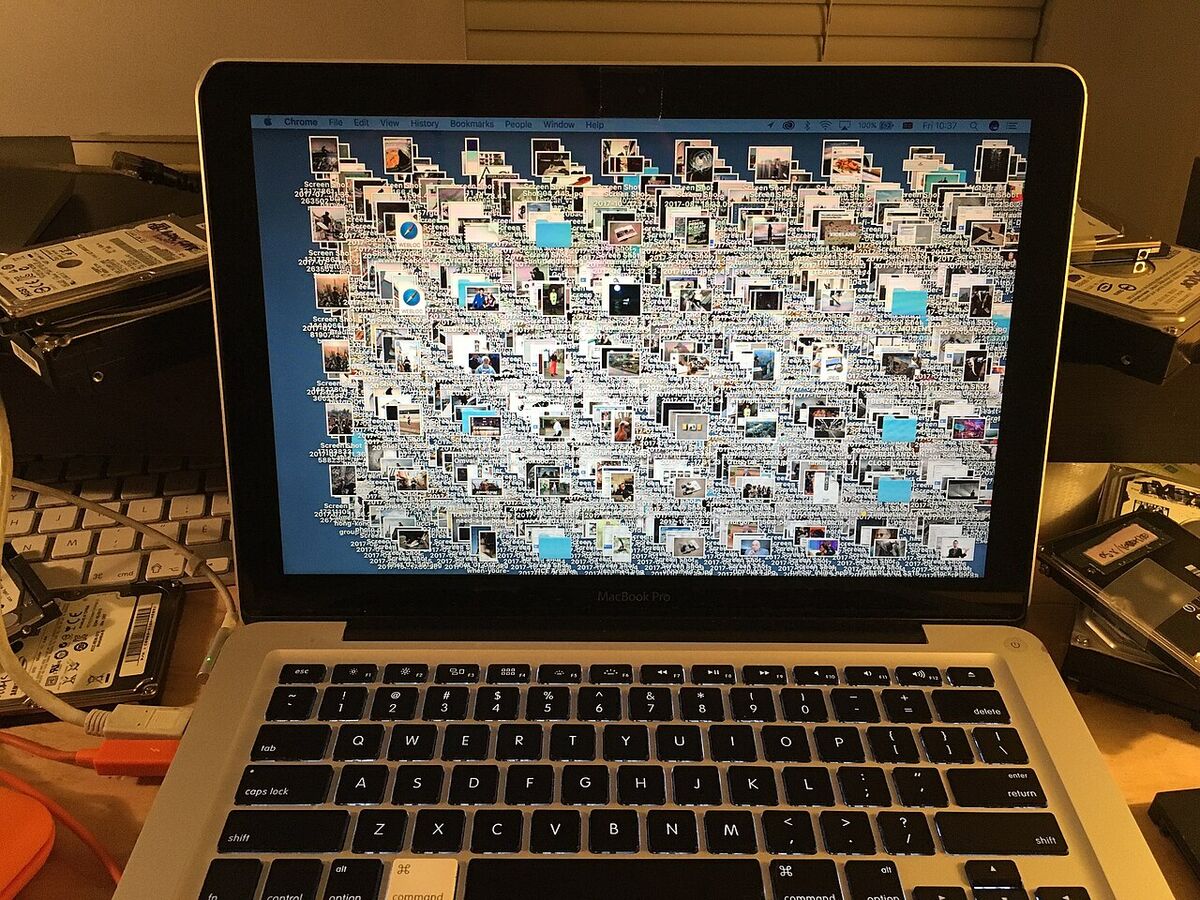
An extreme digital declutter works best as a month-long project, not a single weekend: purge unused apps, archive old email in bulk, impose a simple folder structure, and trim your cloud storage. Don
- Productivity
- 18 Aug, 2026

Why Writers Are Ditching Laptops for Cyberdecks: The Ultimate Distraction-Free Writing Device in 2026
A writer's cyberdeck is a custom-built, intentionally limited computer designed for exactly one thing: writing. With no Wi-Fi, no Bluetooth, and no browser, it removes the escape hatches that pull yo
- Technology
- 29 Jul, 2026

Everyday AI: How Artificial Intelligence Silently Took Over the 2026 Workflow
Everyday AI is what artificial intelligence looks like once the hype fades: instead of a flashy chatbot you have to visit, it runs quietly inside the tools you already use. In 2026, the shift from "H
- Technology
- 29 Jul, 2026

Neural Headbands in 2026: Can a Brainwave Wearable End Procrastination?
Can a neural headband end procrastination? Not on its own, but it can make focus measurable. Consumer Neural Headbands in 2026 read your brainwaves through dry EEG sensors and use real-time audio
- Technology
- 24 Jul, 2026

Can a Color E-Ink Tablet Replace an iPad? A Comic and Note-Taking Review
A 2026 Kaleido 3 color e-ink tablet can replace an iPad for reading comics, marking up PDFs, and handwritten notes, but not for video, games, or heavy creative work. Colors are muted like newsprint,
- Hardware, Review, Technology
- 01 Jul, 2026

Moving Beyond ChatGPT: What Domain-Specific Language Models (DSLMs) Offer in 2026
A Domain-Specific Language Model (DSLM) is an AI model trained deeply on one industry's or one organization's data instead of the whole internet. For specialized work like regulatory compliance, a DS
- AI & Data, Business & Marketing
- 30 Jun, 2026

Switching to a Vertical Ergonomic Mouse: What It Means for Your Wrists
A vertical ergonomic mouse holds your hand in a "handshake" position, so the bones in your forearm stay parallel instead of twisting over each other. That may reduce wrist and forearm strain for some
- Technology, Health, Review
- 22 Jun, 2026

Standing Desk Reality Check: Does It Cure Back Pain or Kill Focus?
A motorized standing desk is worth it only if you use it to move: the benefit comes from switching between sitting and standing, not from standing all day. It is not a cure for back pain, but it
- Technology, Health, Review
- 22 Jun, 2026
AI Pendants in 2026: The Reality of Always-On Microphones
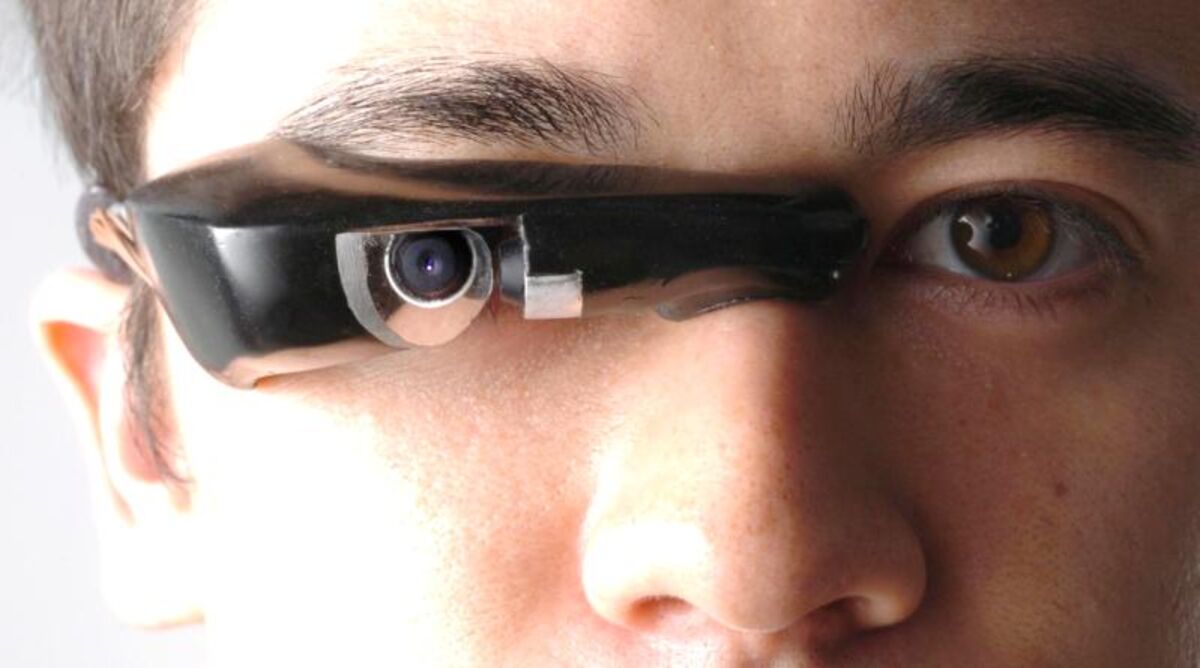
An AI Pendant is an always-on microphone you wear around your neck that transcribes your day and lets an LLM organize your conversations into notes, reminders, and searchable memories. In 2026 th
- AI & Data
- 21 Jun, 2026
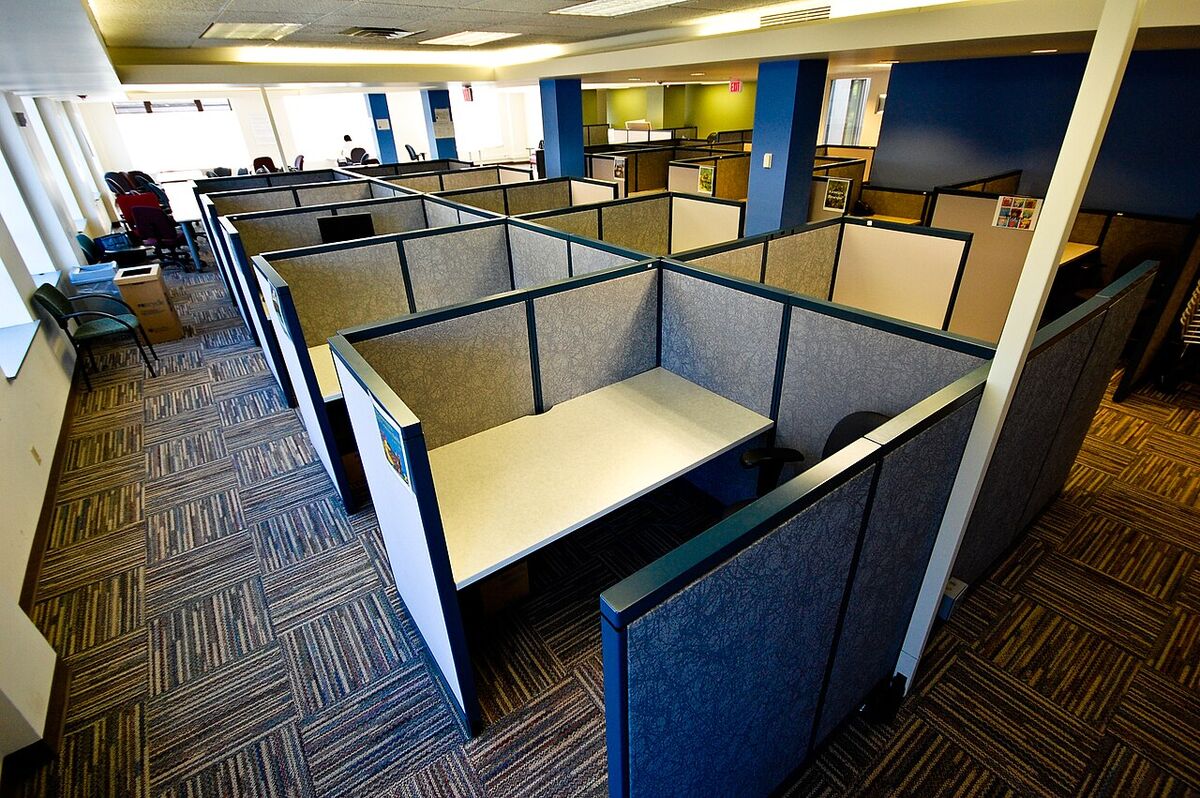
Monitor Light Bars: Why Every Developer Needs One
A monitor light bar is not a gimmick. Its asymmetric optics aim light down at your desk and keyboard instead of at the screen, so you get an evenly lit workspace with no screen glare and no lamp

Are Smart Coffee Mugs Actually Worth It? An Honest Review
A smart temperature-controlled coffee mug is worth it mainly for slow drinkers who sit at a desk all day: on its charging coaster it holds coffee at the exact temperature you set, but away from t
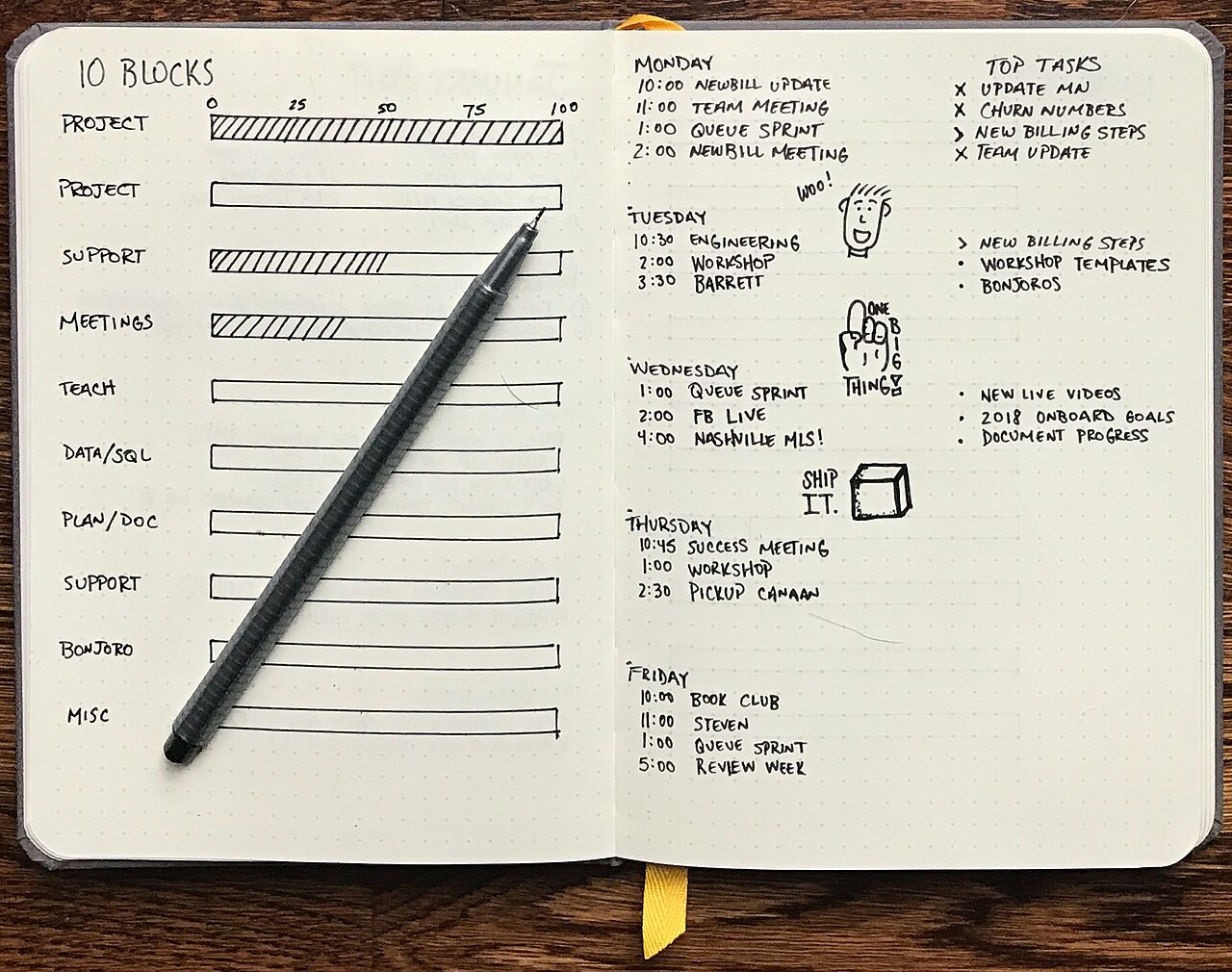
The 'Dopamine Menu': A Practical Way to Curb Doomscrolling in 2026
A dopamine menu is a short, written list of enjoyable activities, grouped by how much time and energy they take, that you choose from when you feel the urge to scroll. Because the decision is made in
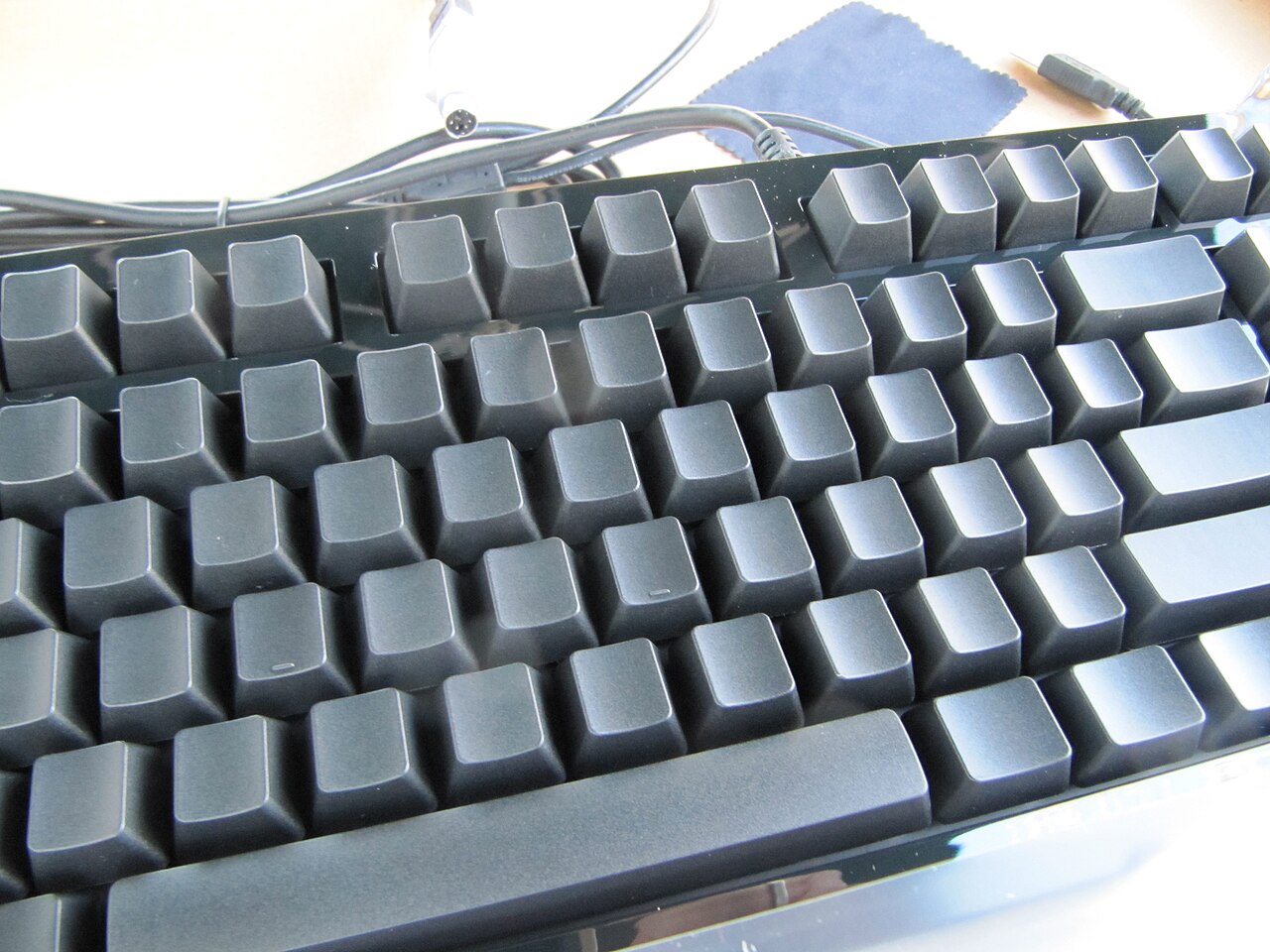
Down the Rabbit Hole: Building Your First Custom Mechanical Keyboard
Building a custom mechanical keyboard from scratch comes down to four stages: choosing a barebones kit, picking and lubing switches, tuning the stabilizers, and fitting keycaps. It is slow, fiddly wo
- Hardware, Development
- 14 Jun, 2026

Can a Dual-Screen Laptop Replace a Multi-Monitor Desktop? A 2026 Developer Review
A dual-screen laptop can stand in for a multi-monitor desktop, but only for certain people. It shines for hybrid workers and digital nomads who need a full workspace on the move; for someone who sits
- Hardware, Review, Technology, Development
- 12 Jun, 2026
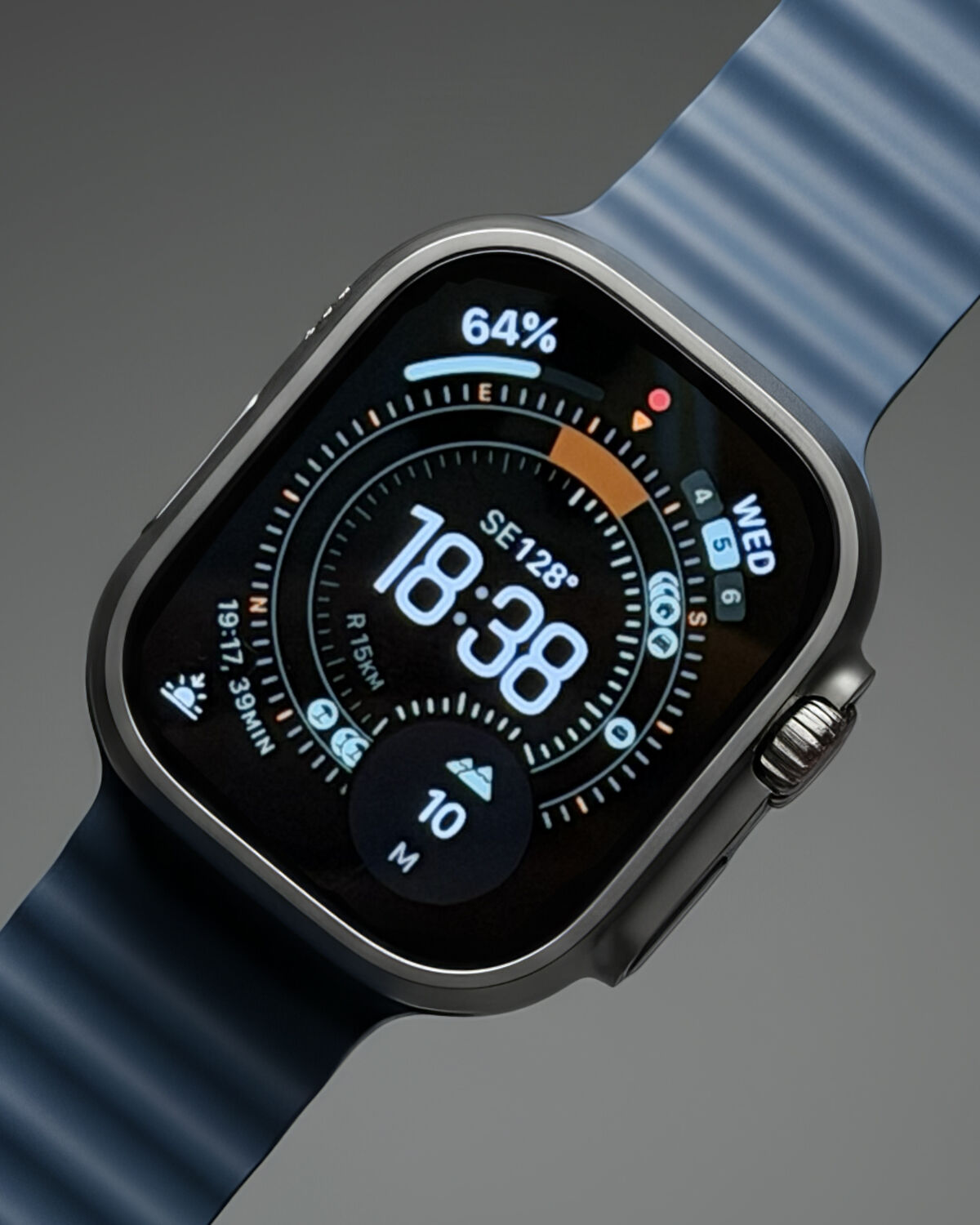
Can You Ditch Your Smartphone for Only a Smartwatch? (2026 Analysis)
Living off only an LTE-enabled smartwatch in 2026 is possible for short stretches, but not as a permanent replacement for a smartphone. The watch can handle payments, music, and short replies well; b
- Tech Trends, Lifestyle, Review
- 12 Jun, 2026

The Harsh Reality of an eGPU Setup: Is It Worth It?
In my view, an external GPU (eGPU) is not worth it. The setup technically works, but the Thunderbolt connection costs a large share of the graphics card's performance, hot-plugging is unreliable, a
- Hardware, Technology, Review
- 11 Jun, 2026

Can an AI Agent Replace a Human Language Tutor?
A real-time AI voice agent can't fully replace a human language tutor, but it is an excellent place to build speaking volume and confidence. It offers judgment-free, always-available conversation pra
- AI & Data, Lifestyle
- 10 Jun, 2026

The Hidden Cause of Your Afternoon Brain Fog: What a CO2 Monitor Can Reveal
Afternoon brain fog in a home office may have a simple, invisible contributor: carbon dioxide (CO2) from your own breath building up in a closed room. Research from Harvard University links indoor CO
- Health, Environment, Technology
- 08 Jun, 2026
Living with Apple Intelligence in 2026: The Good, The Bad, and The Actually Useful
Apple Intelligence in 2026 is genuinely useful, but not in the flashy ways the original keynote suggested. Its real value lies in system-wide proofreading, quick summaries, a Siri that finally follow
- Tech Review, AI
- 05 Jun, 2026

Quitting Coffee for Matcha: What Can Change for Your Energy and Productivity
Switching from coffee to matcha can give you a calmer, steadier kind of energy. Matcha contains about half the caffeine of a standard cup of coffee, along with an amino acid called L-Theanine tha
- Lifestyle, Health
- 04 Jun, 2026

Switching From a Regular Mouse to a Trackball: What It Can Mean for Your Wrist
A trackball mouse keeps your arm and wrist stationary while your thumb rolls a ball to move the cursor. For people whose wrist aches after long days of clicking and dragging, that change in posture m
- Technology
- 04 Jun, 2026

The Tri-Fold Smartphone Experience: Can It Replace Your Tablet in 2026?
A tri-fold smartphone can replace a tablet for many tasks. Its dual-hinge "Z-Fold" design folds down to roughly the thickness of a phone in a rugged case, then opens into a **10-inch widescreen displ
- Technology, Review
- 04 Jun, 2026

How an E-Ink Tablet Can Boost Your Reading (and Ease Eye Strain)
A dedicated black-and-white E-Ink tablet can be one of the most effective tools for reading more and straining your eyes less. Its slow refresh rate makes social media and video practically unusa
- Technology, Productivity
- 03 Jun, 2026
Why an AI Voice Recorder Can Replace Your Notebook in 2026
A dedicated AI voice recorder such as the Plaud Note is worth it if your job is full of meetings, lectures, or interviews: it records with a single physical switch, then an LLM-powered app turns

Hall Effect Keyboards for Typing: Is Switching From Mechanical Worth It?
A Hall Effect keyboard can be a genuine upgrade for heavy typists and developers, not just gamers: its magnetic switches offer adjustable actuation, Rapid Trigger, and a very smooth, quiet keystr
- Technology, Review
- 01 Jun, 2026

The Reality of Using a Portable Dual Monitor for Remote Work in 2026
A portable second monitor is worth carrying if you are a developer, video editor, or deep-work professional who juggles many windows away from home; for light email and browsing, it is extra weight.
- Technology, Review
- 01 Jun, 2026
Ditching a 3-Monitor Setup for a Single Screen: Curing Developer ADHD
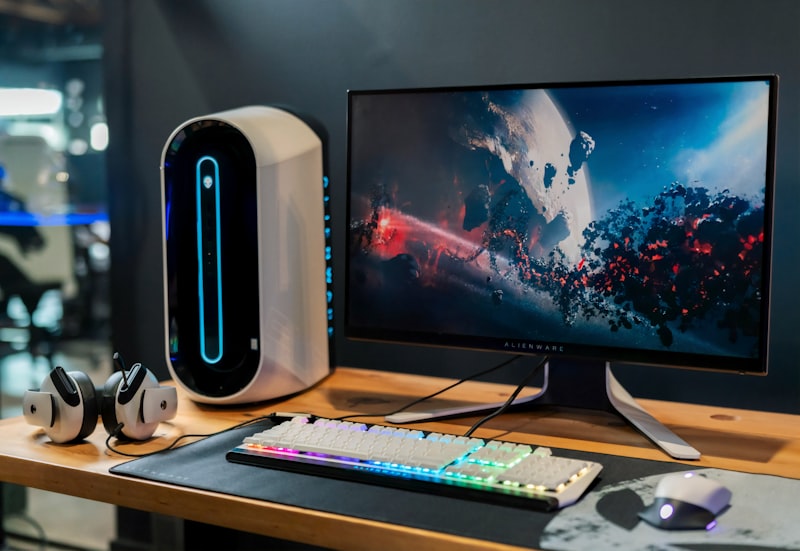
For deep, focused work, a single 27-inch monitor can be more productive than a triple-monitor setup. Extra screens keep notifications and reference material permanently in view, which invites constan
- Tech, Productivity
- 31 May, 2026
Walking While Coding: The Brutally Honest Under-Desk Walking Pad Review
An under-desk walking pad is worth it for remote workers who treat it as a way to add gentle, consistent movement to a sedentary day, not as a gym replacement. It works well for email, code review an

Arc Browser Review 2026: Spaces, AI Features, and Tab Management
Arc Browser is worth switching to if tab clutter and mixed work/personal browsing slow you down. Its Spaces and Profiles separate different parts of your life, vertical tabs tame overload, and Ar
- Technology
- 28 May, 2026

Can DeepSeek Replace ChatGPT? Strengths, Weak Spots, and Who Should Switch
DeepSeek is a realistic replacement for ChatGPT if your work leans on coding, debugging, and structured problem-solving, and its API costs are dramatically lower. Where it still falls behind is n
- Technology
- 27 May, 2026

Switching to a 'Dumbphone' in 2026: What a 30-Day Digital Detox Involves
Swapping a smartphone for a basic "dumbphone"—a feature phone that can basically just call and text—for 30 days is possible in 2026, but it takes planning. The first week can bring withdrawal-like re
- Digital Detox, Lifestyle
- 22 May, 2026

Cursor AI Review: Is It Time to Say Goodbye to VS Code?
Cursor AI is worth trying if you already use VS Code, because it is VS Code under the hood with AI built into the core. Your themes, extensions, and keybindings carry over, and you gain codebas
- Application
- 19 May, 2026
Autonomous AI Agents: Moving Beyond Chatbots to Action-Driven AI
How Do AI Agents Differ From Chatbots? AI agents differ from chatbots because they take action instead of only answering. Autonomous AI Agents are systems powered by Large Language Models
- Artificial Intelligence, Future Tech
- 15 May, 2026

Platform Engineering: The Next Evolutionary Step in DevOps
Platform engineering is the practice of building a self-service Internal Developer Platform (IDP) that hides infrastructure complexity behind a "golden path," so application developers can ship safel
- DevOps, Software Engineering
- 13 May, 2026

The Death of the Chatbot: Why Claude Artifacts and OpenAI Canvas Are Changing How We Work
Claude Artifacts by Anthropic and OpenAI's new Canvas feature move AI from a conversational model to a collaborative workspace model: the output lives in an editable panel next to the cha
- AI & Data, Review, Technology
- 24 Oct, 2024
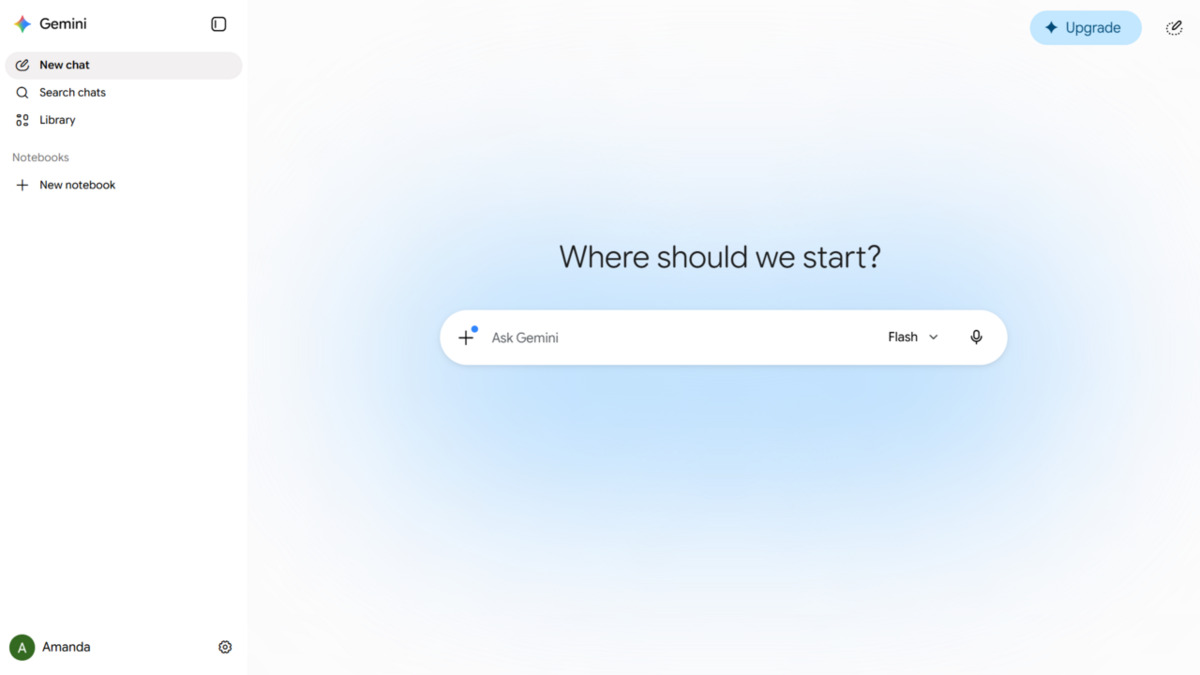
Gemini Advanced vs ChatGPT Plus: The Brutally Honest Truth
Gemini Advanced is the better choice if your work lives in Google Docs, Drive, and Gmail, thanks to deep Workspace integration and a context window of up to 1 million tokens. ChatGPT Plus remains str
- AI & Data
- 11 Jul, 2024

Must-Have Google Chrome Extensions
The most useful Chrome extensions handle ad blocking, password management, translation, tab management, and privacy protection. Install only the ones you will actually use, because every active exten
- Application
- 17 Jun, 2024
Top 10 Essential Windows Keyboard Shortcuts
The Windows shortcuts worth learning first are Win + D (desktop), Win + E (File Explorer), Win + L (lock), Ctrl + Shift + Esc (Task Manager) and Win + V (clipboard history). Using keyboard shortcuts
- Application
- 05 Jun, 2024